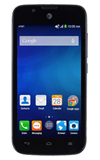
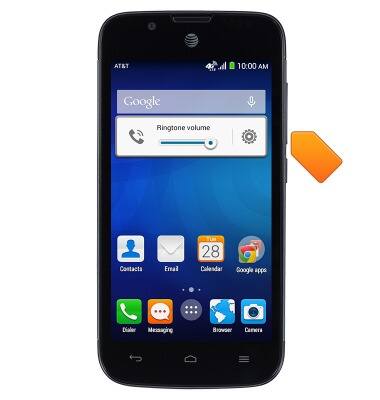
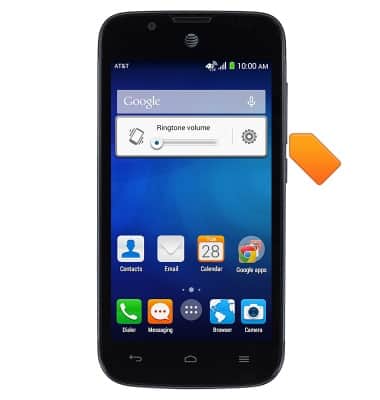
- To decrease the ringtone volume, press the Volume Down key.
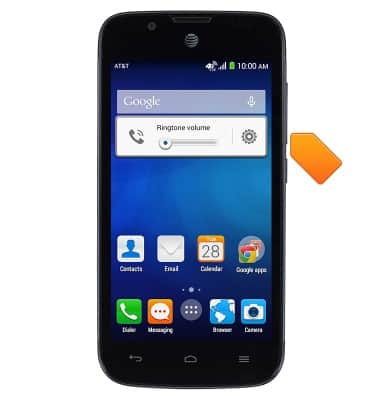
- To enable vibrate mode, with the volume at the lowest possible setting, press the Volume Down key.
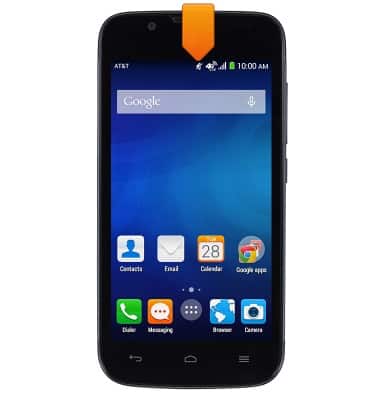
- While Vibrate mode is enabled, the Vibrate Mode icon will be displayed in the notifications bar.
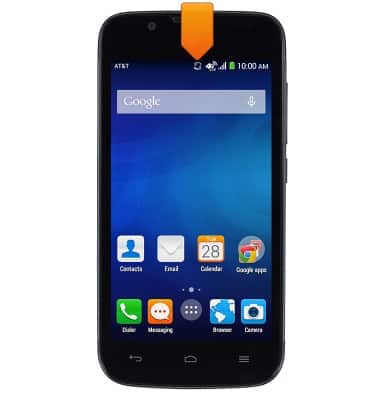
- To enable silent mode, while on vibrate mode, press the Volume Down key.
- While Silent mode is enabled, the Silent Mode icon will be displayed in the notifications bar.
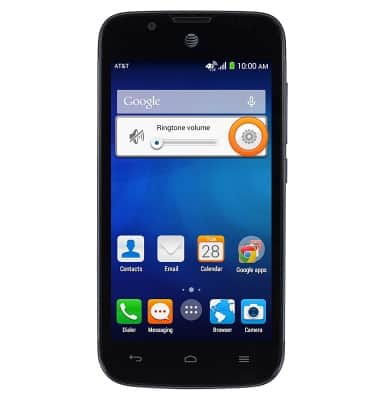
- Tap the Volume Settings icon to view the volume settings.
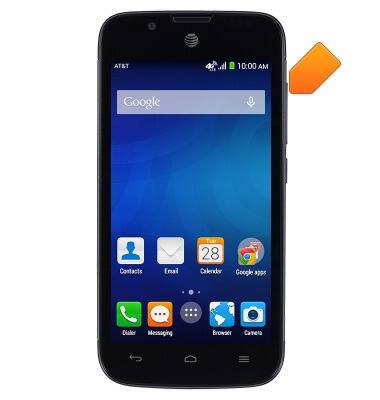
- To increase the ringtone volume, from the home screen, press the Volume Up key.
Sounds & alerts
AT&T Fusion 3 (Y536A1)
Sounds & alerts
Change volume settings, ringtones, and notification alerts.
INSTRUCTIONS & INFO