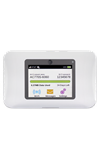
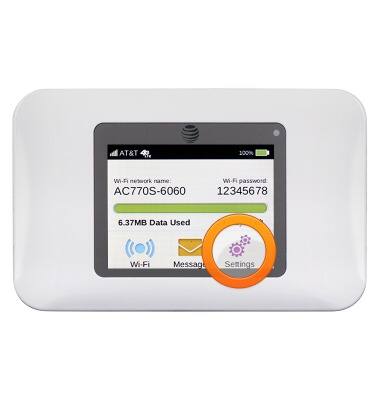
- From the home screen, tap Settings.
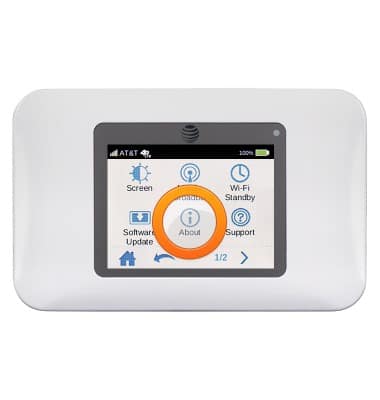
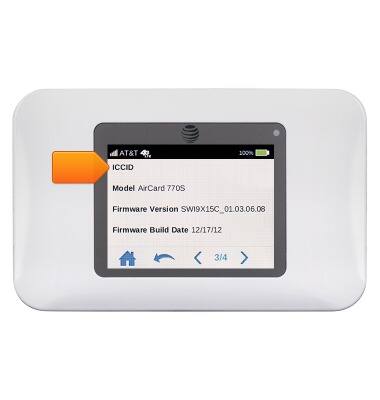
- Tap About.
- Navigate to page 2/4 to view the Phone and IMEI number.
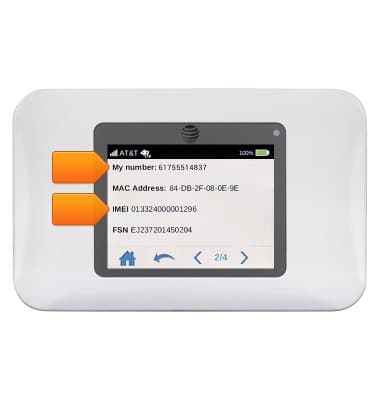
- Navigate to page 3/4 to view the Serial number.
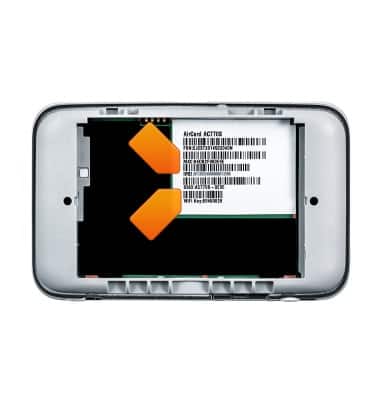
- The IMEI and Serial number will be displayed on the device, underneath the battery.
Find IMEI & serial number
Sierra Wireless Unite (AC770S)
Find IMEI & serial number
This tutorial shows the steps to access the IMEI, phone, & serial number.
INSTRUCTIONS & INFO