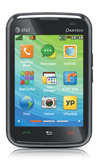
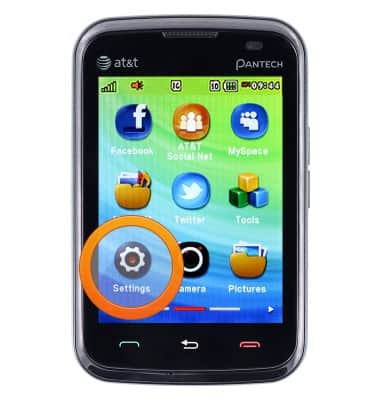
- From the home screen, tap Menu.

- Swipe to, then tap Settings.
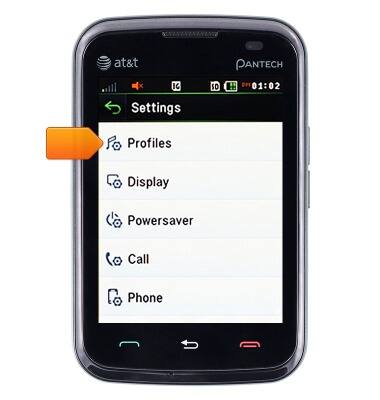
- Tap Profiles.
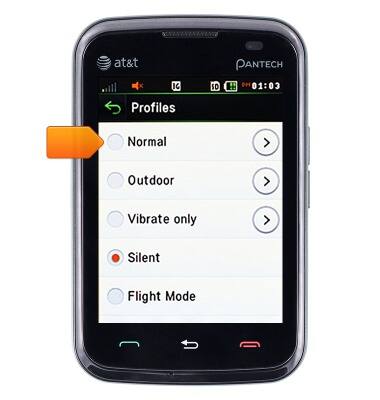
- Tap Normal.
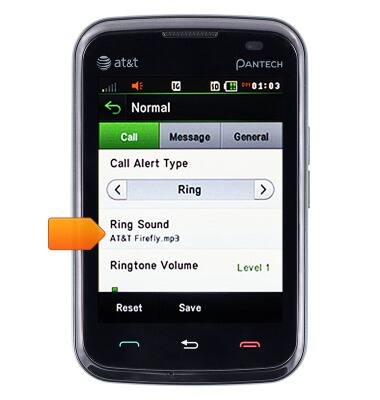
- Tap Ring Sound.
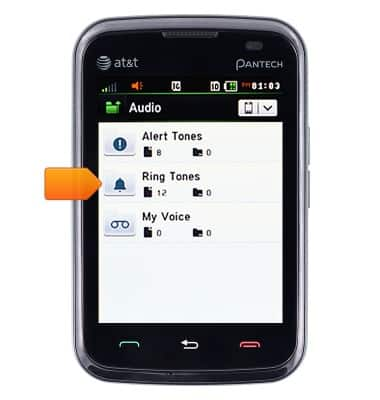
- Tap Ring Tones.
- Scroll to, then tap the desired ring tone.

- Tap Select.

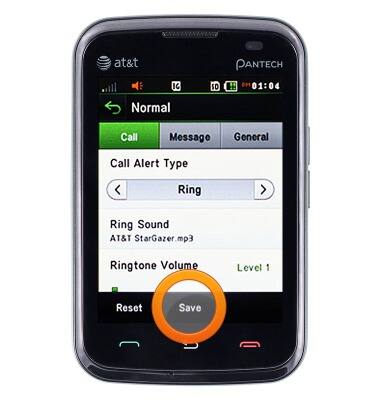
- Tap Save.
Change ringtones
Pantech Renue (P6030)
Change ringtones
Choose which ringtone your device will use to alert you to incoming calls.
INSTRUCTIONS & INFO