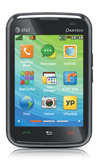
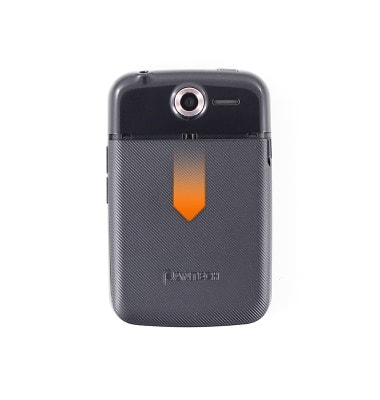
- Remove the Battery cover by first sliding it down, then pulling away.
- Insert the SIM card into the SIM card port with the contacts facing down, and the beveled edge facing right.
Note: Refer to the diagram above the SIM card port.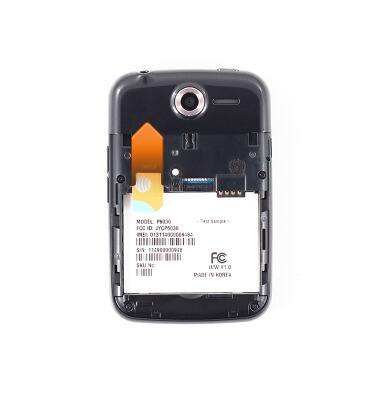
- Insert the optional SD card into the SD card port with the beveled side facing right.
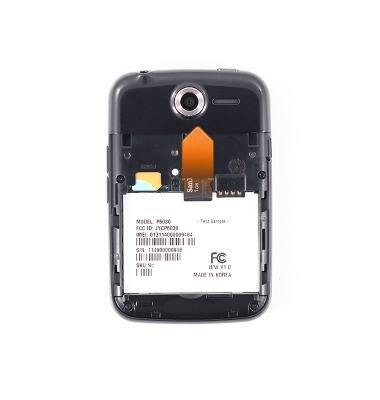
- Insert the Battery, top end first, matching the metal contacts on the device.
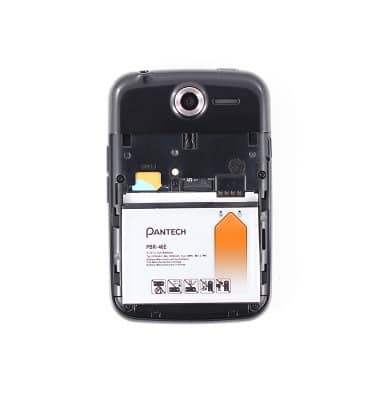
- Place the Battery cover on the device, then firmly slide up to secure.
Note: For protection against dust & water damage, firmly seal the charging cover before use.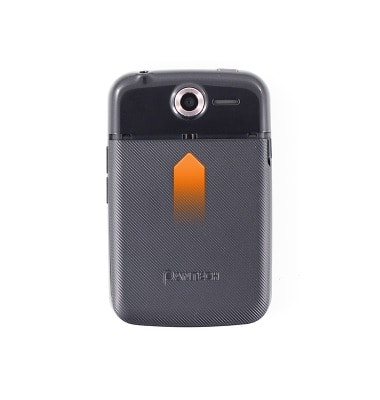
Phone assembly
Pantech Renue (P6030)
Phone assembly
How to install the battery, SIM, and memory card (for applicable devices).
Device controls and hardware overview
This video provides an overview of device controls and hardware.
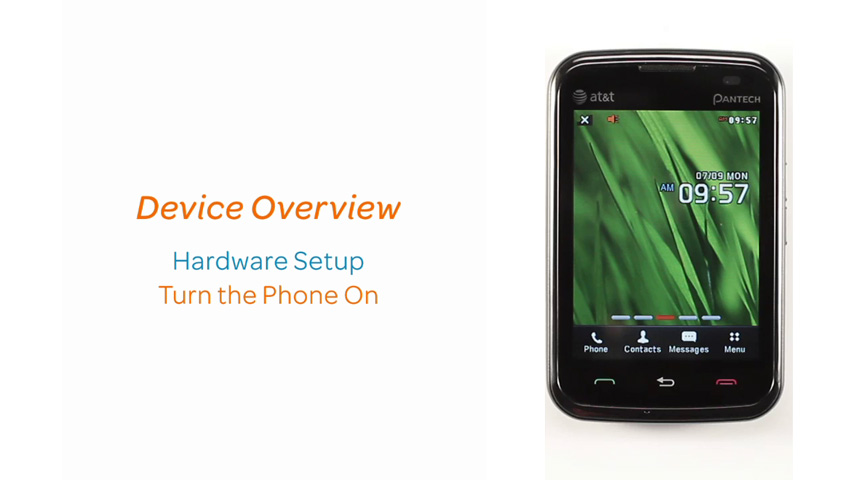
Device controls and hardware overview
0:43
INSTRUCTIONS & INFO