
- Inserting a memory card into your device allows you to transfer and store contacts, music, pictures, and videos.
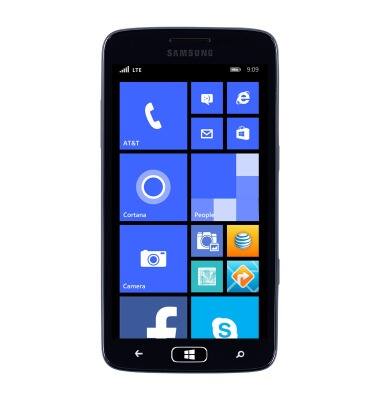
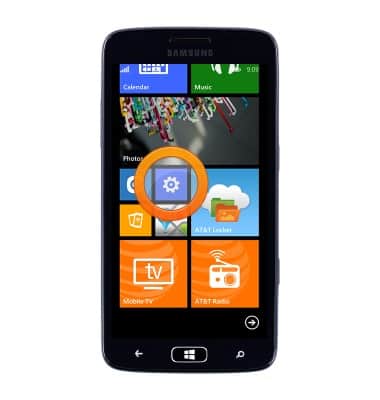
- From the Start screen, scroll to, then tap the Settings icon.
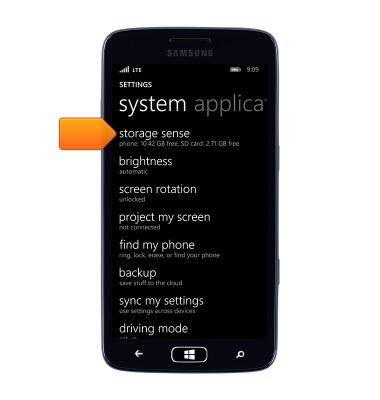
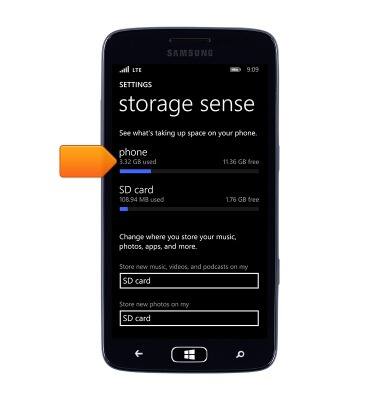
- Scroll to, then tap storage sense.
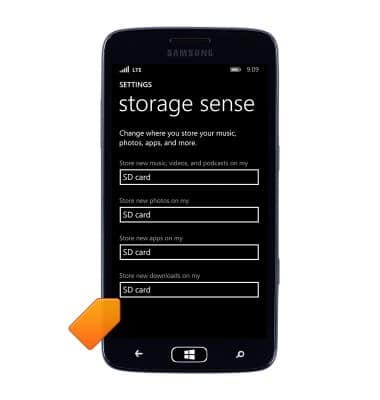
- Tap to select the location to store new media content.
- To move existing phone content to your SD card, from the Storage sense screen, tap phone.
- Navigate to the desired content, and then tap Move.
Note: Not all content can be moved to your SD card.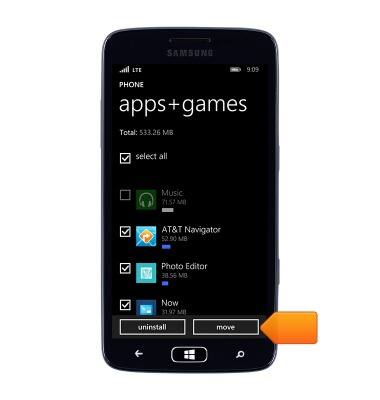
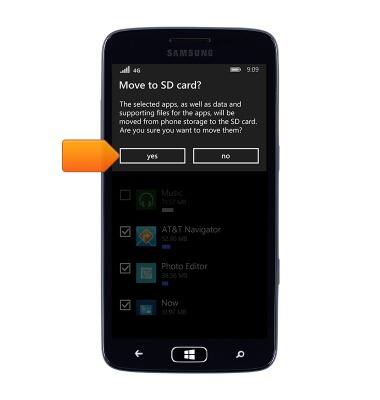
- Tap yes.
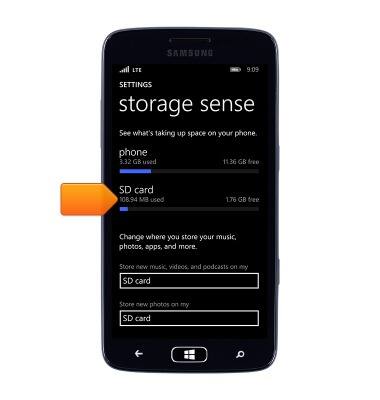
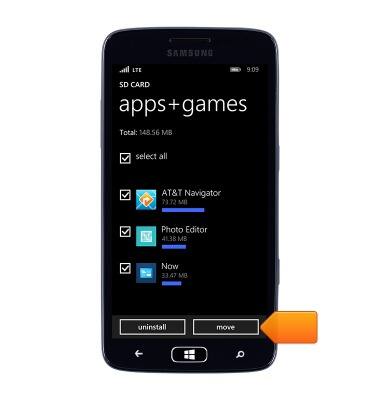
- To move existing SD card content to your phone, from the Storage sense screen, tap SD card.
- Navigate to the desired content, and then tap Move.
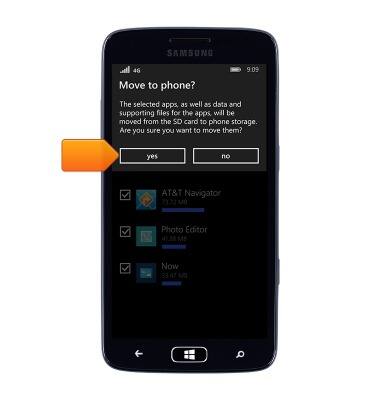
- Tap yes.
Backup & restore with memory card
Samsung ATIV S Neo (I187)
Backup & restore with memory card
Backup and restore contacts, photos, & files using a memory card.
INSTRUCTIONS & INFO