
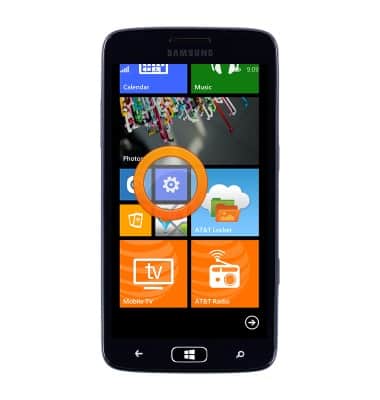
- From the Start screen, scroll to, then tap the Settings icon.
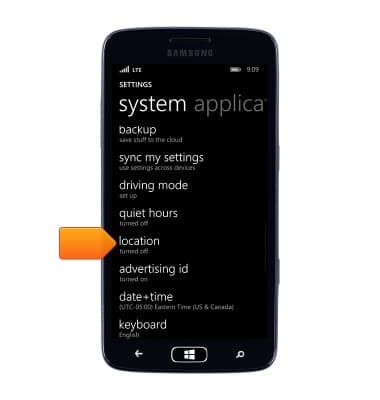
- Scroll to, then tap location.
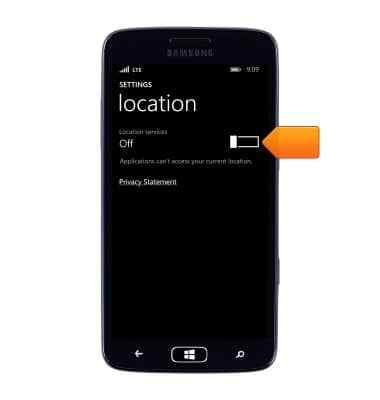
- Tap the Location services switch to turn location services On.
- When location services is turned On, the Location services icon will be displayed in the Notification bar.
Note: To optimize battery life, turn GPS off when not in use.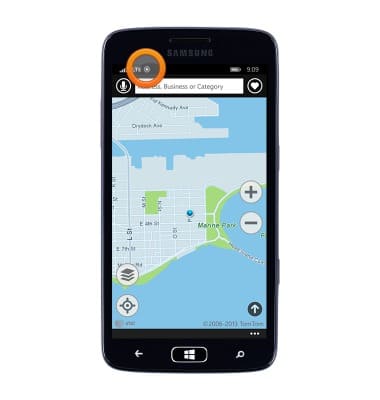
Location services & GPS
Samsung ATIV S Neo (I187)
Location services & GPS
This article provides an overview of location services and GPS features.
INSTRUCTIONS & INFO