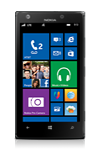
- If Airplane mode is toggled on, an Airplane mode icon will appear in the top left corner of the device.
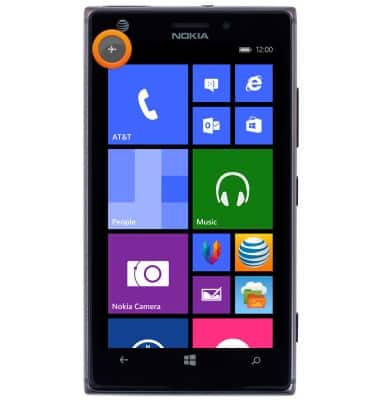
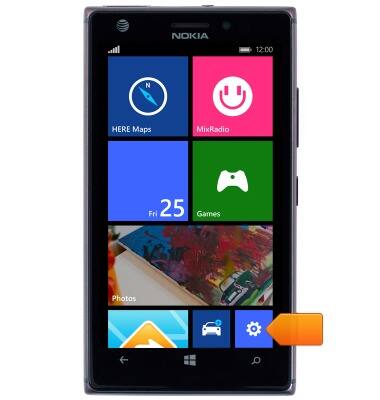
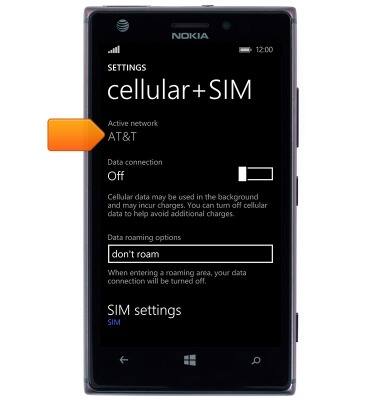
- To view the mobile network, from the Start screen, scroll to, then tap the Settings tile.
- Scroll to, then tap cellular+SIM.
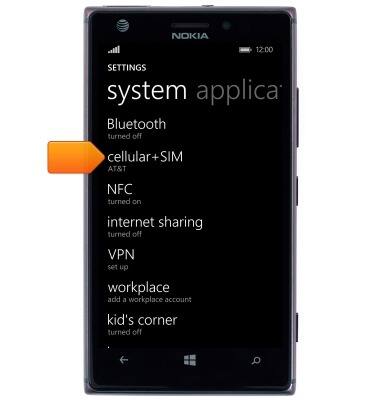
- Current network will be displayed.
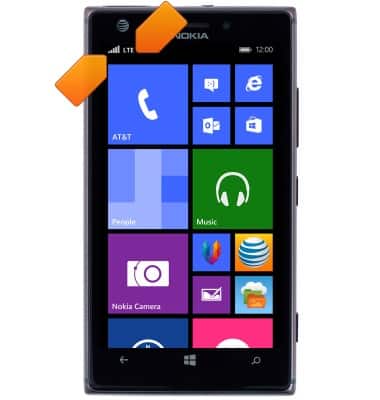
- Signal strength and data connection type will appear as icons in the top left of the device.
Signal & cellular data
Nokia Lumia 925
Signal & cellular data
View cellular network signal, turn your mobile data connection on or off.
INSTRUCTIONS & INFO