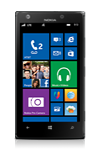
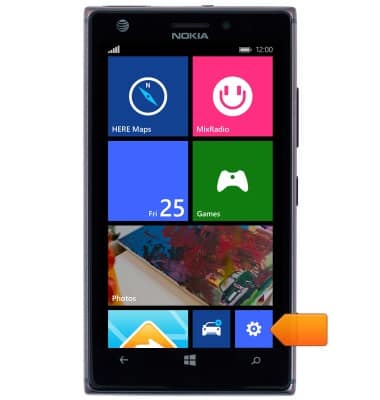
- From the Start screen, scroll to, then tap the Settings tile.
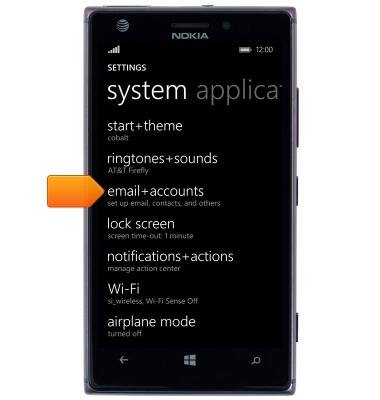
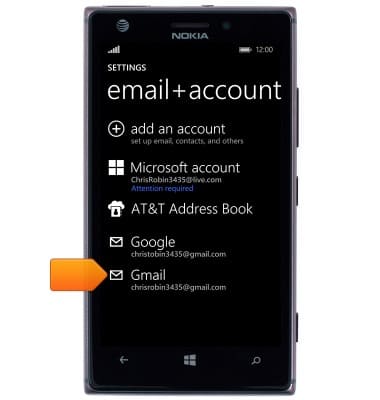
- Tap email+accounts.
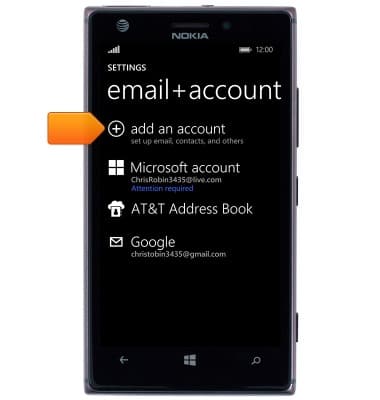
- Tap add an account.
- Scroll to, then tap the desired account type.
Note: This tutorial selects 'other account'.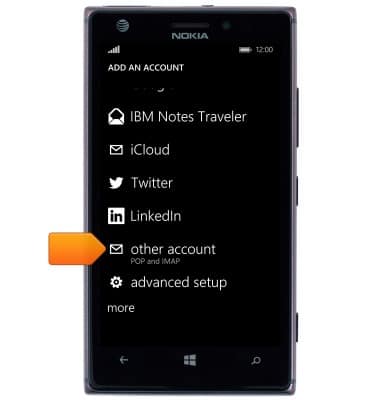
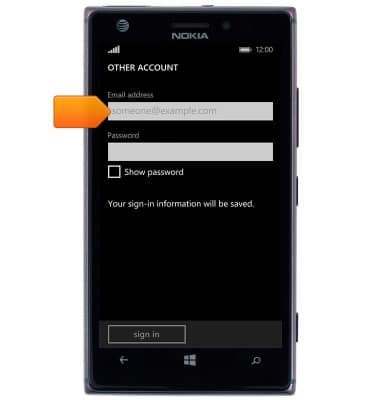
- Tap the Email address field, then enter the desired account email address.
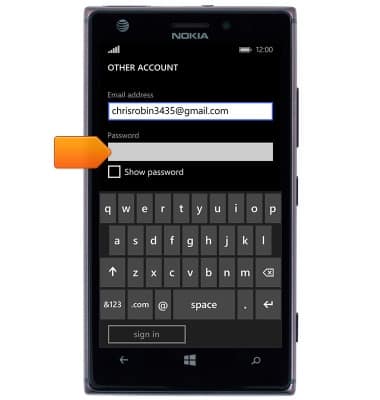
- Tap the Password field, then enter the account password.
- Tap sign in.
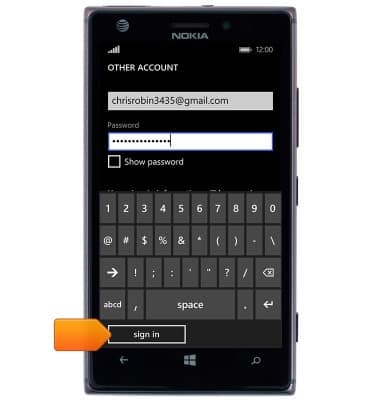
- The account is ready for use.
Set up personal email
Nokia Lumia 925
Set up personal email
Add your personal email accounts so you can read and send email on your device.
INSTRUCTIONS & INFO