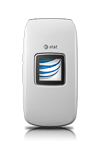
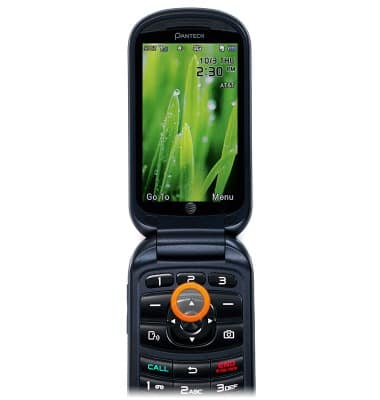
- To send a message, from the home screen, press the Up Navigation Key.
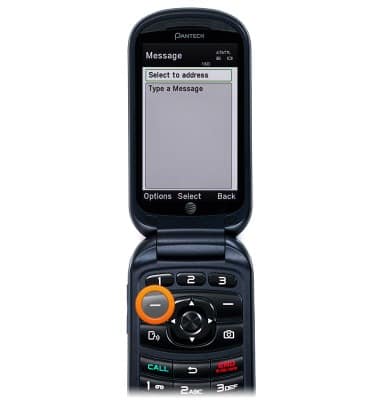
- Press the Left Soft Key.
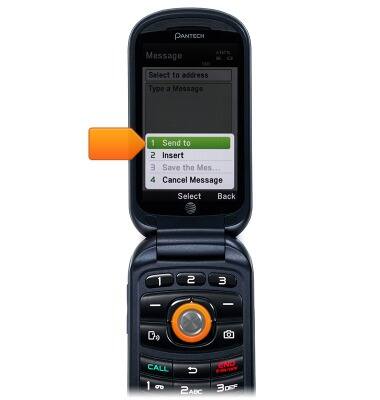
- Scroll to Send to, then press the Center Nav Key.
- Scroll to the desired contact, then press the Center Nav Key.
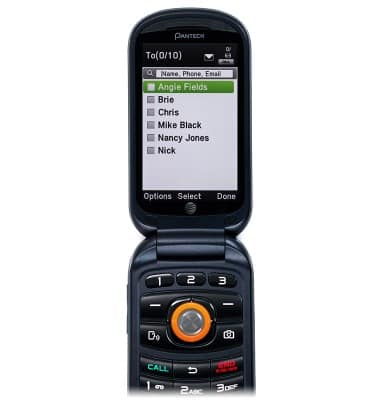
- Scroll to the desired phone number, then press the Center Nav Key.
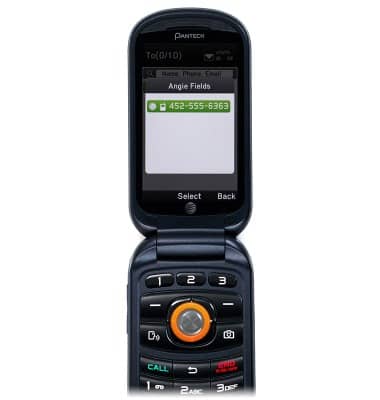
- Press the Right Soft Key.

- Scroll to the Message field, then enter the desired message.
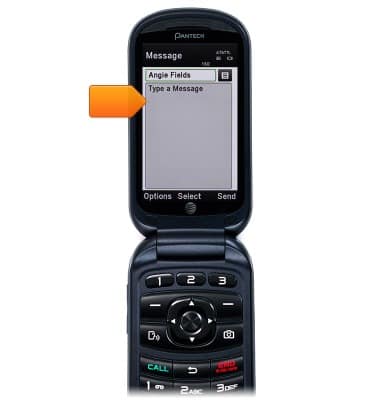
- Press the Right Soft Key to send the message.
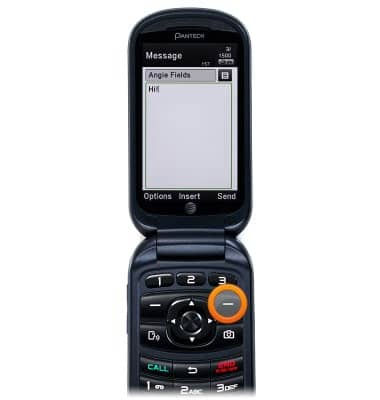
- To include an attachment, press the Center Nav Key.
- Scroll to the desired file type, then press the Center Nav key.
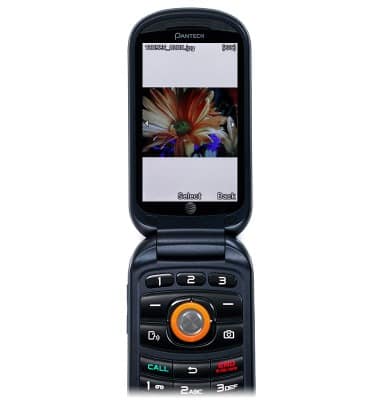
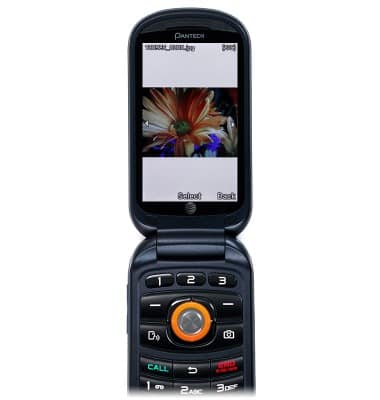
- Scroll to the desired photo, then press the Center Nav Key.
- Press the Center Nav key to select.
- Press the Right Soft Key to send the message.
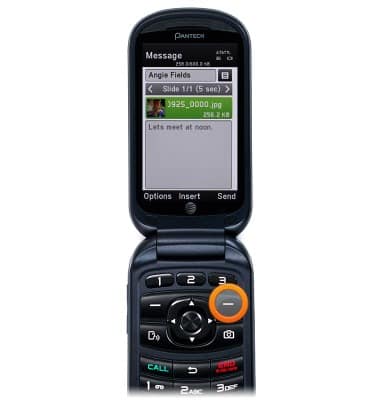
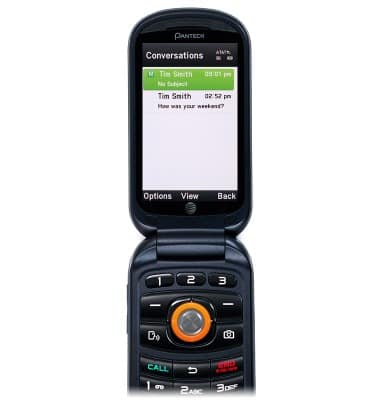
- When a new message is received, the New Message icon will display in the notification bar. Press the Up Nav key to access messages.
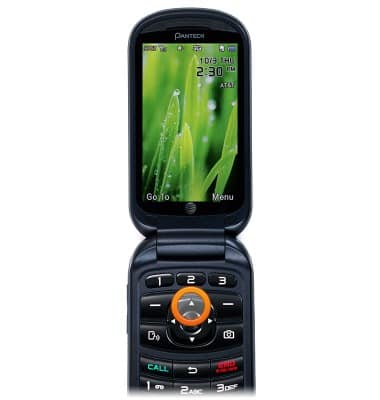
- To view a new message, from the home screen, tap the Up Navigation key.
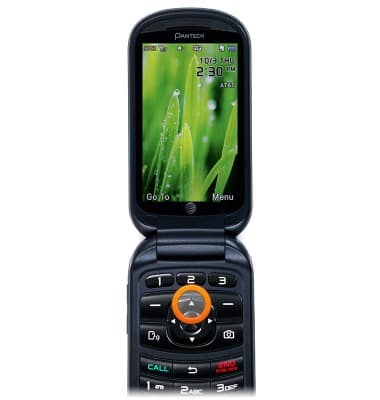
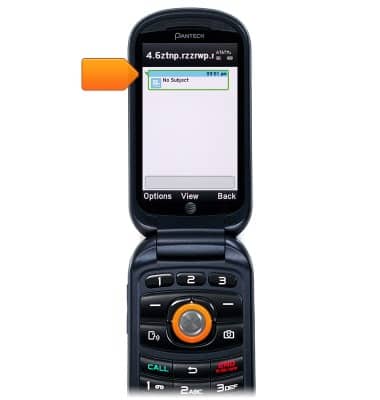
- Scroll to the desired message and then tap the Center Nav key.
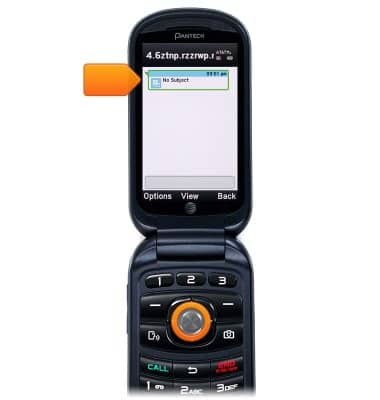
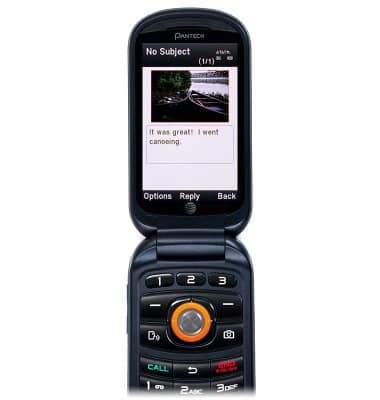
- To view an attachment, tap the Up Navigation key and scroll to the attachment.
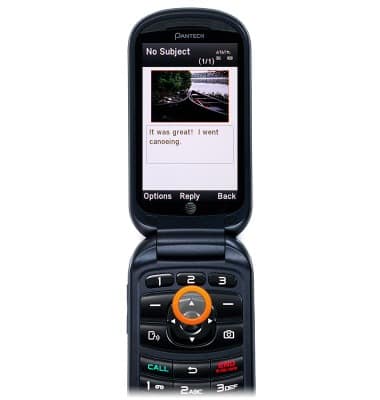
- Tap the Center Nav key to select.
Send & receive messages
Pantech Breeze IV (P2050)
Send & receive messages
How to send, receive, and delete picture (MMS) and text (SMS) messages.
Text Messaging
This video explains the text messaging features of the device.
Text Messaging
2:03
INSTRUCTIONS & INFO