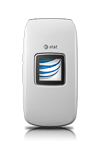
- Use the original charger to maintain optimal battery performance over the life of your device.
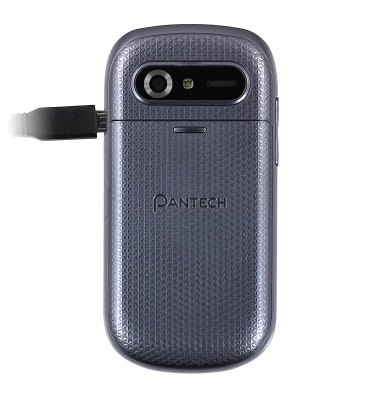
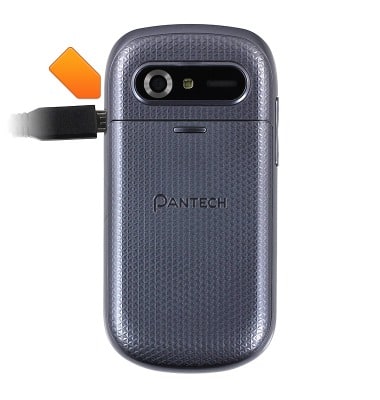
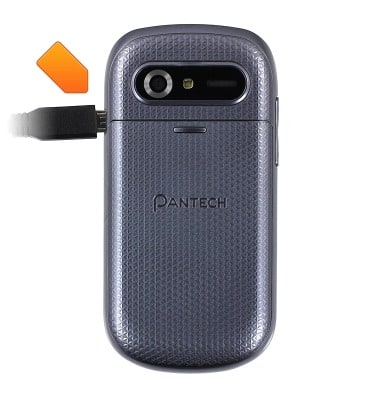
- Insert the microUSB cable into the microUSB port on the device.
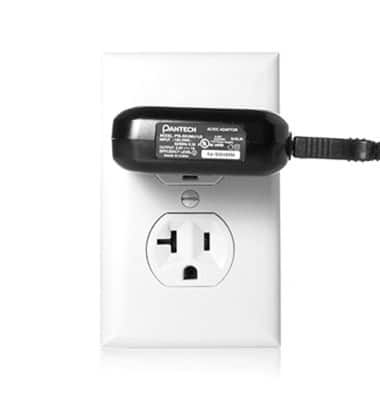
- Plug the included charger into an available wall outlet.
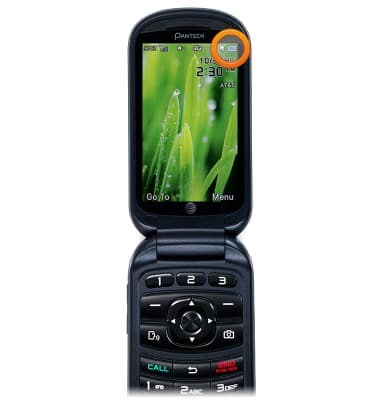
- The Battery icon will display moving bars to indicate charging.
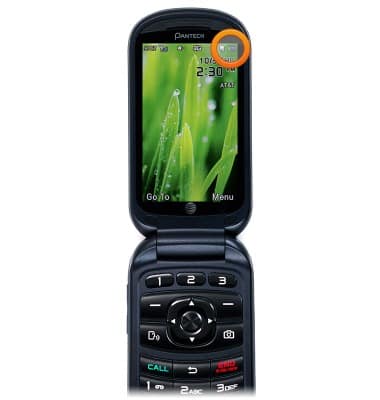
- The Battery icon will flash solid blue to indicate that the device is fully charged.
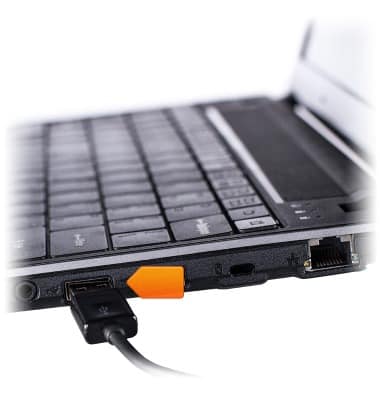
- Alternatively, the device may be charged using a USB port on a computer. Charging may take considerably longer using this method. Insert the microUSB cable into the microUSB port on the device.
- Insert the USB end of the microUSB cable into an open port on the PC.
Charge the battery
Pantech Breeze IV (P2050)
Charge the battery
How to charge your battery.
INSTRUCTIONS & INFO