
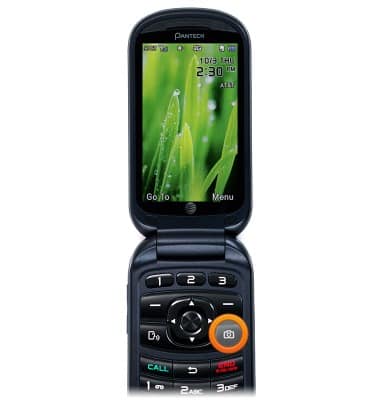
- From the home screen, press the Camera Key.
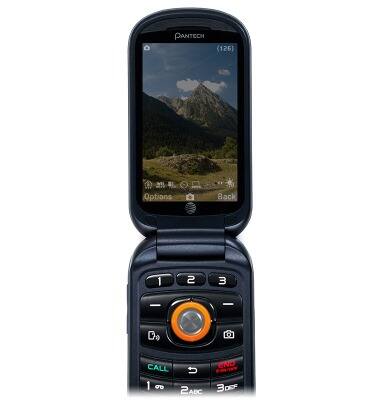
- Press the Center Nav Key to take a photo.
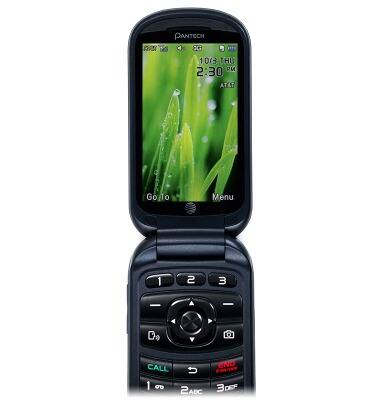
- To take a video, from the home screen, press the Camera Key.
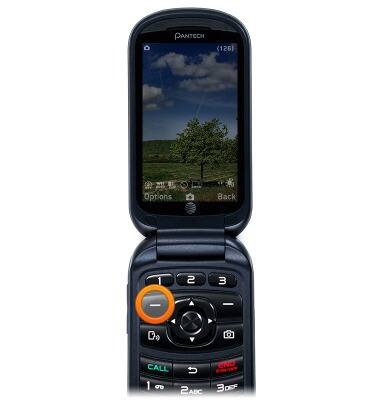
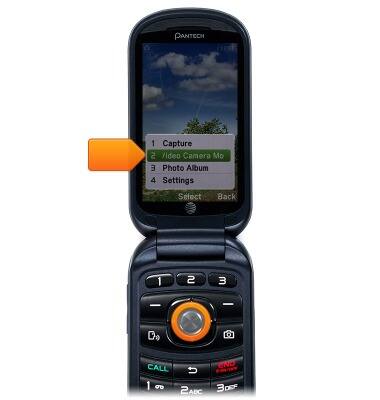
- Press the Left Soft Key.
- Scroll to Video Camera Mode, then press the Center Nav Key.
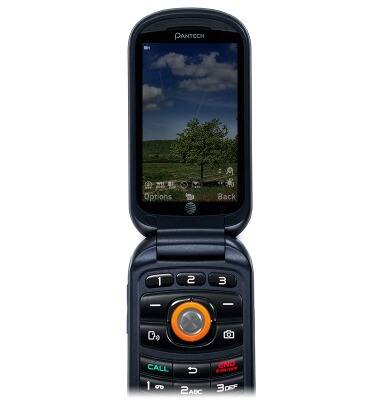
- Press the Center Nav Key to begin recording.
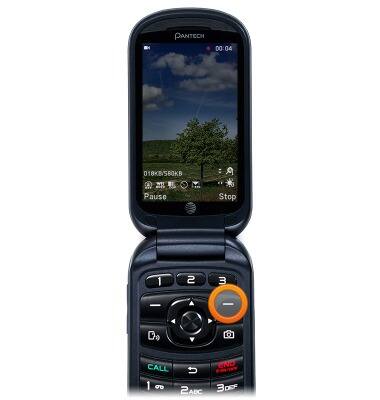
- Press the Right Soft Key to stop recording.
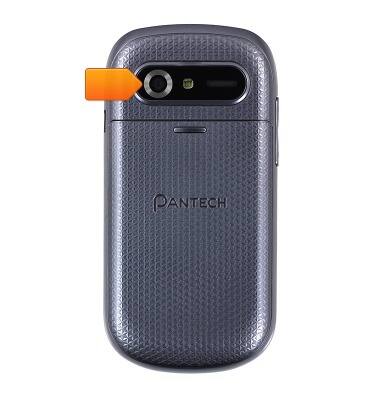
- The Pantech Breeze IV has a rear facing 3MP camera with flash. The maximum resolution for video recording is 320x240.
Take a picture or video
Pantech Breeze IV (P2050)
Take a picture or video
Take and edit a picture or video, use the front and rear camera, and switch between camera and video modes.
INSTRUCTIONS & INFO