
- While a call is active, the Call icon will display in the notification bar.

- Press the Center Nav Key to enable speakerphone.

- Press the Volume Keys to adjust the call volume.
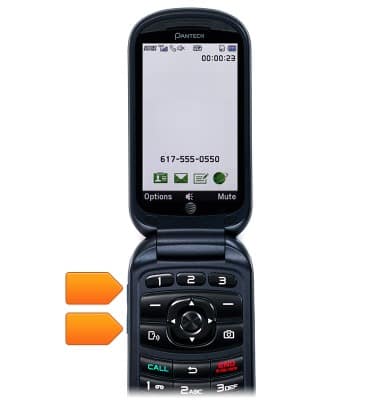
- To put a call on hold, press the Left Soft Key.

- To put the call on hold, scroll to Hold, then press the Center Nav Key.

- To put the call on mute, press the Right Soft Key.

In-call options
Pantech Breeze IV (P2050)
In-call options
Learn what features are available while on an active call.
Phone calls
This video explains how to use the device's phone features.
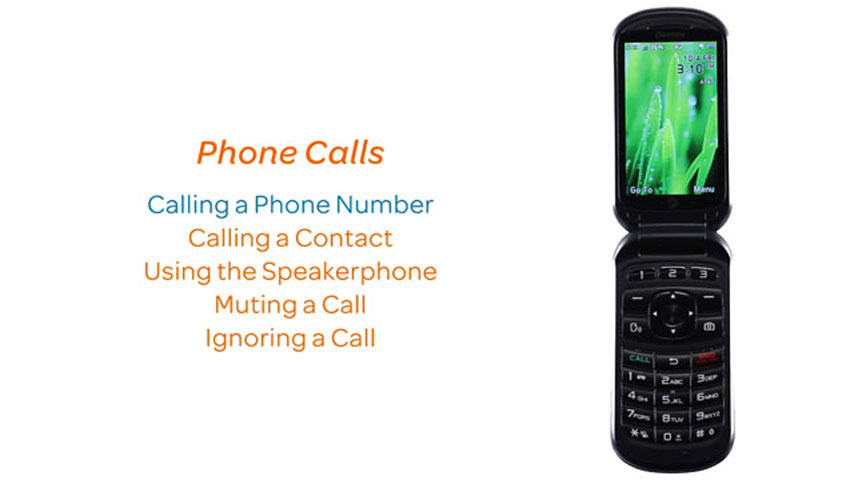
Phone calls
1:25
INSTRUCTIONS & INFO