
- From the home screen, press the Right Soft Key.
Note: To block your Caller ID on a per-call basis, dial *67 before the 10-digit phone number.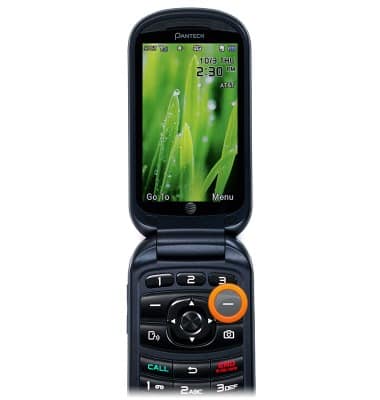
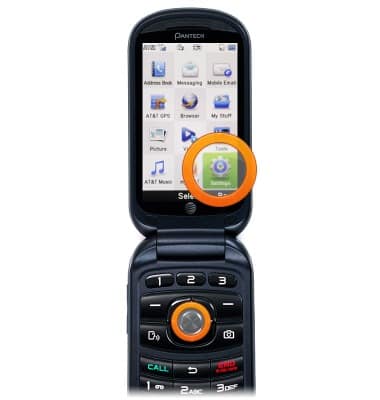
- Scroll to Settings, then press the Center Nav Key.
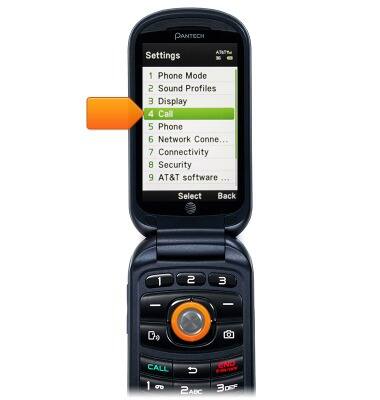
- Scroll to Call, then press the Center Nav Key.
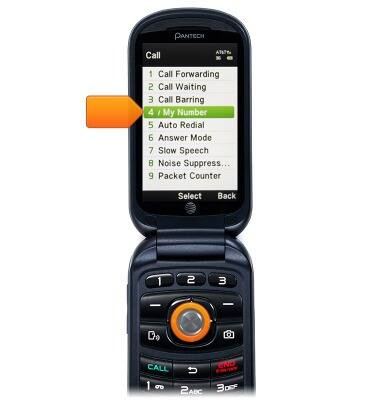
- With Display My Number selected, press the Center Nav Key.
- Scroll to the desired option, then press the Center Nav Key.
Note: 'Show' was chosen for this demonstration.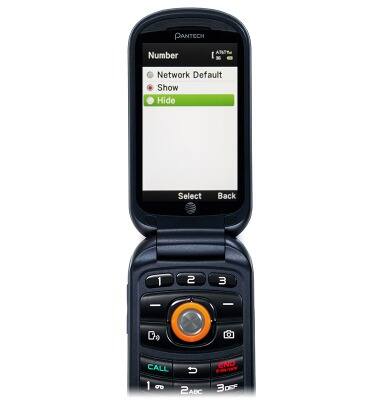
Caller ID
Pantech Breeze IV (P2050)
Caller ID
Learn how to show or hide your caller ID when making calls.
INSTRUCTIONS & INFO