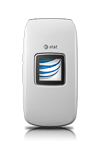
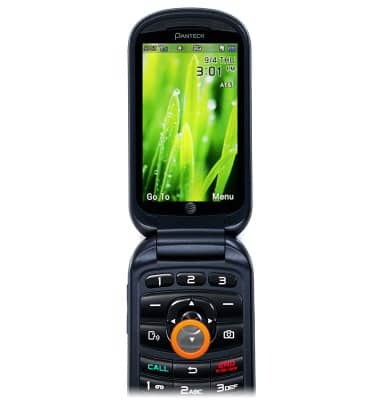
- To add a contact, from the home screen, press the Down Nav Key.
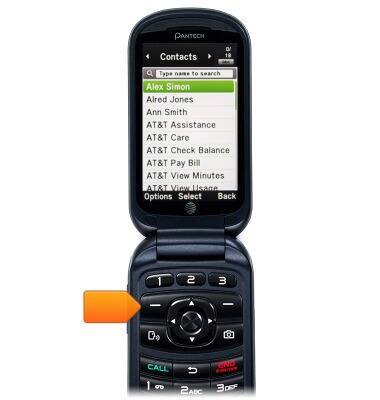
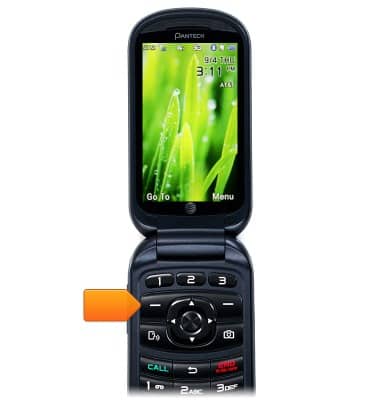
- Press the Left Soft Key.
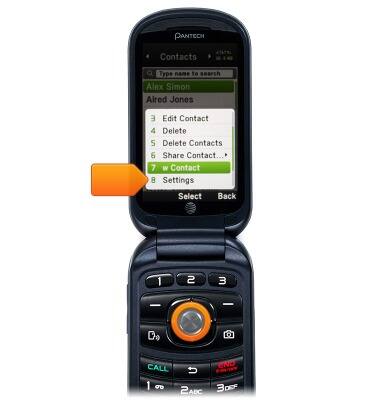
- Scroll to Add New Contact, then press the Center Nav Key.
- Using the keypad, enter the contact's first name.
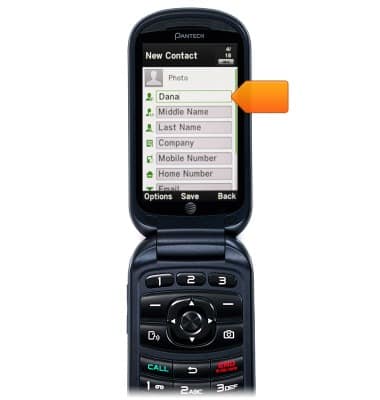
- Scroll to Last Name, then enter the last name using the keypad.
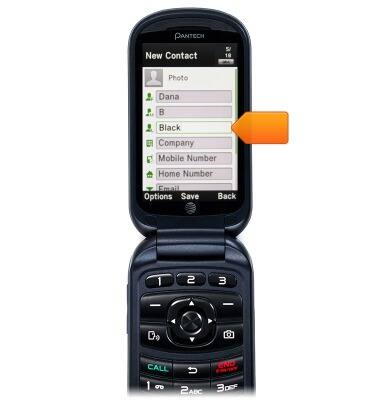
- Scroll to the desired Phone number field, then enter the phone number using the keypad.
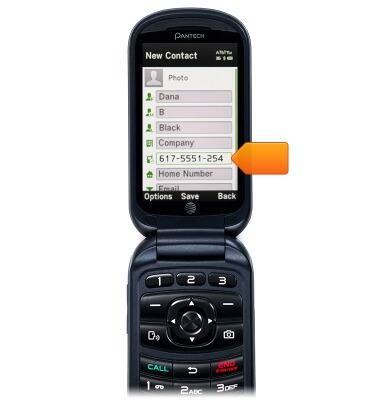
- Scroll to the desired categories, then enter the additional information using the keypad.
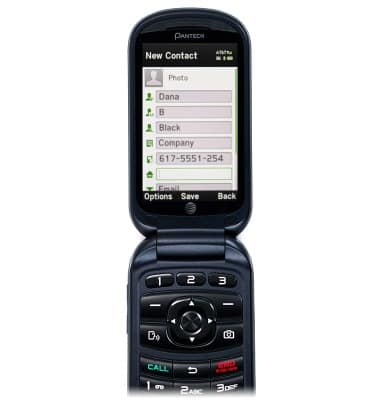
- Press the Center Nav Key to save.
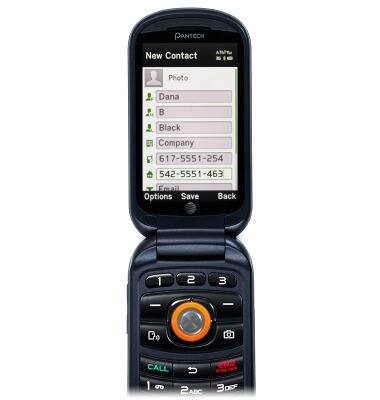
- To add a picture and ringtone to a contact, from the home screen, press the Down Nav Key.
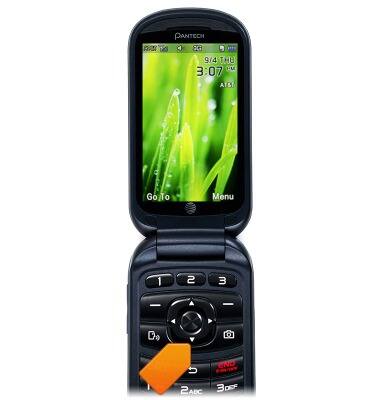
- Scroll to the desired contact, then press the Left Soft Key.
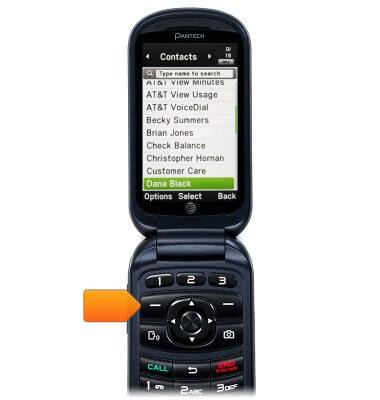
- Scroll to Edit Contact, then press the Center Nav Key.
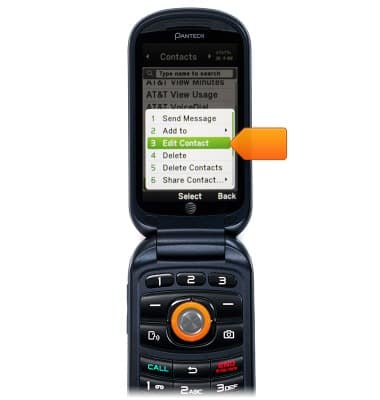
- Scroll to the Picture Field, then press the Left Soft Key.
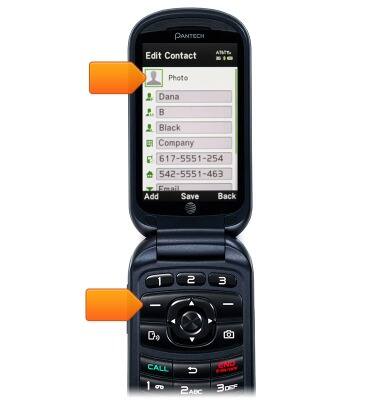
- Scroll to the desired option, then press the Center Nav Key.
Note: For this demonstration, select "Select Photo."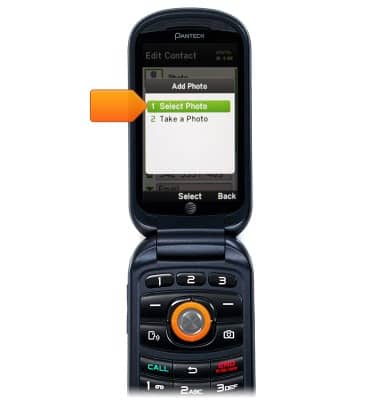
- Scroll to the desired photo, then press the Center Nav Key.
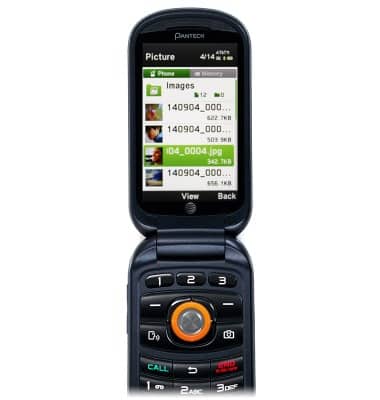
- Press the Center Nav Key to select.
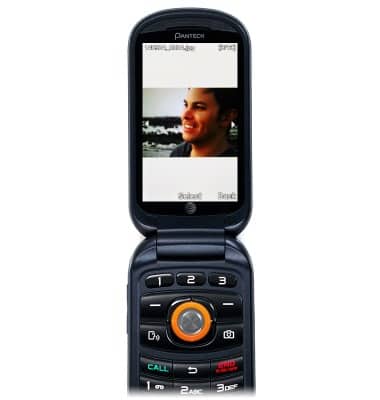
- Scroll to the Ringtone Field, then press the Left Soft Key.
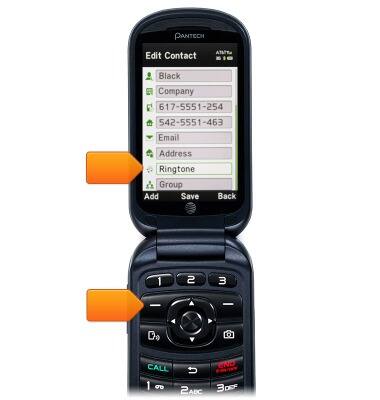
- Scroll to Ring Tones, then press the Center Nav Key.
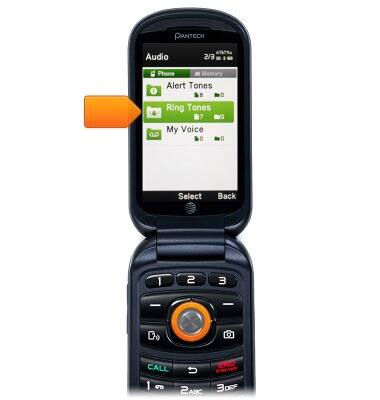
- Scroll to the desired ringtone, then press the Center Nav key.
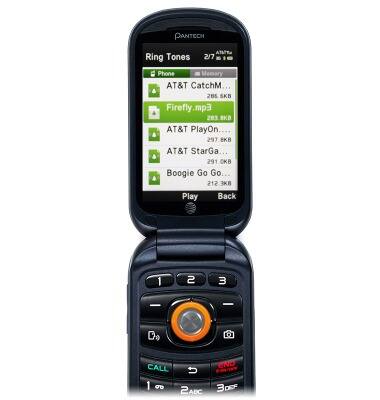
- Press the Left Soft Key to select.
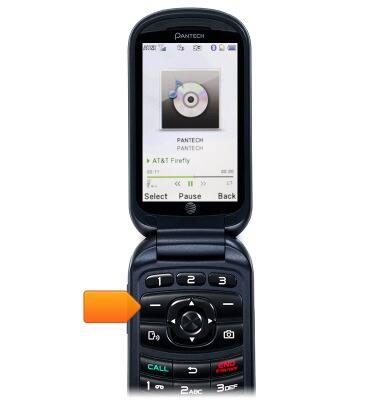
- To edit a contact, from the home screen, press the Down Nav Key.
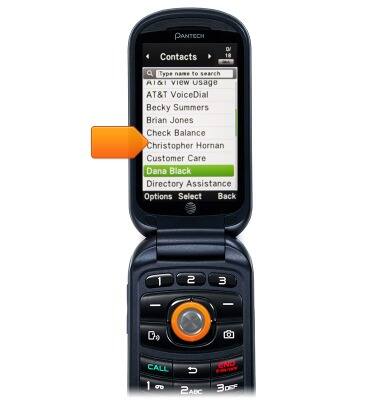
- Scroll to the desired contact, then press the Left Soft Key.
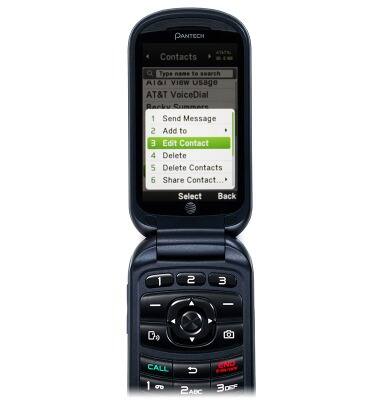
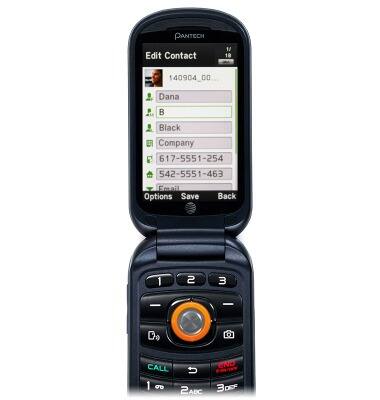
- Scroll to Edit Contact, then press the Center Nav Key.
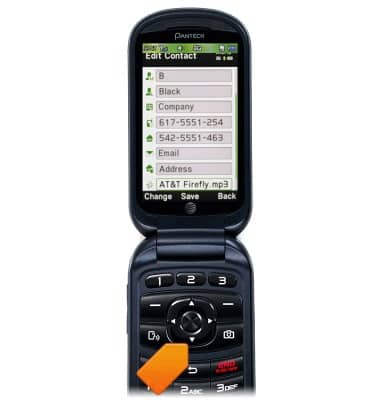
- Scroll to, then make the desired change using the keypad.
- Press the Center Nav Key to save.
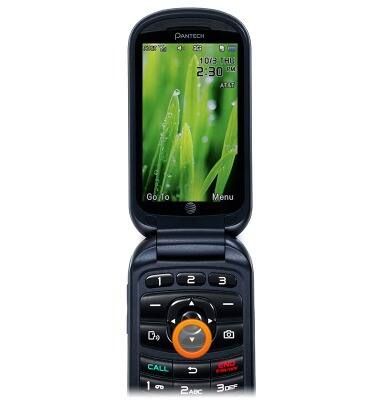
- To delete a contact, from the home screen, press the Down Nav Key.
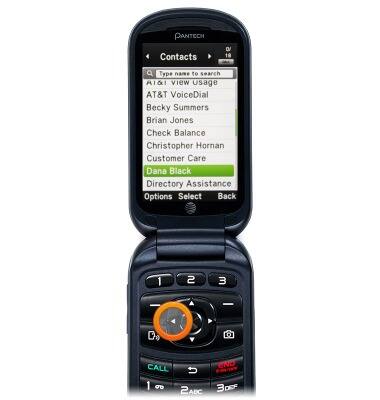
- Scroll to the desired contact, then press the Left Soft Key.
- Scroll to Delete, then press the Center Nav Key.
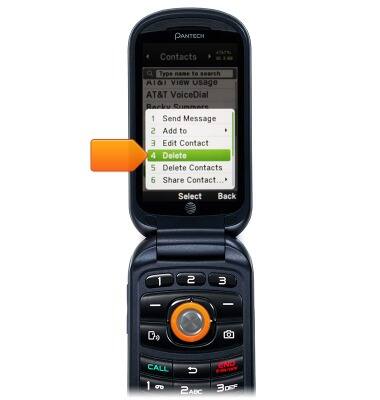
- Press the Left Soft Key to delete.

Contacts
Pantech Breeze IV (P2050)
Contacts
Add, view, delete, and customize contacts by adding a picture or ringtone.
Contacts
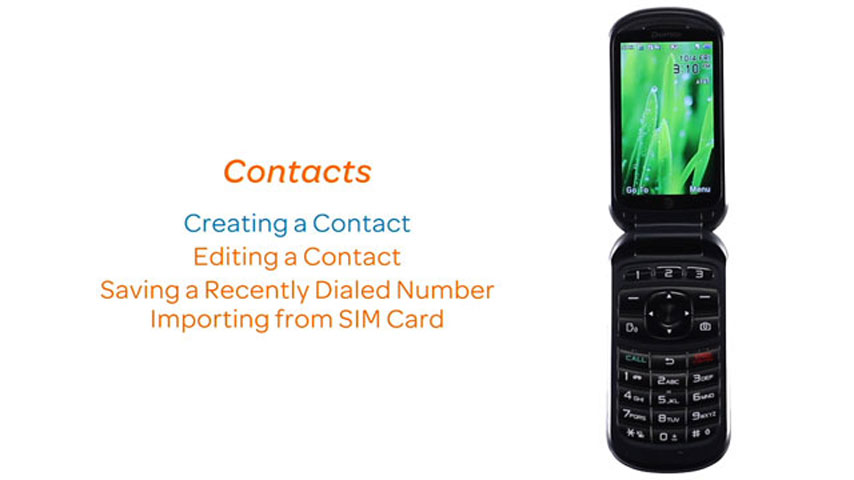
This video explains how to add and edit contacts.
Contacts
2:44
INSTRUCTIONS & INFO