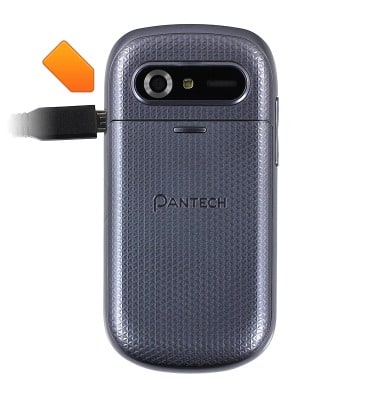
- With the device powered on, insert the microUSB end of the microUSB cable into the port on the side of the device.
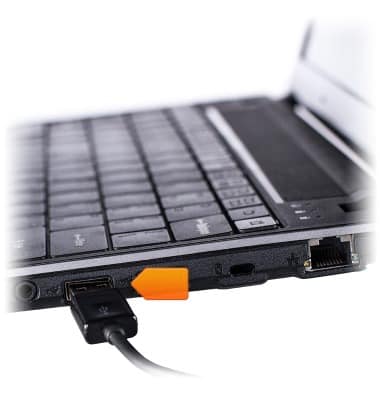
- Insert the USB end of the microUSB cable into an open port on the PC.
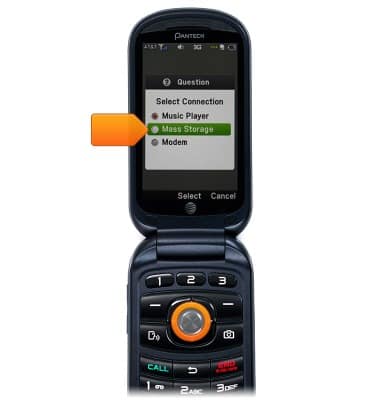
- On the device, scroll to Mass Storage, then press the Center Nav Key.
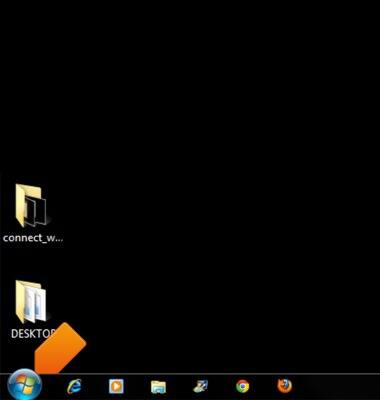
- On the computer, click Start.
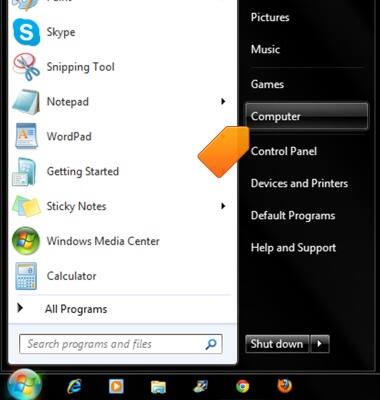
- Click Computer.
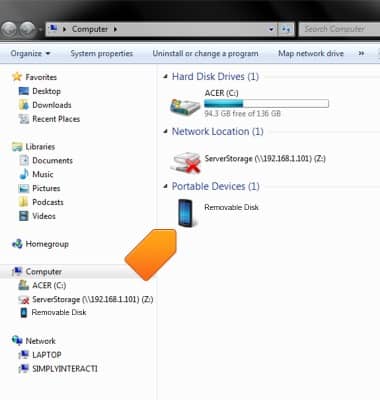
- Open the newly connected device drive.
- Open the desired option from the available device storage sources.
Note: This tutorial selects 'Internal storage'. You will only have to select a storage location if an external memory card is installed on your device.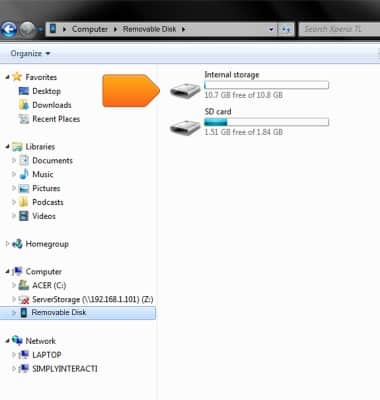
- Navigate to the desired folder.
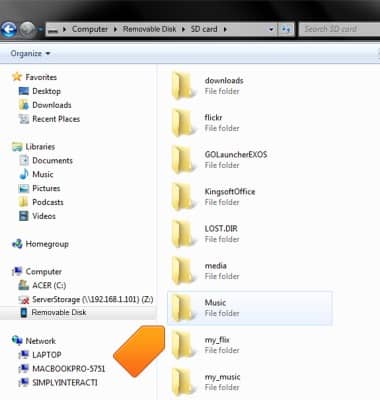
- Drag and drop the desired files to/from the device to transfer.

Transfer media to & from computer
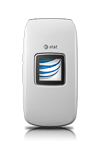
Pantech Breeze IV (P2050)
Transfer media to & from computer
Transfer files to or from your device and a computer.
INSTRUCTIONS & INFO