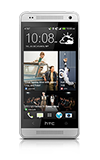
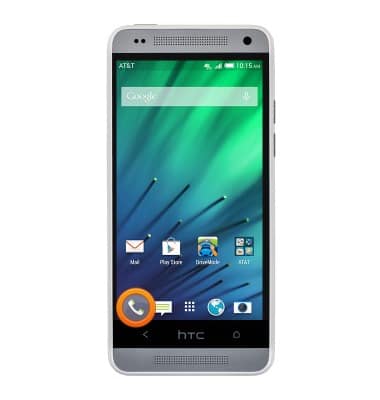
- From the home screen, tap the Phone icon.
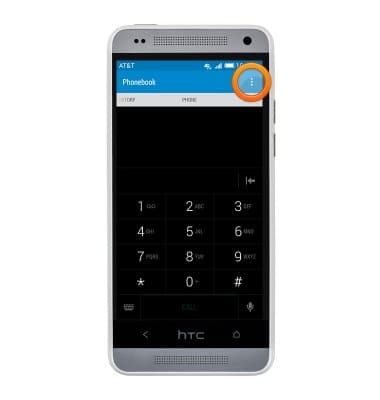
- Tap the Menu icon.
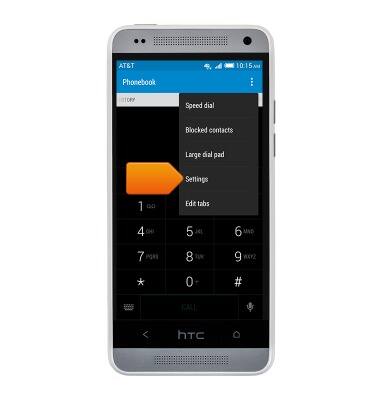
- Tap Settings.
- Scroll to, then tap Call forwarding.
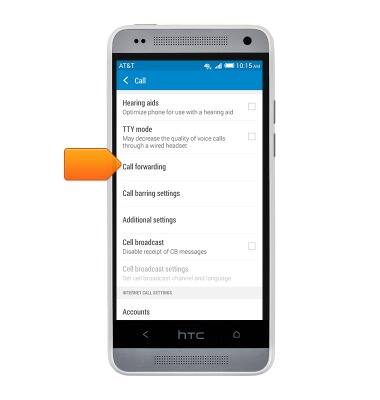
- Tap the desired feature to enable.
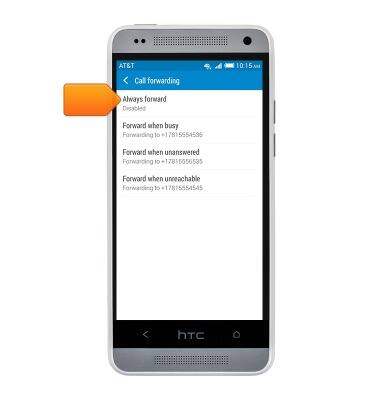
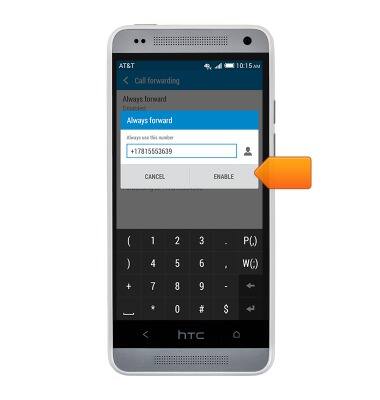
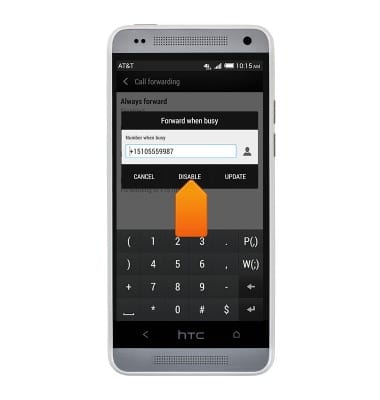
- Enter the desired forwarding number, then tap ENABLE.
- Tap the desired option to disable.
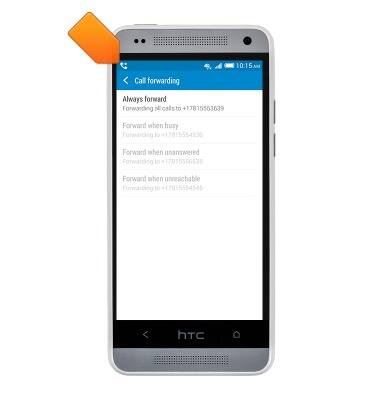
Note: NOTE: When call forwarding is enabled, the Call Forwarding icon will be displayed in the notification bar.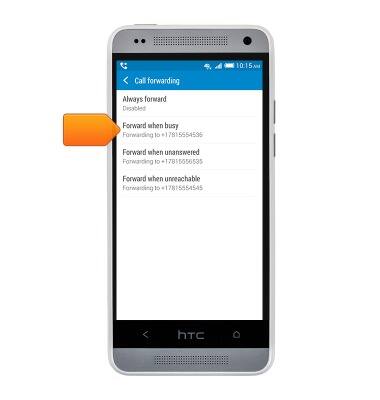
- Tap DISABLE.
- When call forwarding is turned on, the Call Forwarding icon will be displayed in the Notifications bar.
Call forwarding
HTC One mini (PO58220)
Call forwarding
Learn how to manage call forwarding from your device.
INSTRUCTIONS & INFO