
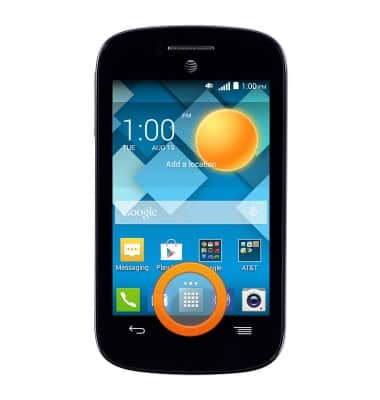
- From the home screen, tap the App icon.
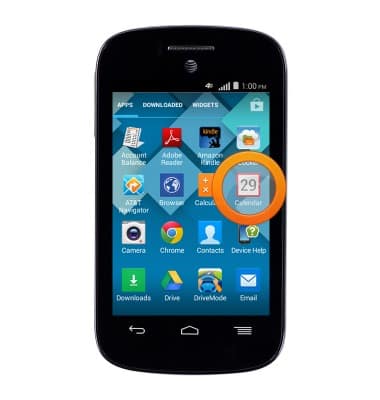
- Tap Calendar.
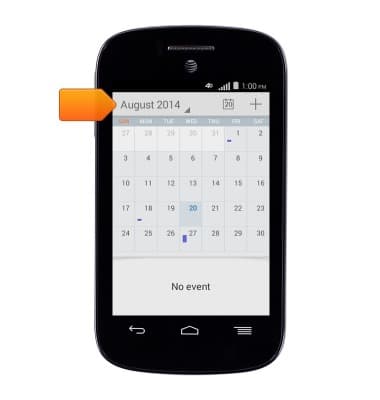
- Tap the Calendar view field.
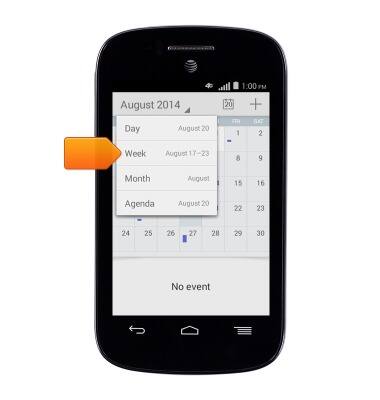
- Tap the desired calendar viewing option.
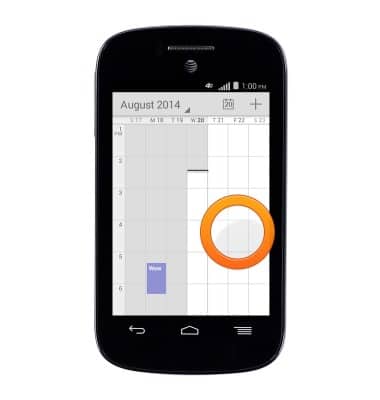
- To create an event, touch and hold the desired date/time.
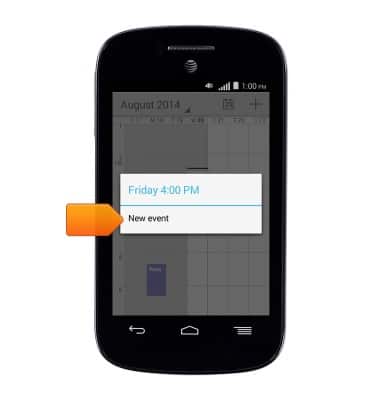
- Tap New event.
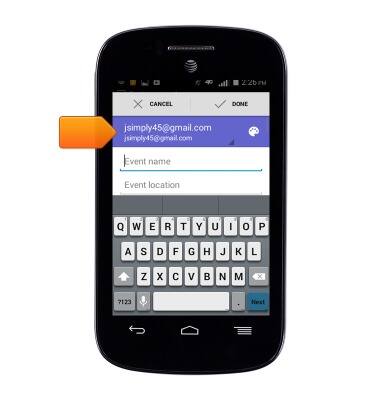
- To change the calendar, tap the account field.
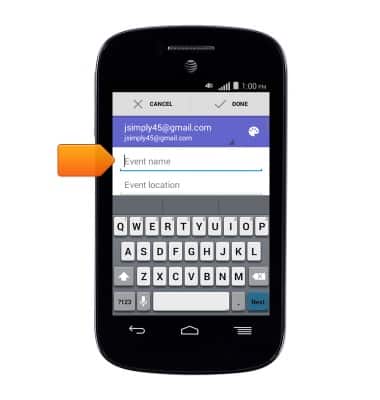
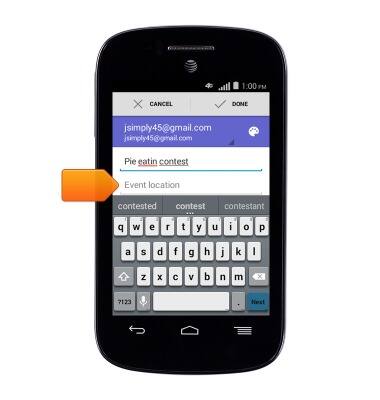
- Enter the desired event name.
- Tap the Event location field, then enter the desired location.
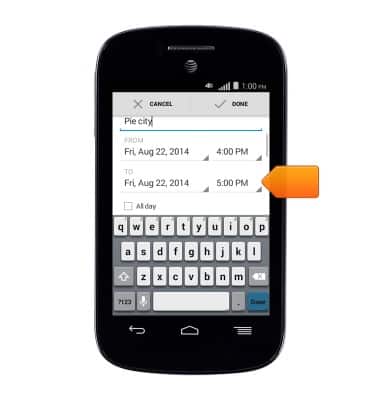
- Tap the TO time field.
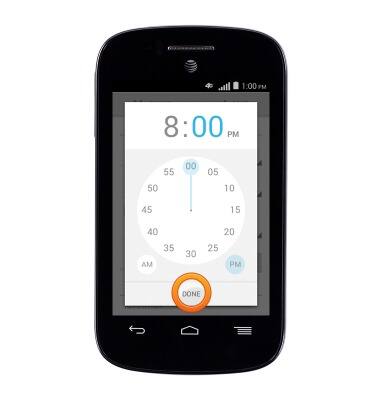
- Select the desired time, then tap DONE.
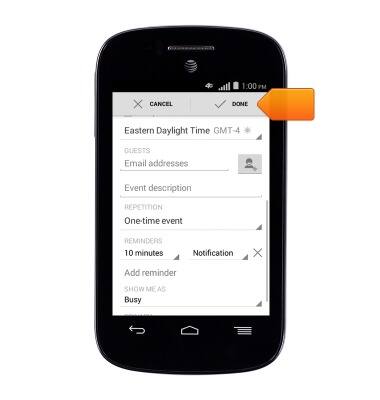
- Edit any desired additional details, then tap DONE.
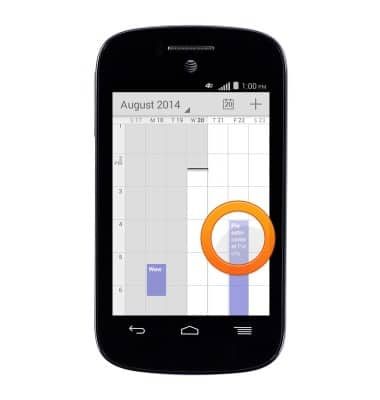
- To edit an event, tap the desired event.
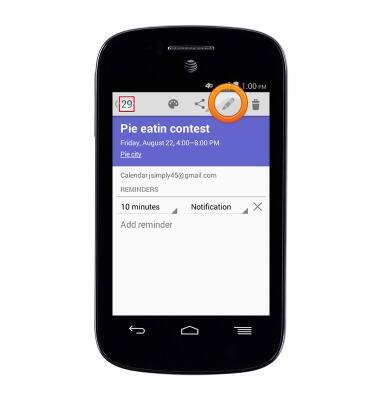
- Tap the Edit icon.
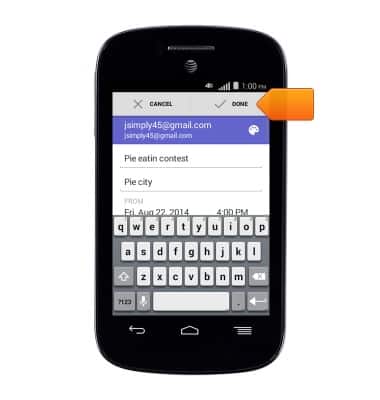
- Make the desired edits, then tap DONE.
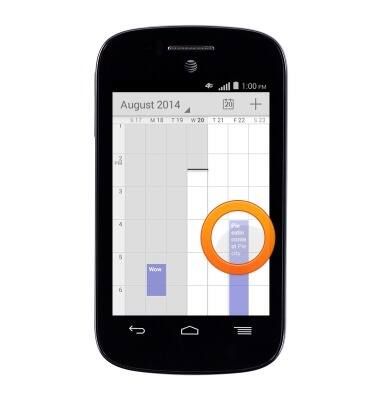
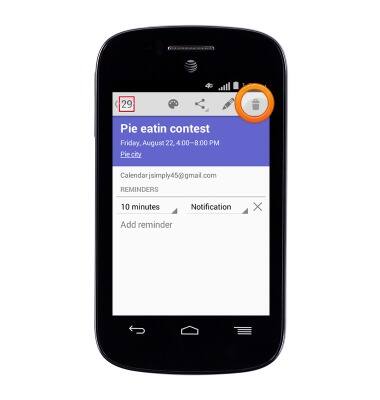
- To delete an event, tap the desired event.
- Tap the Delete icon.
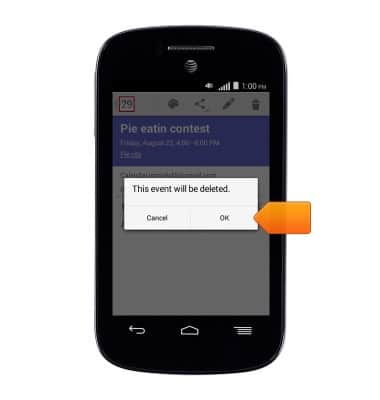
- Tap OK.
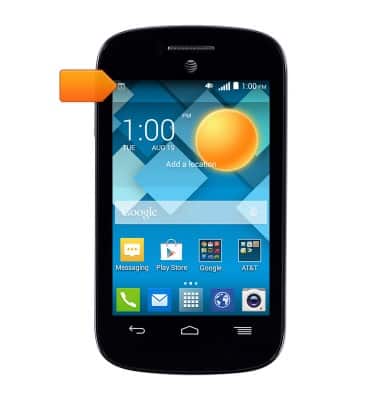
- The Event icon will be displayed in the notification bar to indicate an upcoming event.
Calendar
Alcatel C1 (4015T)
Calendar
Learn how to access the calendar and manage events.
INSTRUCTIONS & INFO