
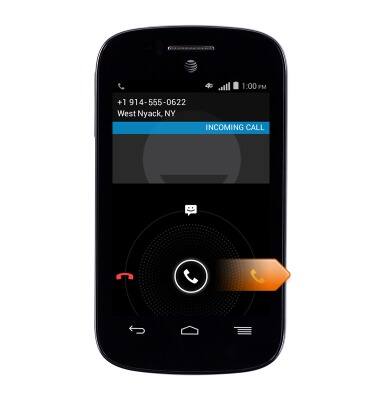
- While on a call, swipe the white phone icon to the right to answer Call Waiting.
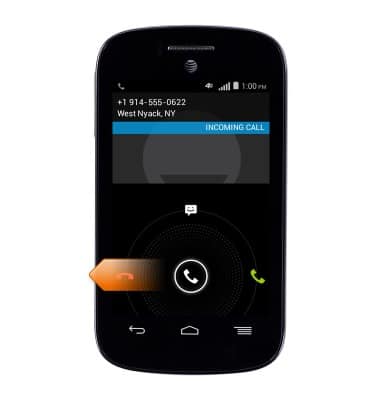
- Swipe the white phone icon to the left to decline the incoming call.
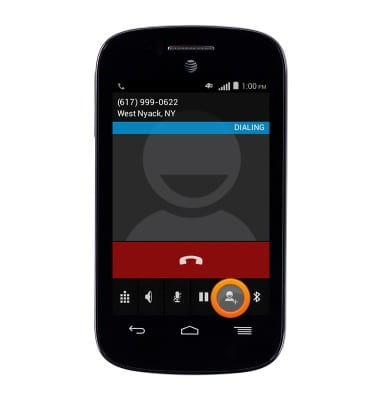
- While on a call, tap the Add call icon to start a conference call.
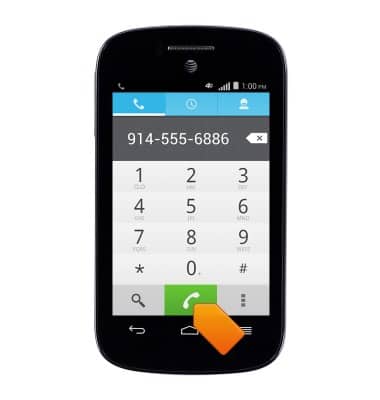
- Enter the desired number.
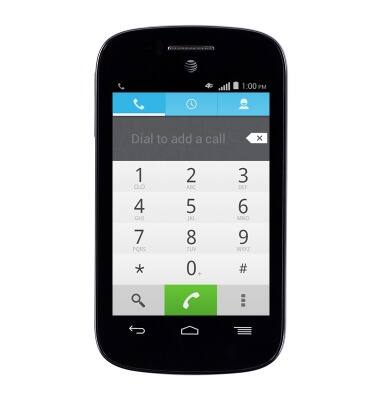
- Tap the green Phone icon to add the call.
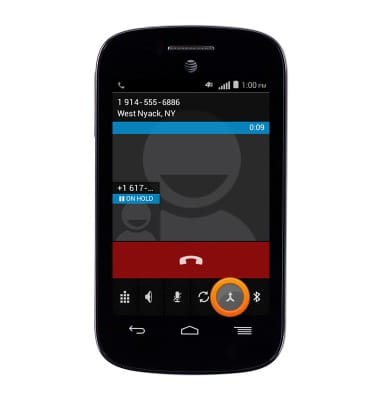
- Tap the Merge icon to begin the conference call.
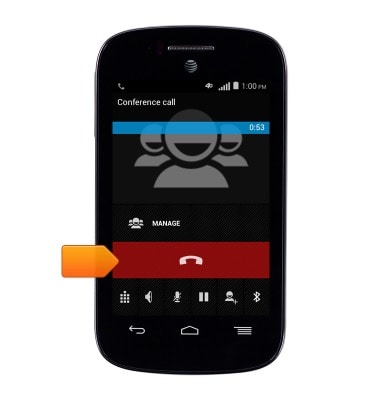
- Tap the red End call icon to disconnect.
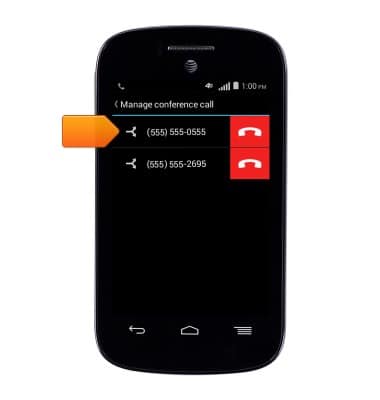
- To separate the call, tap MANAGE.
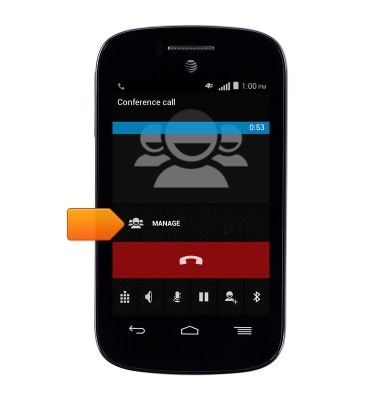
- Tap the desired call to separate.
Conference calling
Alcatel C1 (4015T)
Conference calling
Add another person to your call, merge calls, place someone on hold and more.
INSTRUCTIONS & INFO