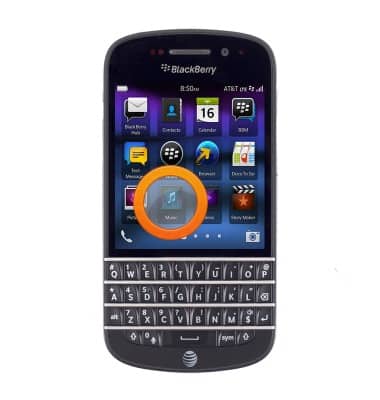
- From the home screen, tap Music.
- Tap the Library icon.
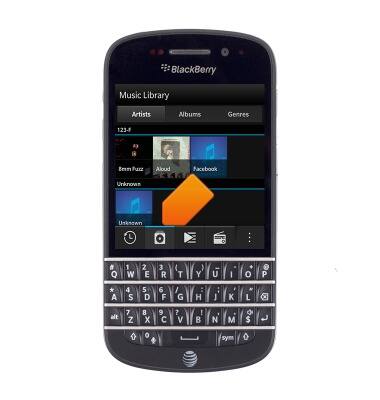
- Tap the desired artist.
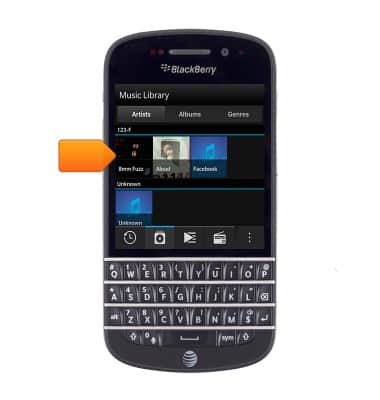
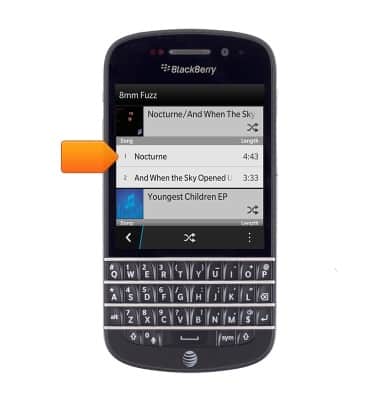
- Tap the desired song to begin playing.
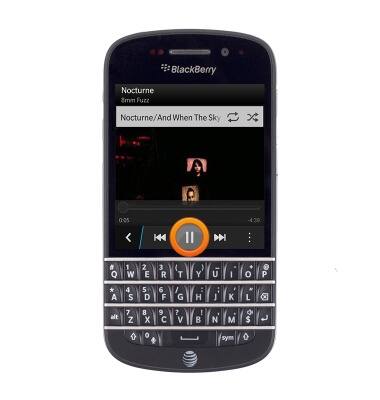
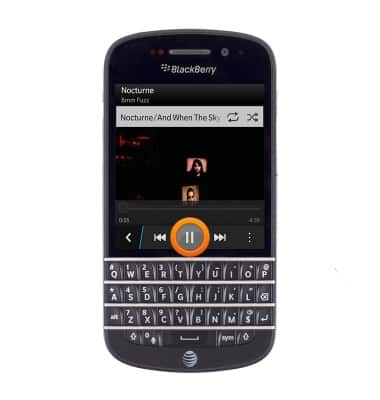
- To pause play back, tap Pause.
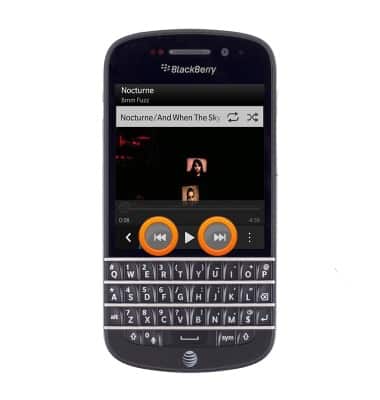
- Tap the Forward / Backward icons to skip forward and backward on the playlist.
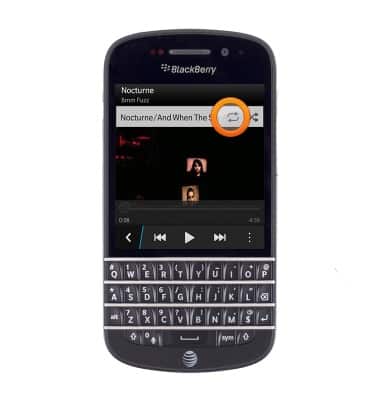
- To cycle through repeat functions, tap the Repeat icon.
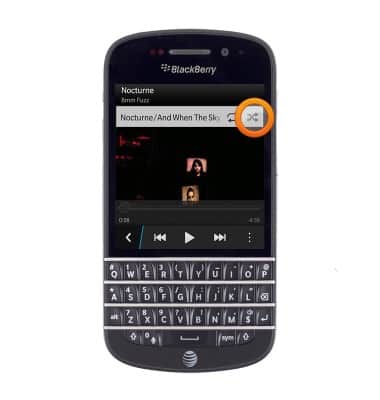
- To shuffle the playlist, tap the Shuffle icon.
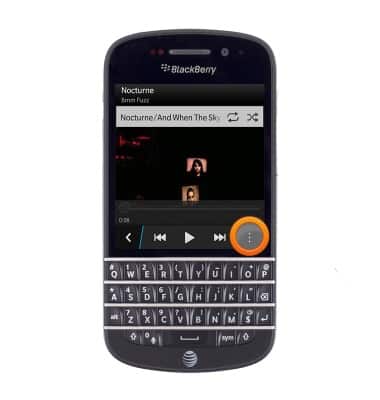
- Tap the More icon to access additional player options.
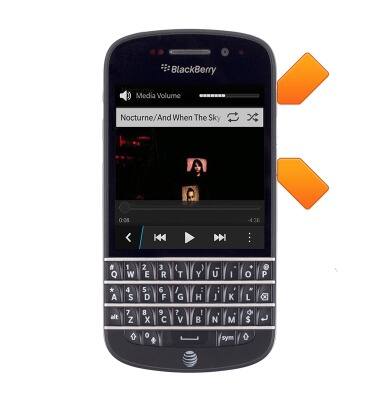
- Press the Volume keys to adjust playback volume.
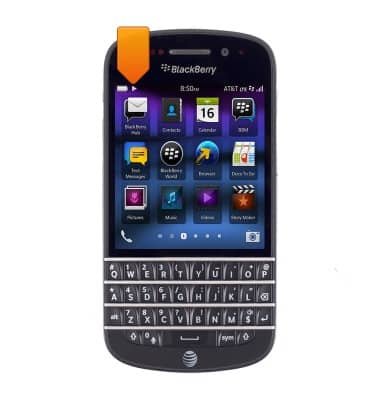
- While the music player is on, the Music icon will be displayed in the Notifications bar.
- To turn off and exit the Music player, tap the Pause icon.
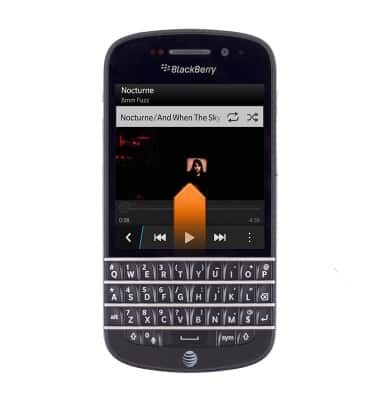
- Swipe up from the bottom of the screen.
Play music
BlackBerry Q10 (SQN100-1)
Play music
Play music, turn the music player off.
INSTRUCTIONS & INFO