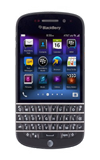
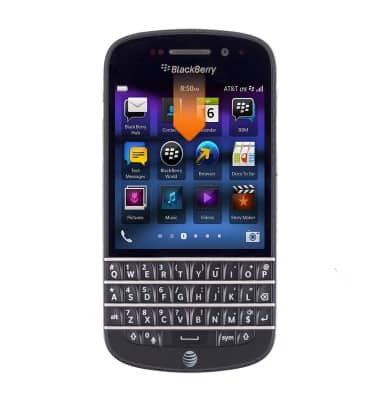
- From the home screen, swipe down from the top of the screen to reveal the Device Settings menu.
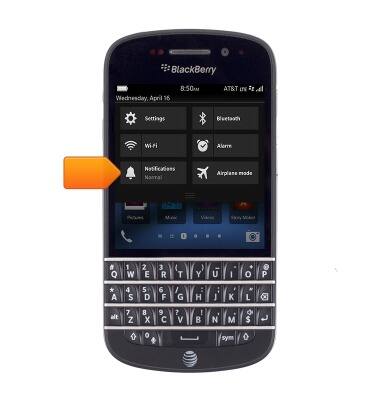
- Tap Notifications.
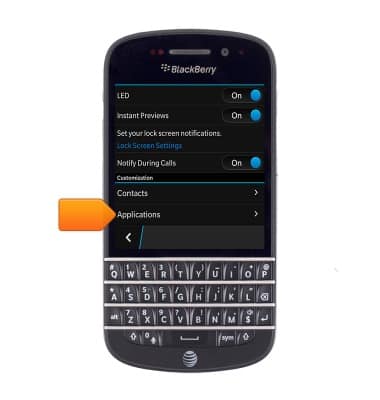
- Scroll to, then tap Applications.
- Scroll to, then tap the desired notification or alert.
Note: For this tutorial, tap 'Text Messages'.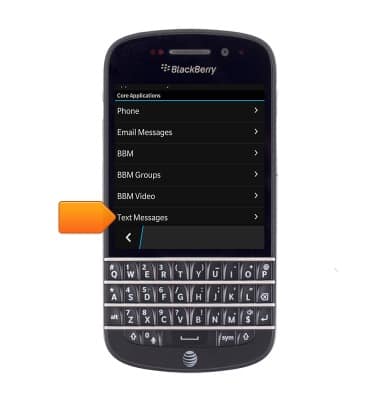
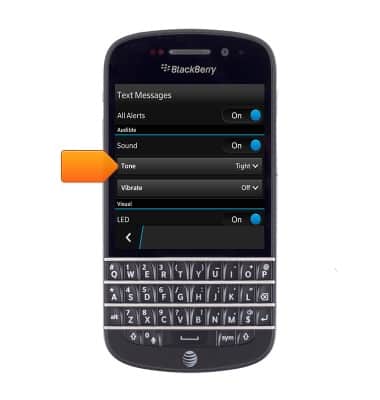
- Tap Tone.
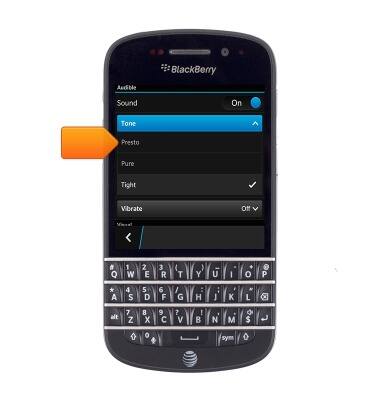
- Swipe up/down, then tap the desired tone.
Change alerts
BlackBerry Q10 (SQN100-1)
Change alerts
This article describes how to change the device's alerts.
INSTRUCTIONS & INFO