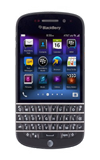
- From the home screen, tap Calendar.

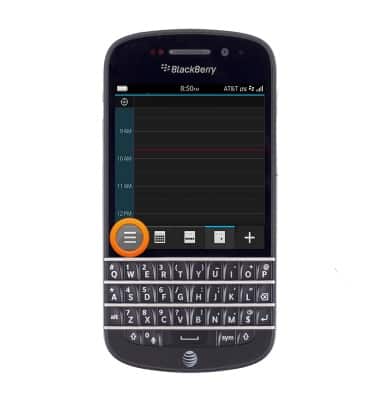
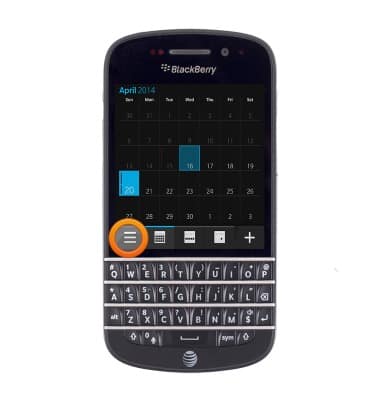
- To change viewing styles, tap the View type icon.
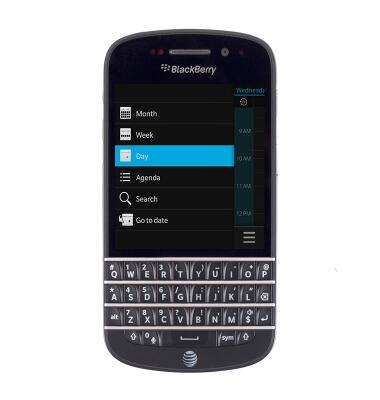
- Tap the desired view type.
- Swipe left and right to view the desired month.
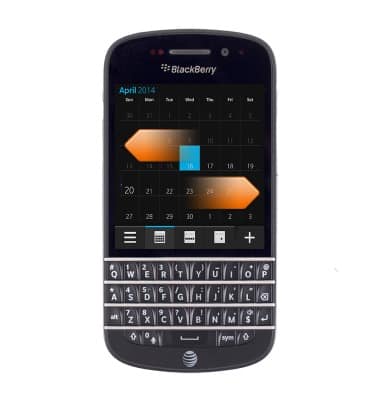
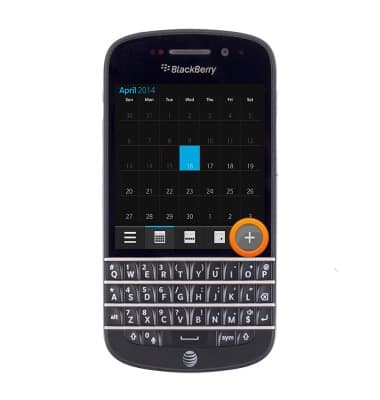
- To add an event, tap the Add icon.
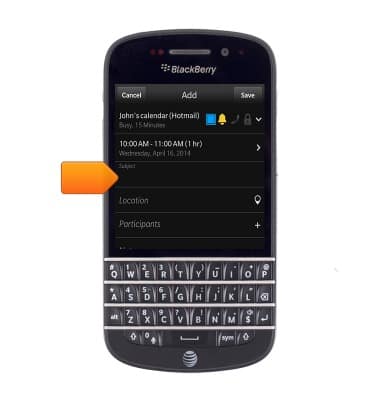
- Tap the Subject field, then enter the desired subject.
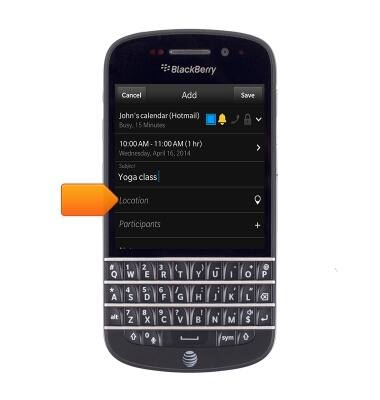
- Tap the Location field, then enter the desired location.
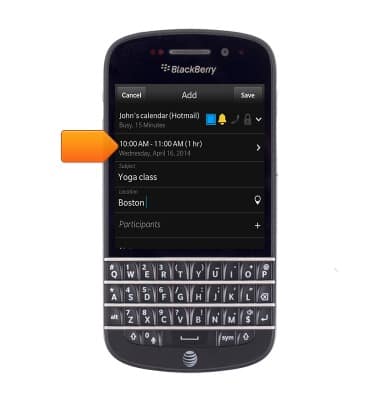
- Tap the Time field.
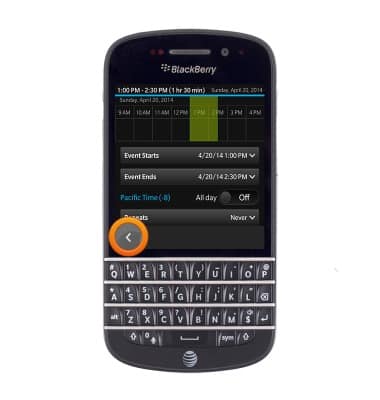
- Tap Events Starts.
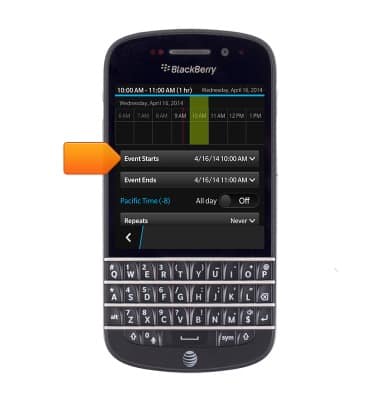
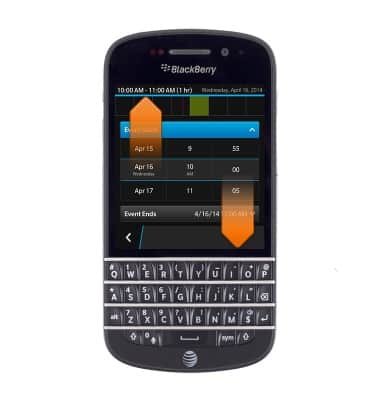
- Drag the Date rollers to adjust to the desired start date and time.
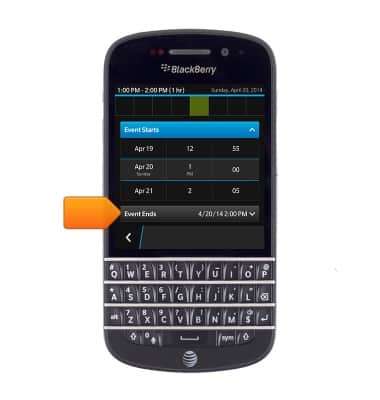
- Tap Events Ends.
- Drag the Date rollers to adjust to the desired date and time.
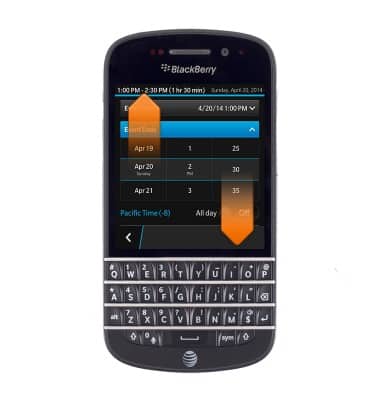
- Tap the Back icon.
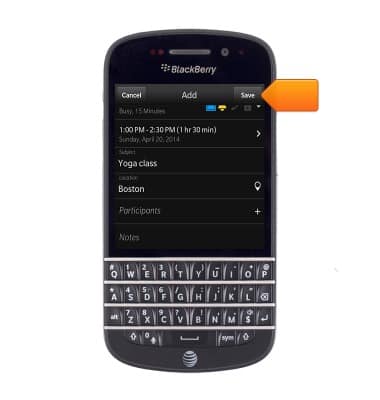
- Adjust any additional settings, then tap Save.
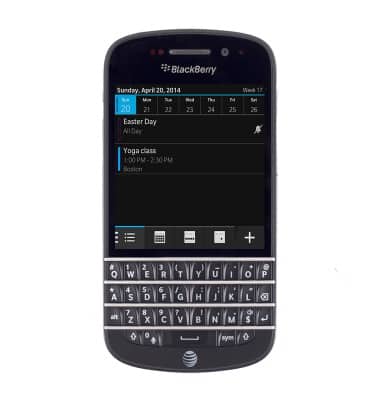
- To edit an event, tap the Calendar view icon.
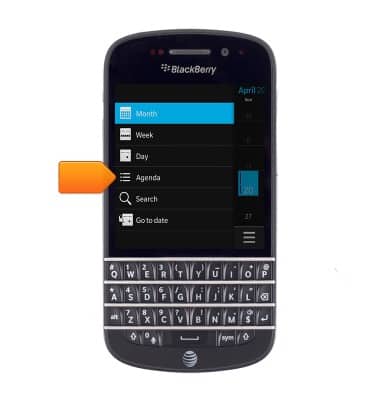
- Select Agenda.
- Tap the desired event.
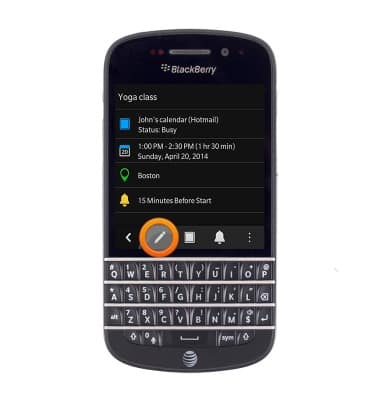
- Tap the Edit icon.
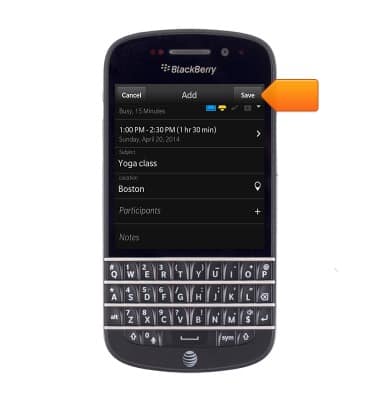
- Edit the desired settings, then tap Save.
- To delete an event, tap the event date.
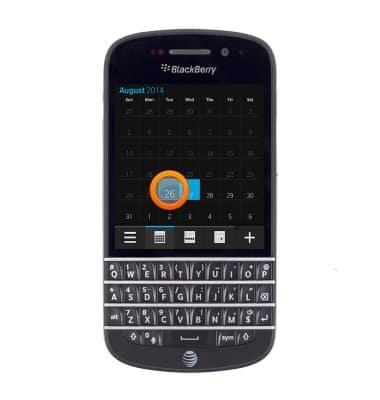
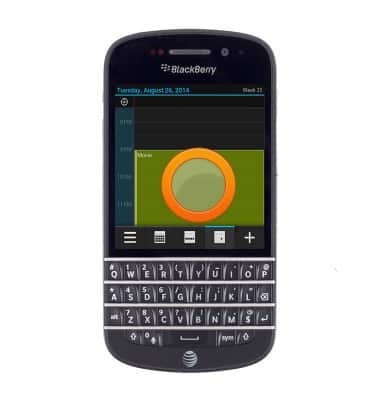
- Touch and hold the desired event.
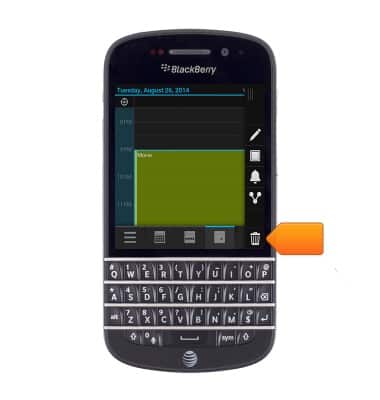
- Tap the Delete icon.
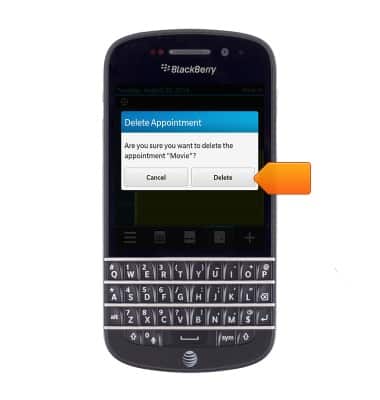
- Tap Delete.
Calendar
BlackBerry Q10 (SQN100-1)
Calendar
Learn how to access the calendar and manage events.
INSTRUCTIONS & INFO