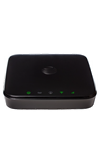
- Check your internet connection speed at http://att.com/speedtest.
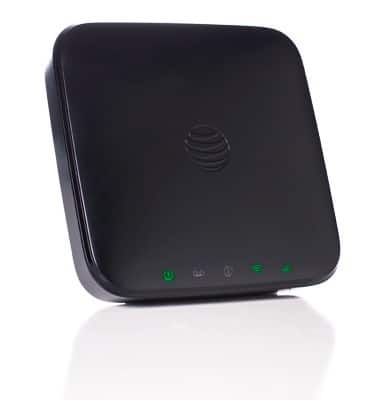
- Move your Home Base to an area with a stronger cellular signal, typically near a window or outside wall.
Note: Green indicates a strong signal and is recommended for optimal performance. Yellow indicates a moderate signal and may be sufficient.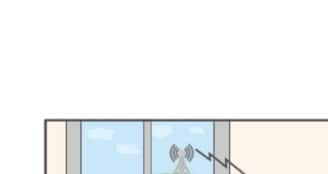
- Ensure that other connected devices are not transferring a large amount of data.
Note: View connected devices by checking the 'Connected Devices' section of the AT&T Home Base Manager.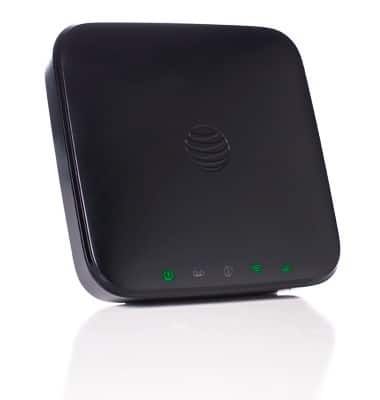
- A phone call in progress may slow down data transfer speed.
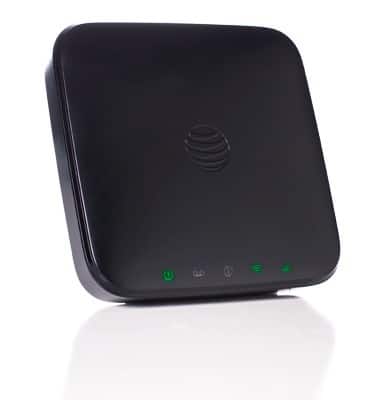
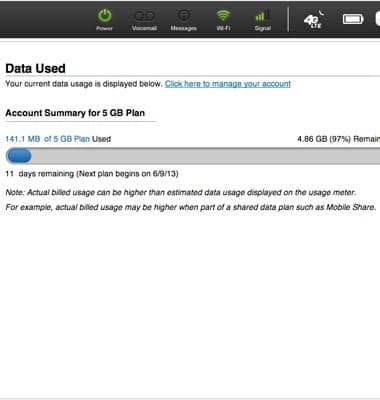
- Check your wireless network connection using the AT&T Home Base Manager http://att.homebase (while connected to the Home Base). 4G LTE offers the fastest data speeds and if available, your Home Base should be located in a covered area.
Download or upload speeds are slow
AT&T Home Base (Z700/Z700A)
Download or upload speeds are slow
Try these troubleshooting methods if you are experiencing sluggish internet speeds.
INSTRUCTIONS & INFO