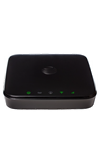
- Open the Web browser on a device that is connected to the AT&T Home Base network.
Note: A Wi-Fi device must be blocked by the Home Base to complete this action.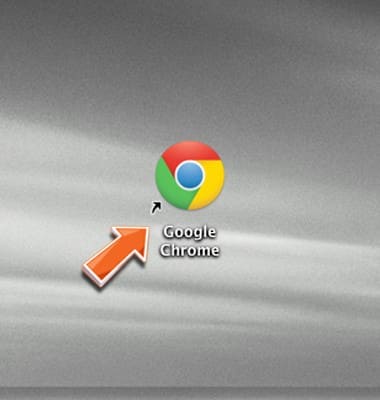
- Enter http://att.homebase directly into your browser address field.
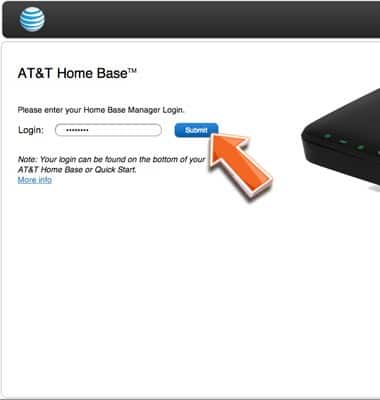
Note: Your login can be found on the bottom of your AT&T Home Base or Quick Start.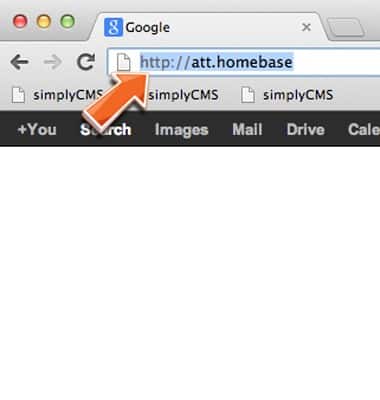
- Enter the required login information, then click Submit.
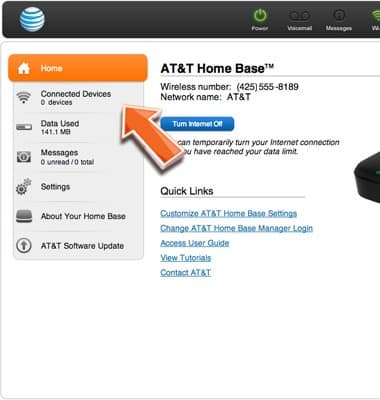
- Click Connected Devices.
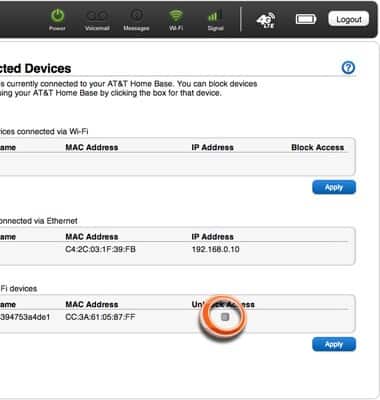
- Click the Unblock Access checkbox to the right of the desired blocked device.
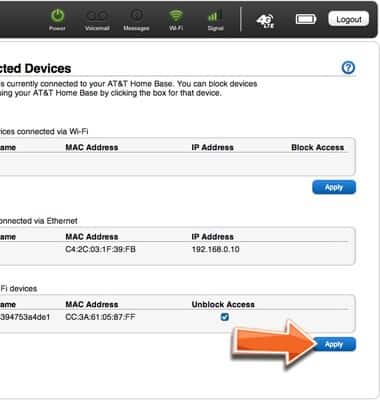
- Click Apply.
- Click OK.
Note: Unblocked devices must then be re-connected to the AT&T Home Base Wi-Fi network.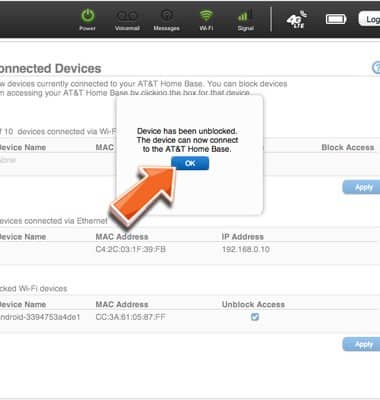
Unblock Wi-Fi devices
AT&T Home Base (Z700/Z700A)
Unblock Wi-Fi devices
Remove a blocked device from the list to restore access to the Home Base network.
INSTRUCTIONS & INFO