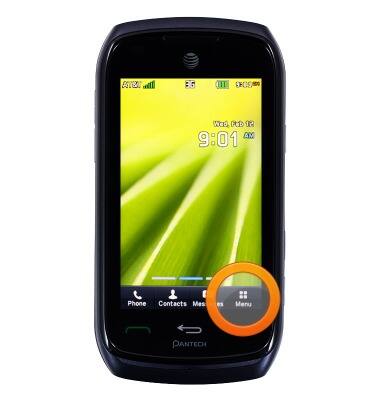
- From the home screen, tap Menu.
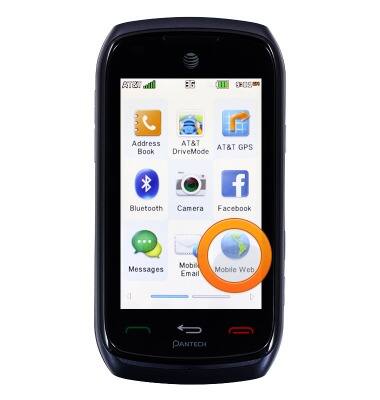
- Tap Mobile Web.
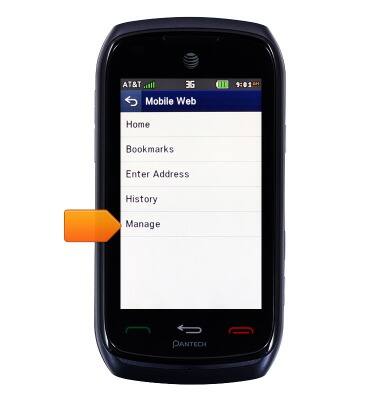
- Tap Manage.
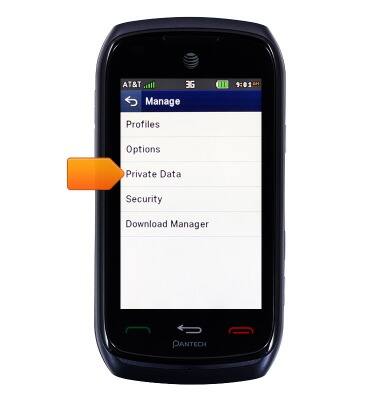
- To clear the browsing history, tap Private Data.
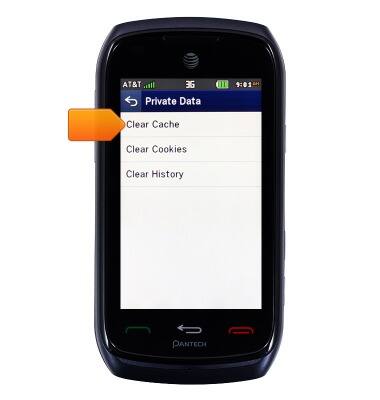
- Tap Clear Cache.
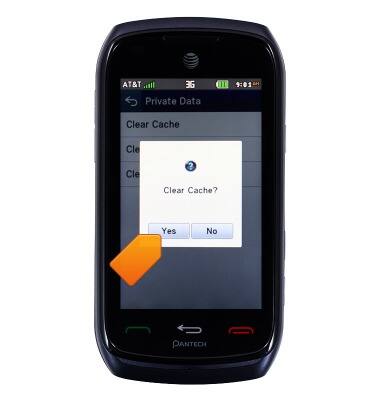
- Tap Yes.
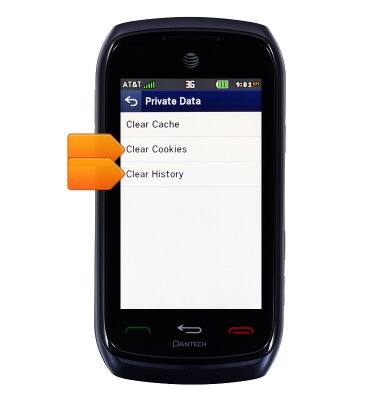
- Repeat steps 5 and 6 for Clear Cookies and Clear History.
- To view more options, from the Manage screen, tap Options.
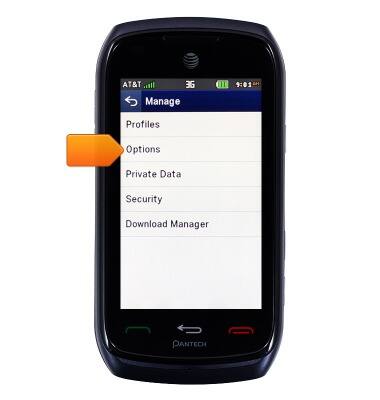
Browser options
Pantech Vybe (P6070)
Browser options
Access browser settings to delete browser history, set the home page, and more.
INSTRUCTIONS & INFO