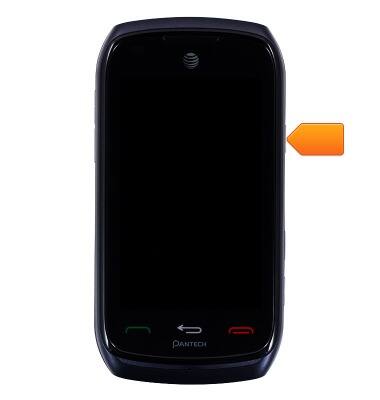
- To lock the device, press the Power/lock key twice.
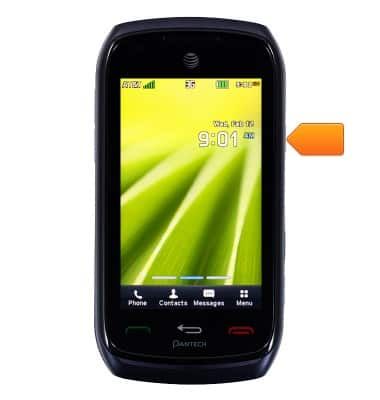
- To unlock the device, press the Power/lock key.
- Touch and drag the Unlock icon to the center of the screen.
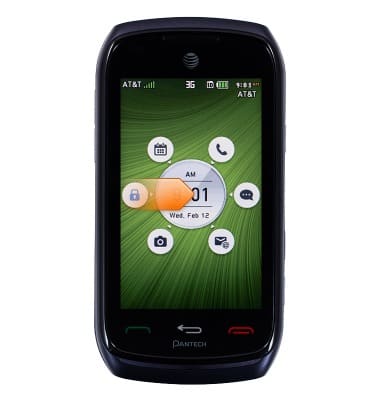
- To launch Calendar, Phone, Messages, Email, or Camera from the lock screen, drag the corresponding icon to the center of the screen.
Note: To learn more about requesting a device unlock for your AT&T mobile device, visit www.att.com/deviceunlock.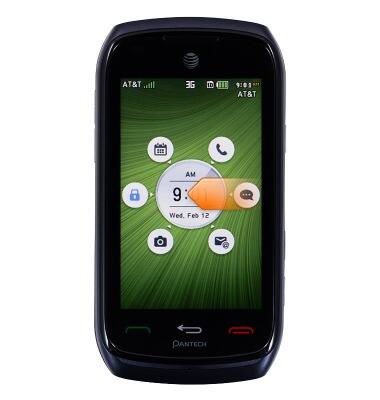
Secure my device
Pantech Vybe (P6070)
Secure my device
Lock the device screen, set and change security lock, and locate device.
INSTRUCTIONS & INFO