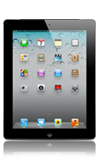
- To open the calendar, from the home screen tap Calendar.

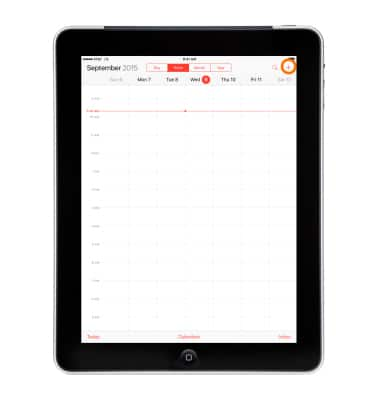
- To create a new event, tap the + icon, or touch and hold an Empty spot on the calendar.
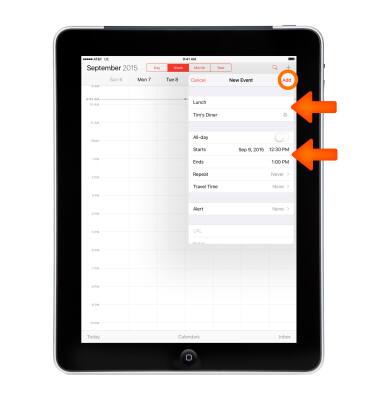
- Enter the desired information, and then tap Add.
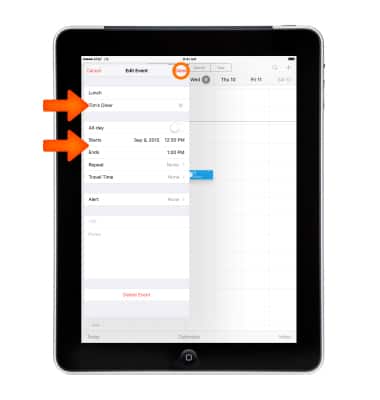
- To edit an event, from the Calendar, tap the Desired event, and then select Edit.
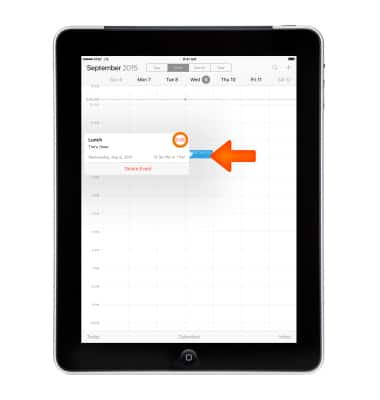
- Edit the fields as desired, and then tap Done.
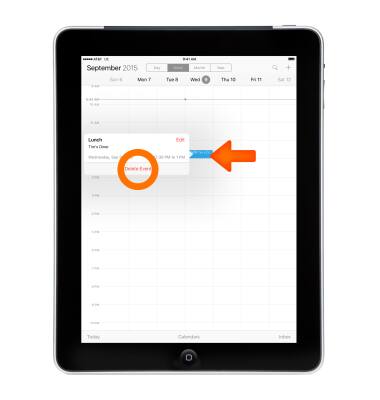
- To delete an event, from the Calendar, tap the Desired event, and then tap Delete Event.
- Tap Delete Event again to confirm.
Note: Learn more from Apple support article: Calendar: Reply to an event or calendar invitation.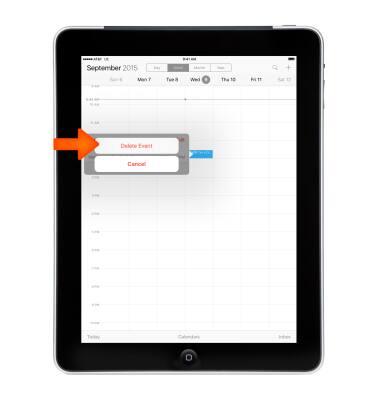
Calendar
Apple iPad 2
Calendar
Access the calendar and manage events.
INSTRUCTIONS & INFO