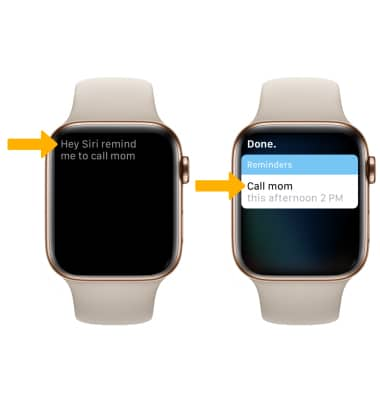
2. Speak the desired reminder into the watch. The reminder will be saved.
3. To view and dismiss your reminders, from the clock screen press the Digital Crown/Home button then select the
 Reminders app.
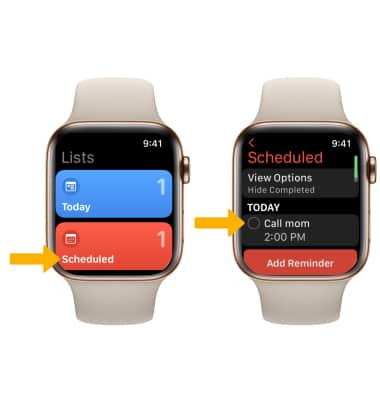
 4. To view scheduled reminders, select the Scheduled tab. To mark a reminder as completed, select the circle next to the desired reminder.
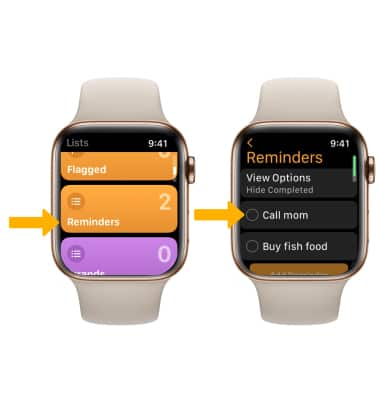
5. To view reminders, scroll to and select the Reminders tab. To mark a reminder as completed, select the circle next to the desired reminder.
Note: To show or hide completed reminders, select the View Option then select Show Completed or Hide Completed.