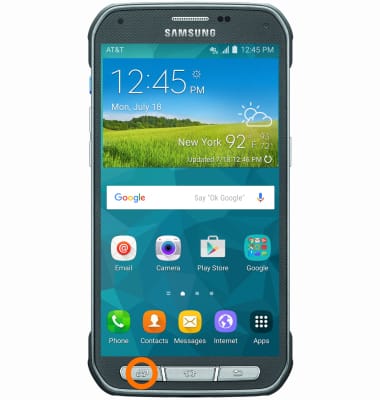
- To access recently used apps, tap the Recent apps button.
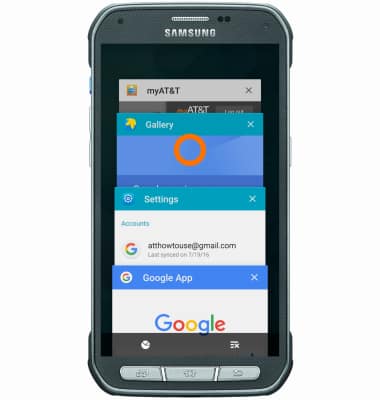
- To switch between apps, scroll to and tap the Desired app.
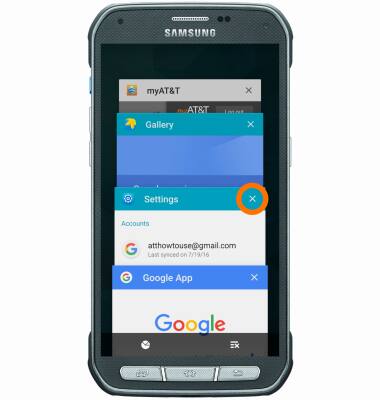
- To close an app, tap the X icon on the desired tab.
- To close all apps, tap the Close all icon.
Note: For information on viewing app and data usage, please see the 'View & manage data' tutorial.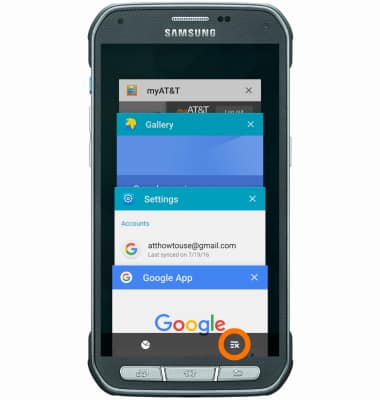
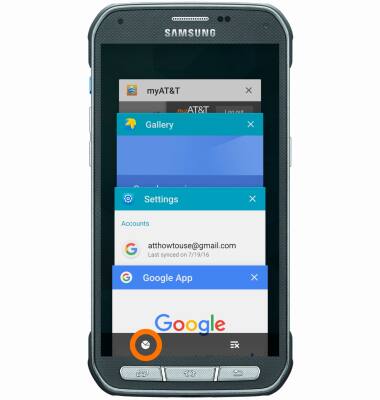
- To access the task manager, tap the Task Manager icon.
View or Close Running Apps
Samsung Galaxy S5 Active (G870A)
View or Close Running Apps
How to view, switch between, and close running applications.
INSTRUCTIONS & INFO