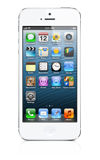
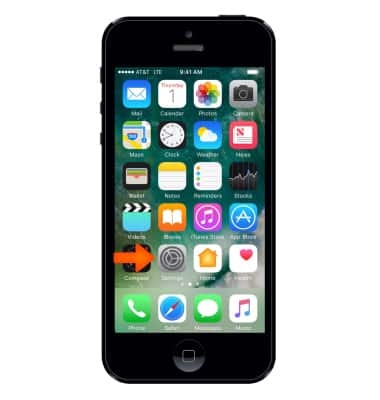
- From the Home screen, select Settings.
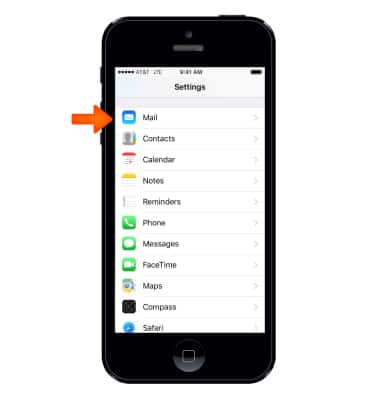
- Select Mail.
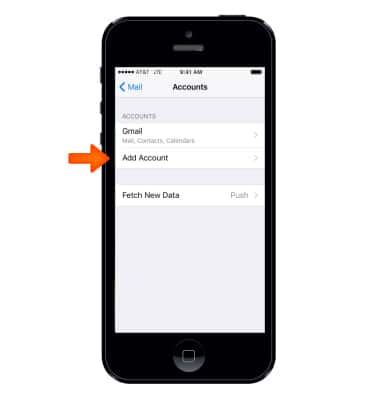
- To add another email account, select Accounts.
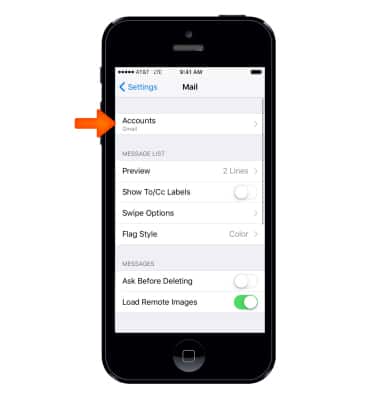
- Select Add Account.
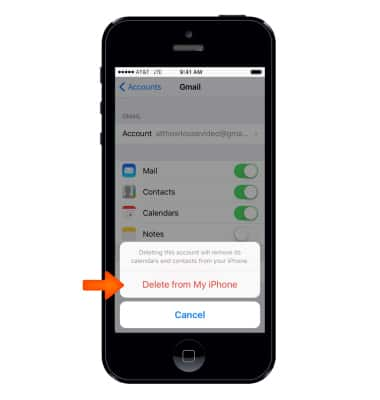
- To delete an email account select the Desired email account > Delete Account > Delete from My iPhone.
- To change the email signature, select Signature.
Note: Options may vary based on the configured account types.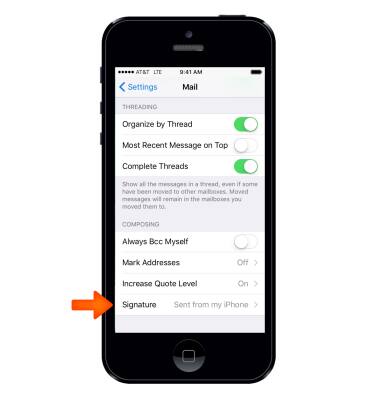
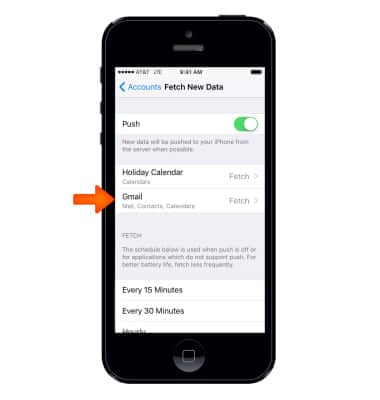
To change sync frequency select Mail, Contacts, Calendars > Fetch New Data.
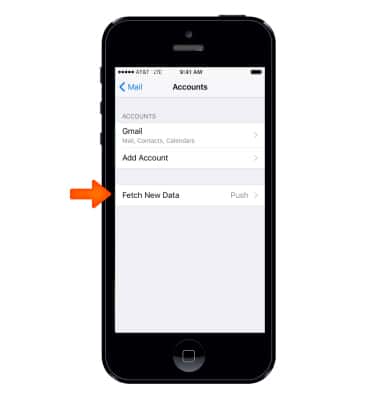
- Select Desired account.
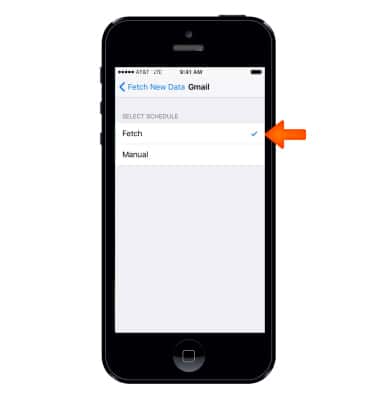
- Select Desired sync frequency schedule.
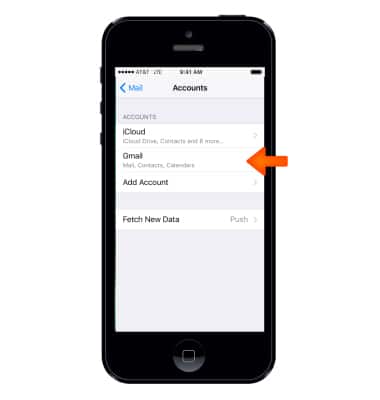
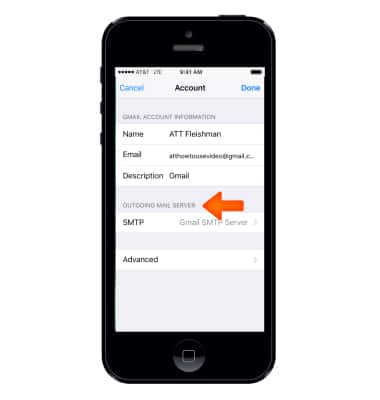
- To change incoming and outgoing server settings, select Mail > Accounts > select Desired account.
- Select Account.
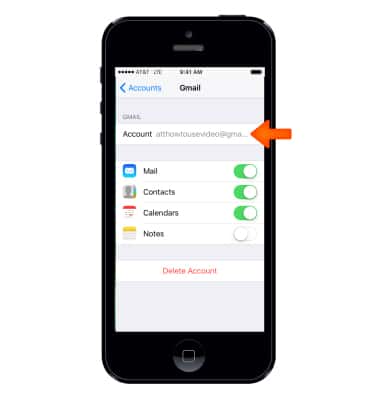
- Edit Desired incoming and outgoing server settings, then select Done.
Email Settings
Apple iPhone 5
Email Settings
Manage email settings such as sync frequency, server settings, signature, deleting an email account, and more.
INSTRUCTIONS & INFO