
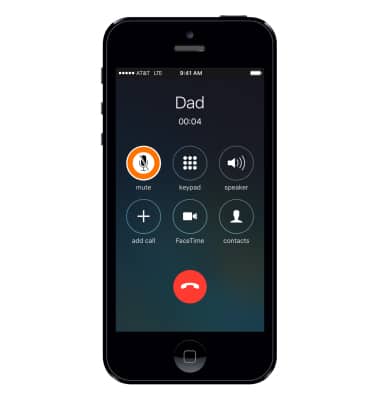
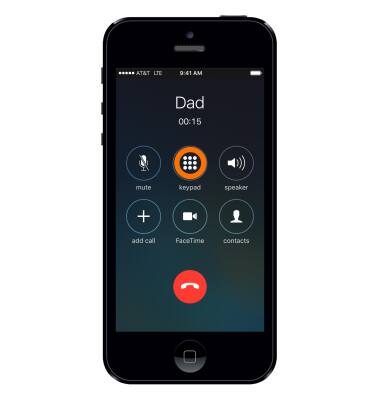
- While on an active call, to mute the call, select mute.
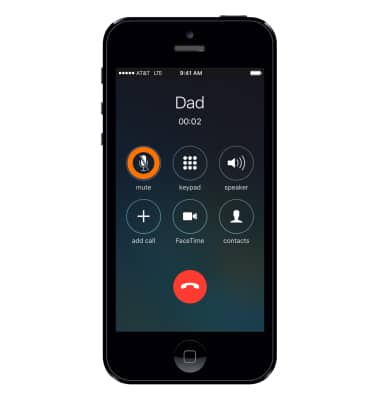
- To unmute the call, select mute.
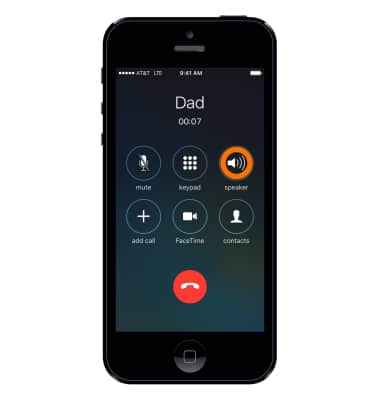
- To put the call on speaker phone select speaker.
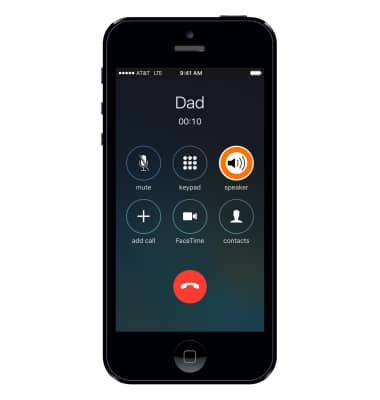
- To turn off speaker phone, select speaker.
- To view the keypad, select keypad.
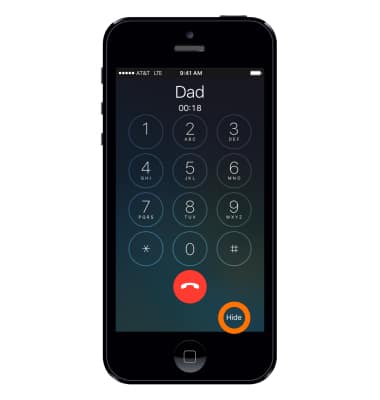
- To hide the keypad, select Hide.
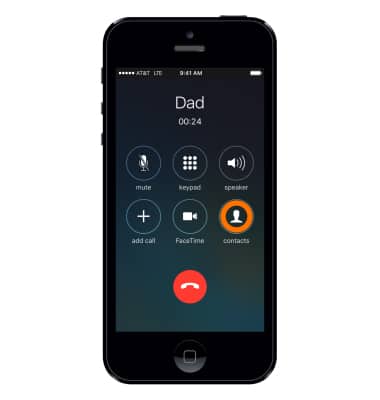
- Select contacts to view the contacts list.
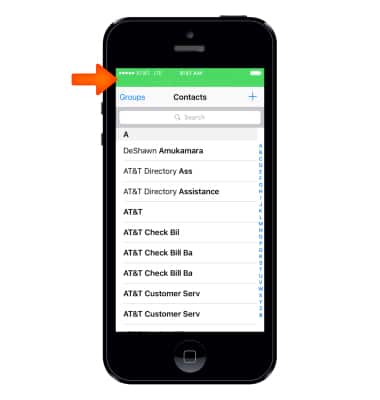
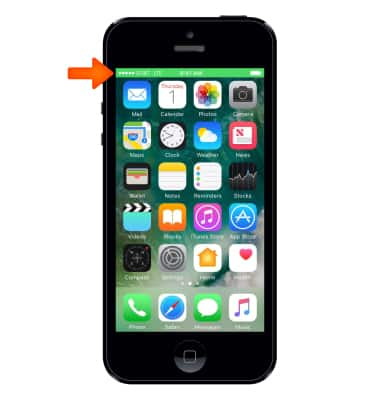
- Select the green Active call bar at the top of the screen to return to the call screen.
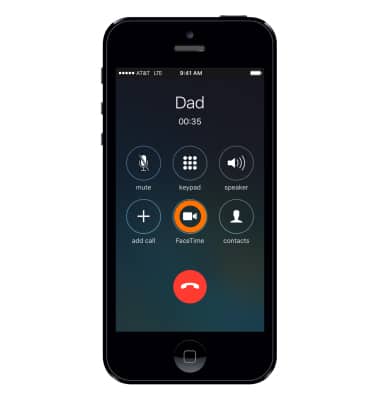
- Select FaceTime, to convert the call to a FaceTime call.
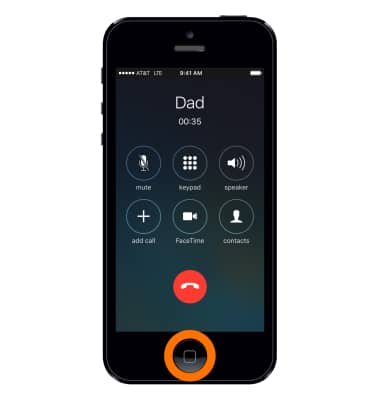
- To view the home screen while on a call, press the home button.
- To return to the call screen, select the green Active call bar at the top of the screen.
- To add a call, select Add call.
Note: For information about conference calls, see the Conference Calling tutorial.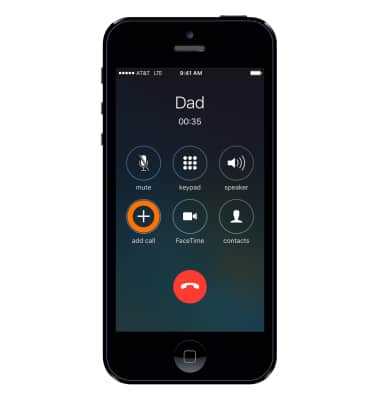
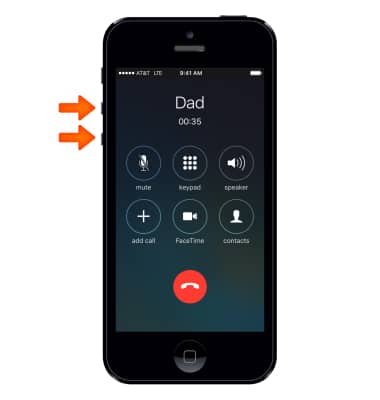
- To raise or lower volume, press the Volume buttons.
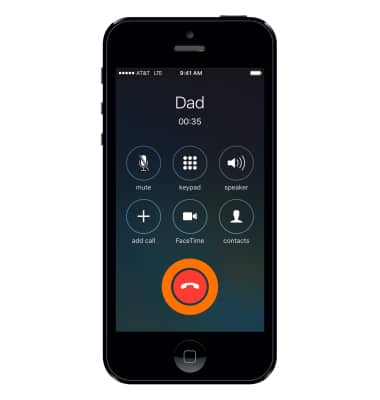
- To end the call, select the End call icon.
In-Call Options
Apple iPhone 5
In-Call Options
Learn what features are available while on an active call.
INSTRUCTIONS & INFO