
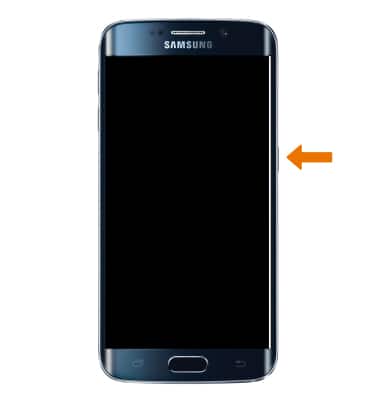
- TURN ON DEVICE: Press and hold the Power/Lock button located on the right side of the device until the screen lights up.
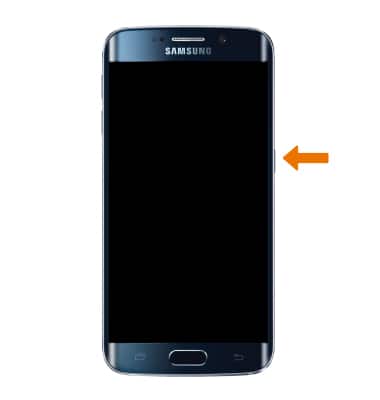
- TURN OFF DEVICE: Press and hold the Power/Lock button located on the right side of the device. Select Power off.
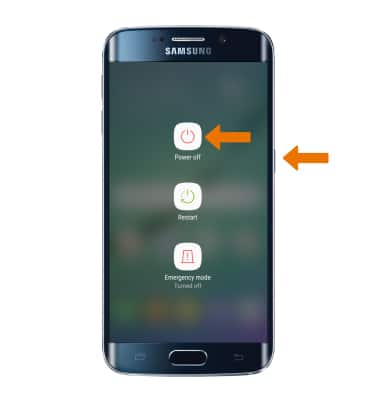
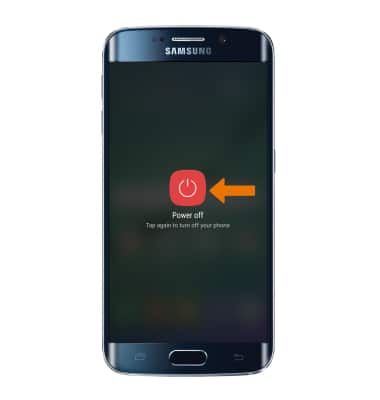
- Select Power off to confirm.
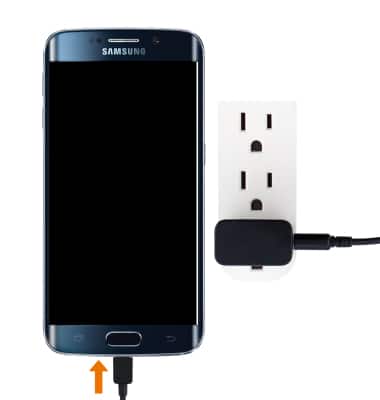
- If you are unable to turn your device on, plug the device into a power source for 15 minutes and then try again.
- If you are unable to power your device off or if it becomes unresponsive, press and hold the Power/Lock key for 10 seconds, until it reboots.
Power Device On or Off
Samsung Galaxy S6 edge (G925A)
Power Device On or Off
Turn your device on and off.
INSTRUCTIONS & INFO