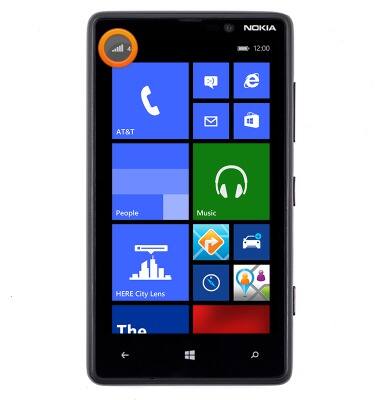
- Signal strength will be indicated in the Notifications bar. When you are within range of a cellular tower the indicator will show more bars, if you are not in range of a cellular tower you will have less bars/less signal strength.
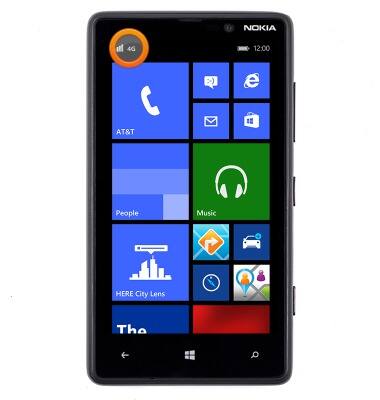
- The network type icon will be displayed in the notifications bar. From slowest to fastest they are, E, 3G, 4G, LTE.
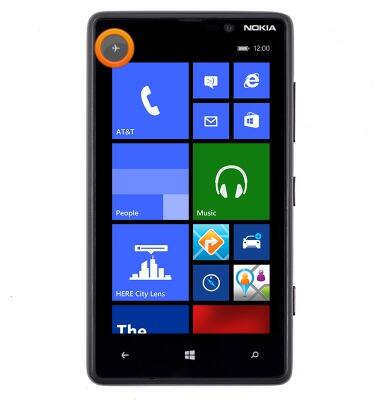
- If Airplane mode is enabled the Airplane mode icon will be displayed in the notifications bar.
- When connected to a Wi-Fi network the Wi-Fi icon will be displayed in the notifications bar. The numbers of signal bars corresponds to the strength of the Wi-Fi signal.
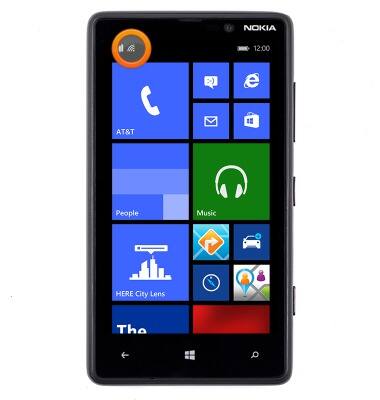
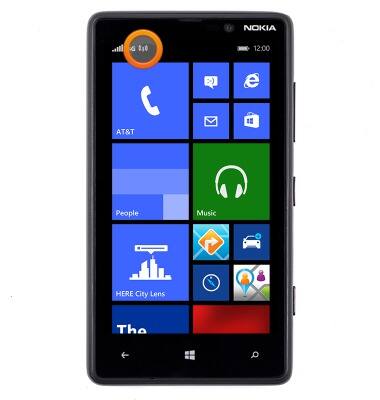
- When mobile hotspot is active the Mobile Hotspot icon will be displayed in the notifications bar.
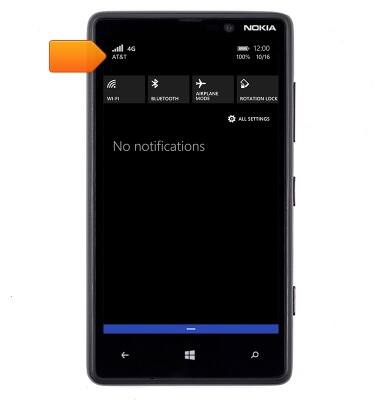
- The Carrier logo is displayed in the Action center.
Signal & cellular data
Nokia Lumia 820
Signal & cellular data
View cellular network signal, turn your mobile data connection on or off.
INSTRUCTIONS & INFO