- Charge the battery until full before the first use to extend battery life.
Note: Use the original charger to maintain optimal battery performance over the life of your device.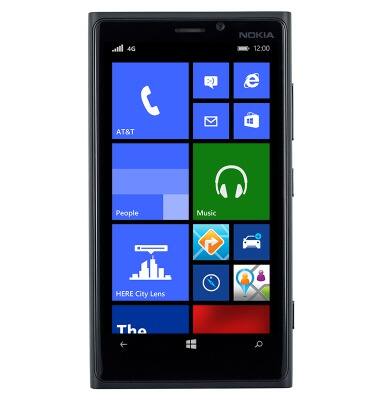
- To extend the life of the battery, avoid letting the battery reach zero. Additionally, charging the battery over one session is preferable to multiple short charging sessions.
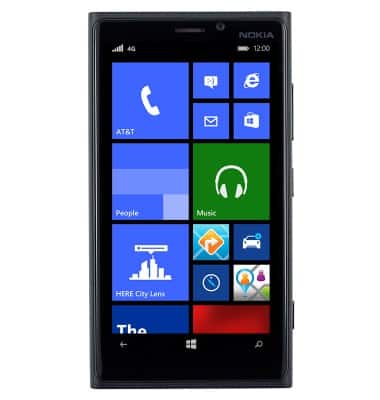
- Insert the microUSB end of the microUSB cable into the microUSB port at the base of the device.
Note: This device supports USB 2.0 cables.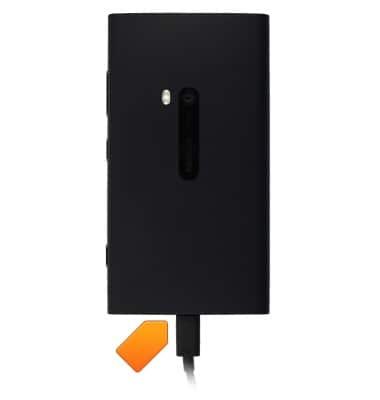
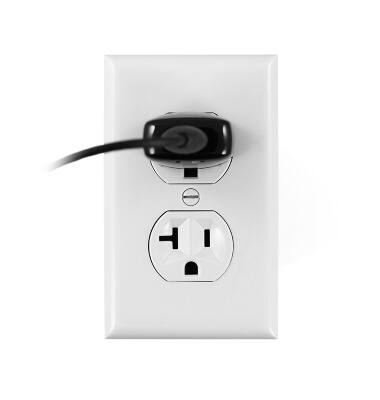
- Insert the Power adapter into a power source to begin charging.
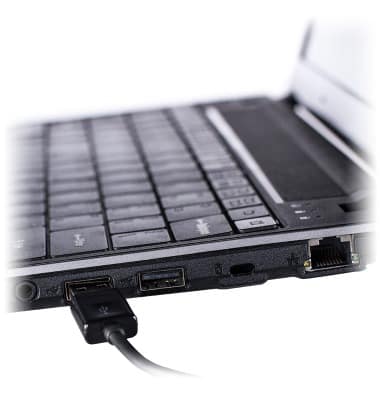
- Alternatively, the device can be charged with a laptop using USB. Insert the USB end of the microUSB cable into an available USB port on a Mac or PC.
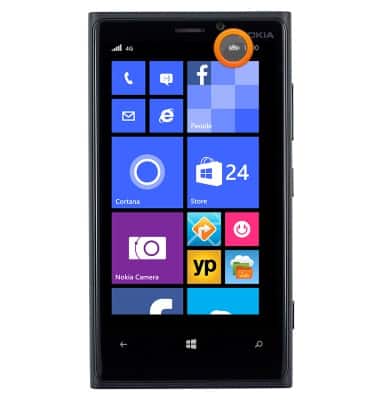
- While charging, the Battery charging icon will be displayed in the status bar.
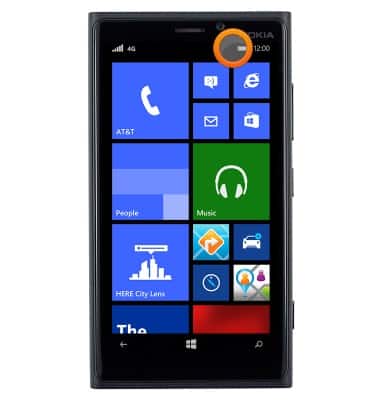
- Once the battery is fully charged, the Battery icon will be displayed as full.
- If the battery dies completely, this image will be displayed until the device has charged enough to power on.
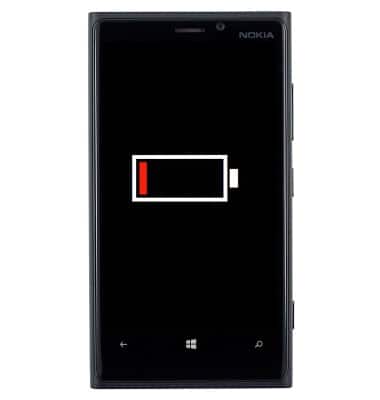
Charge the battery
Nokia Lumia 920
Charge the battery
How to charge your battery.
INSTRUCTIONS & INFO