- From the Start screen, scroll to, then tap the HERE Drive+ tile.
Note: You must have a Nokia, Facebook, or Microsoft Live account to complete this tutorial.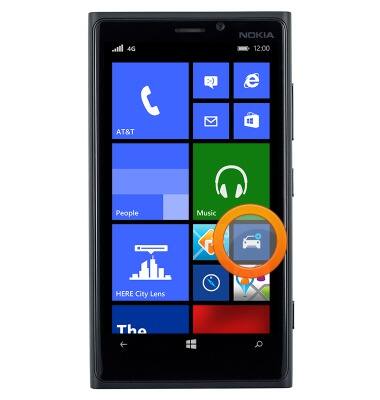
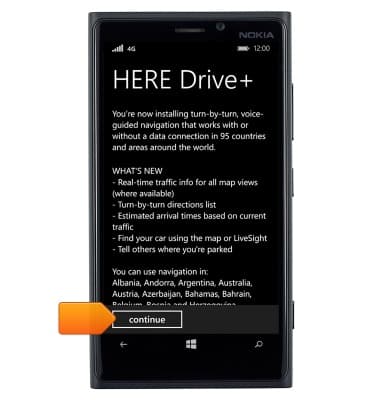
- Tap continue.
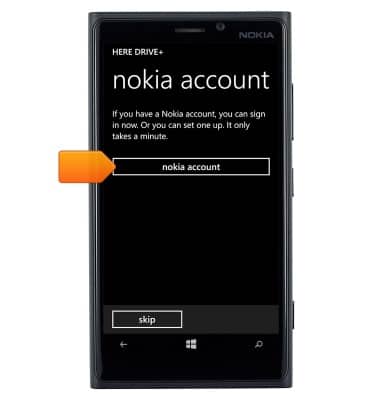
- Tap nokia account.
- Tap sign in.
Note: Tap the Facebook or Microsoft account options to sign in using a Facebook or Live account.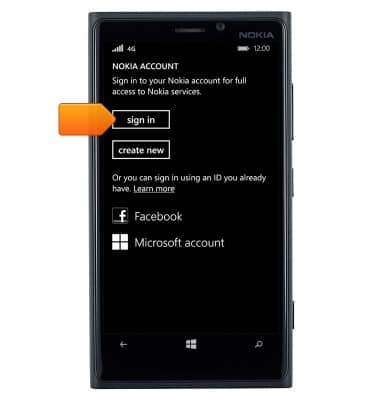
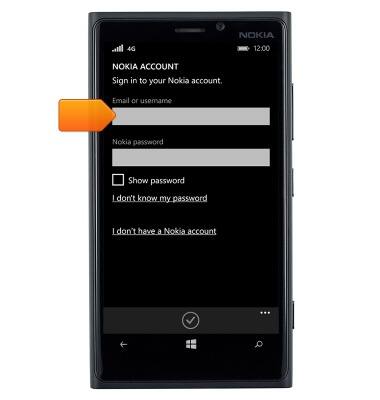
- Tap the Email or username field, then enter the desired Nokia account username or email address.
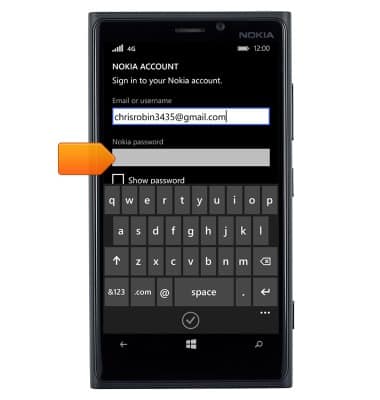
- Tap the Password field, then enter the account password.
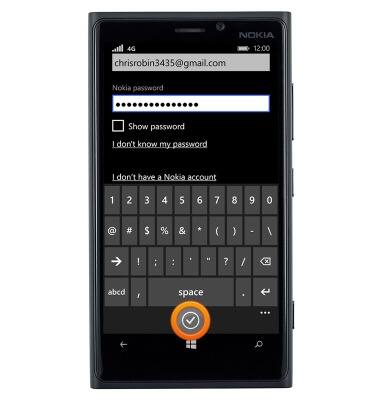
- Tap the OK icon.
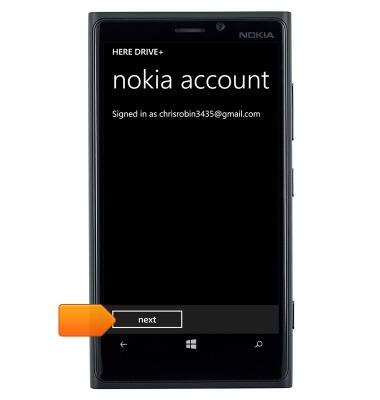
- Tap next.
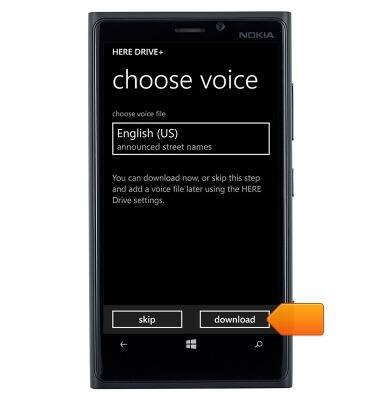
- Tap download.
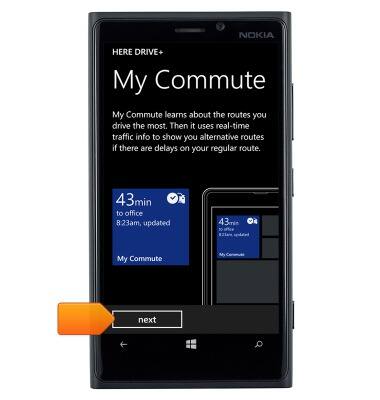
- Tap next.
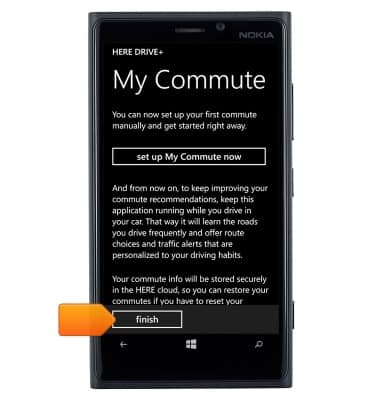
- Tap finish.
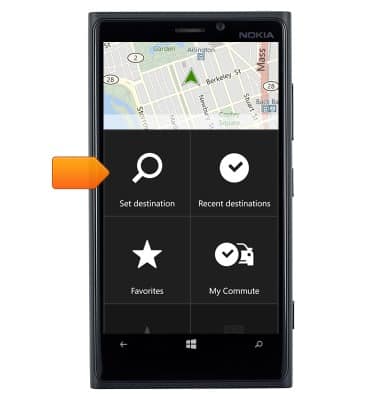
- To get route guidance, tap Set destination.
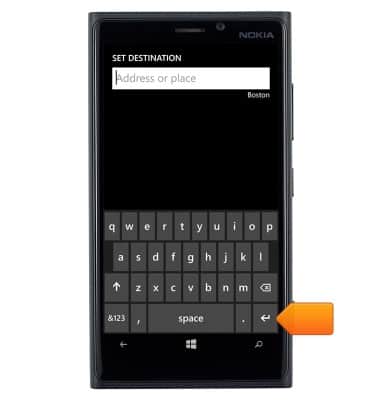
- Enter the desired destination, then tap the Return icon.
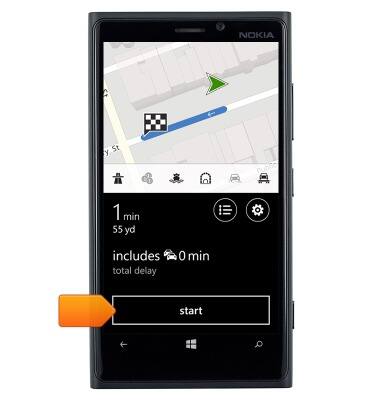
- Tap start.
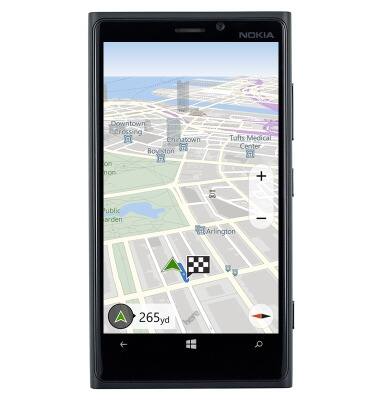
- Follow the route.
Nokia Drive
Nokia Lumia 920
Nokia Drive
This article describes the Nokia Drive feature.
INSTRUCTIONS & INFO