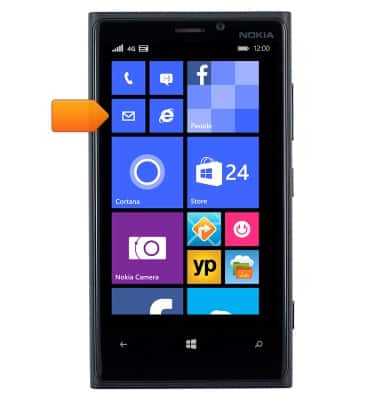
- From the home screen, tap the Email icon.
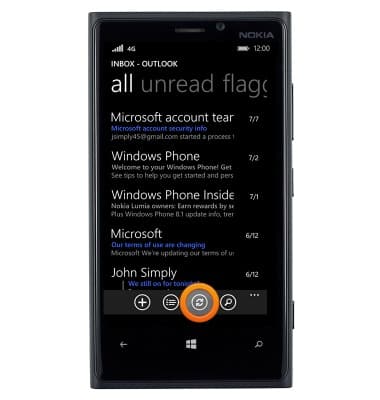
- To check for new email, tap the Refresh icon.
- Tap the desired email.
Note: When a new email message is available, the new message icon will be displayed in the notification bar.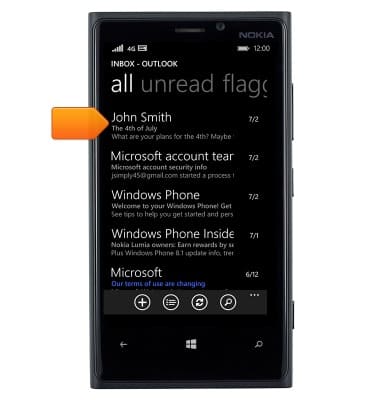
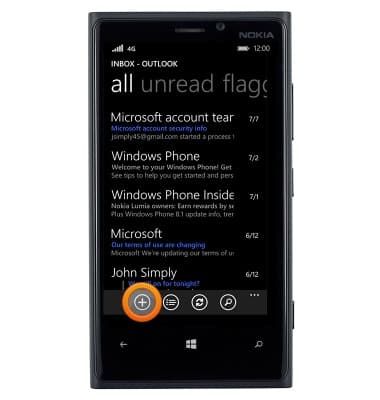
- To send an email, tap the New icon.
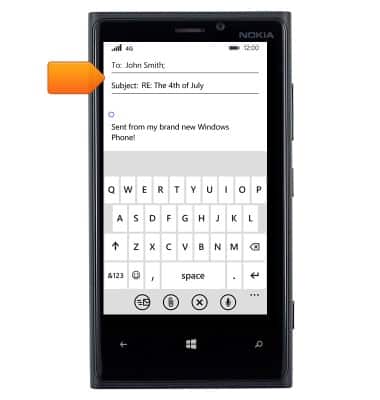
- Enter the desired contact and subject information.
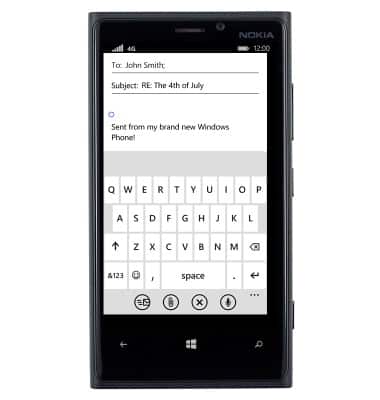
- Enter the desired message.
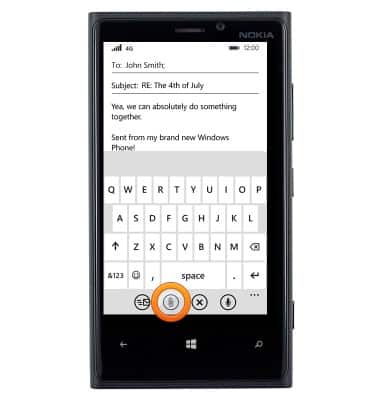
- To add an attachment, tap the Paperclip icon.
- Swipe to albums.
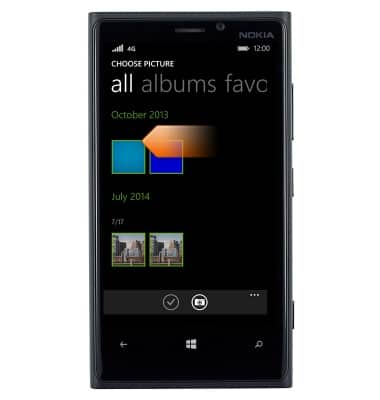
- Tap the desired album.
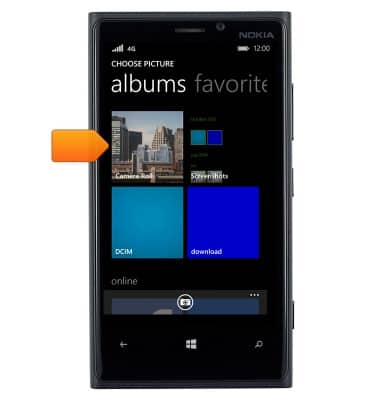
- Tap the desired image.
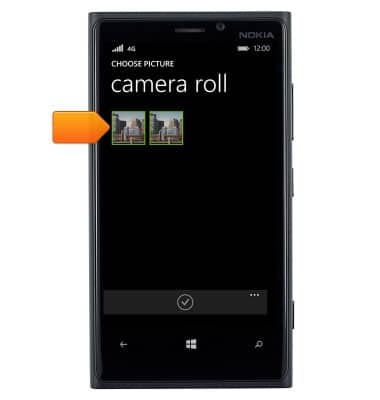
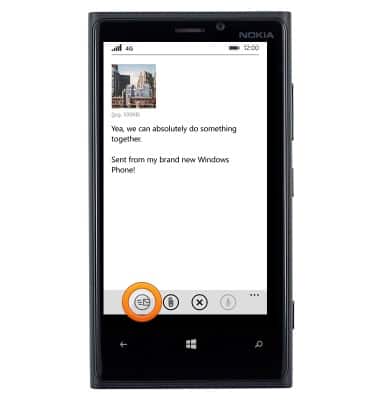
- Tap the Done icon.
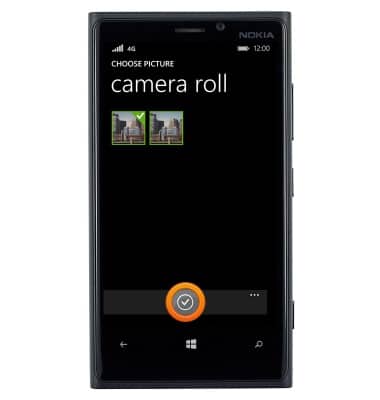
- Tap the Send icon.
Send & receive email
Nokia Lumia 920
Send & receive email
Add and download email attachments, respond to an email and more.
INSTRUCTIONS & INFO