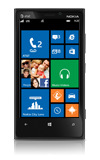
- To adjust the ring volume setting, press the Volume keys.
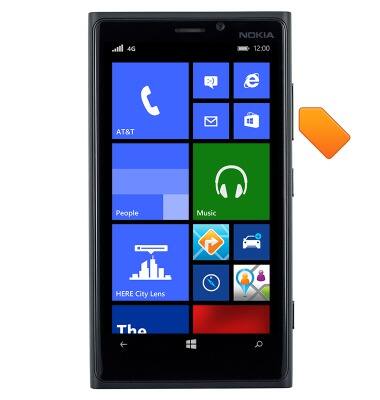
- To enable vibrate, press the Volume Down key until vibrate is displayed in the notification bar.
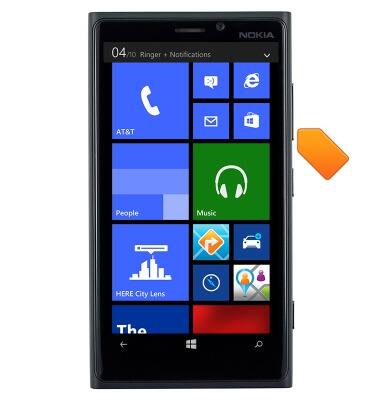
- To enable silent mode, tap the More icon.
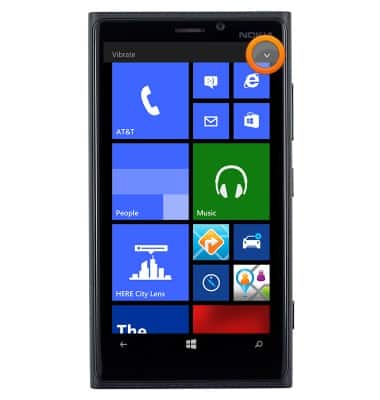
- Tap VIBRATE ON.
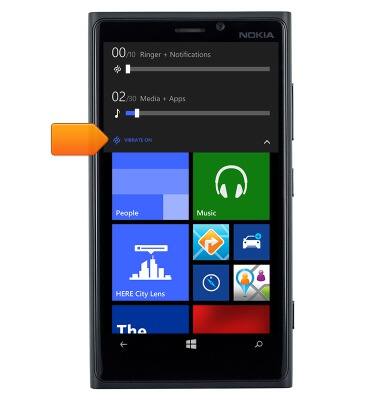
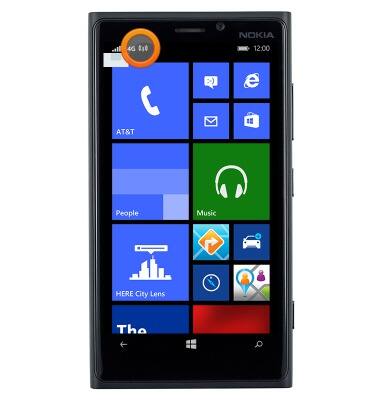
- When silent mode is enabled, the Silent icon will be displayed in the notification bar.
Sounds & alerts
Nokia Lumia 920
Sounds & alerts
Change volume settings, ringtones, and notification alerts.
INSTRUCTIONS & INFO