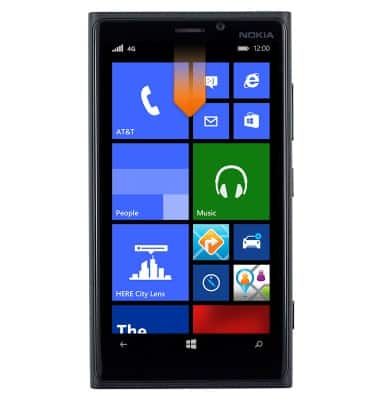
- From the home screen, swipe down from the top of the screen to reveal the Action center.
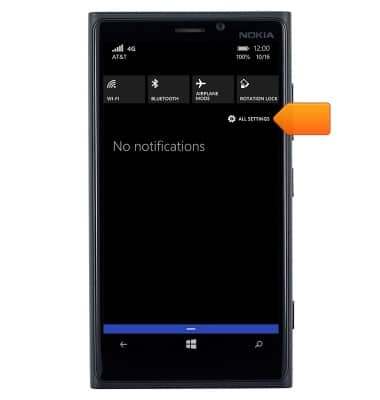
- Tap ALL SETTINGS.
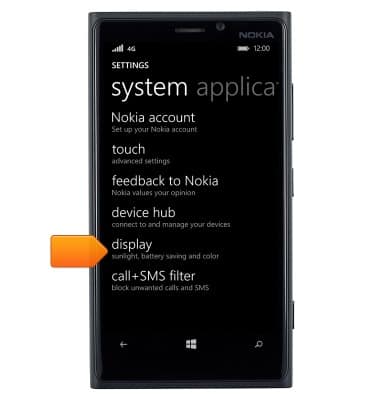
- Scroll to, then tap display.
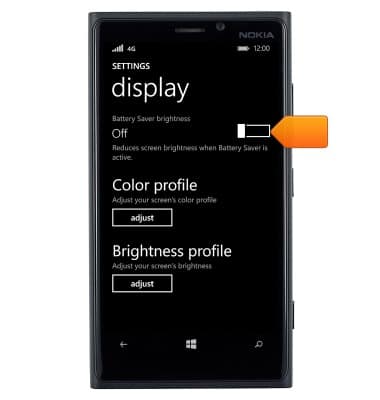
- To enable Battery Saver brightness, tap the Battery Saver brightness toggle.
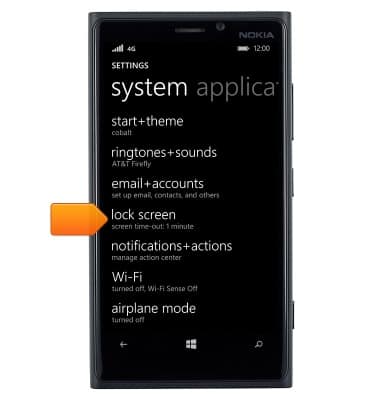
- To set the screen time-out, tap lock screen from the settings menu.
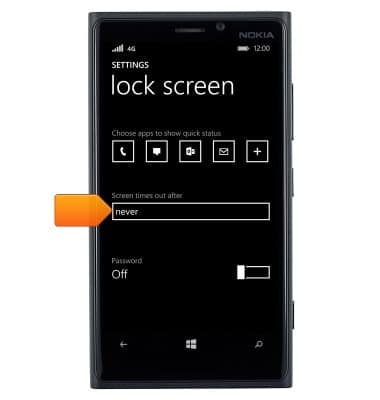
- Tap the Screen times out after field.
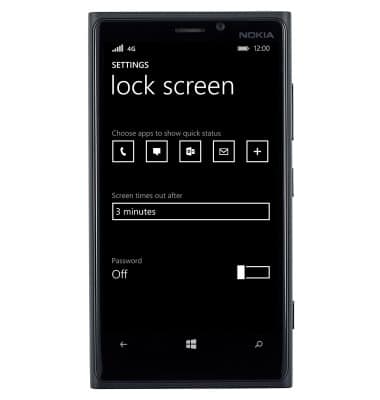
- Tap the desired option.
- To adjust the screen brightness, scroll to and then tap brightness for the settings menu.
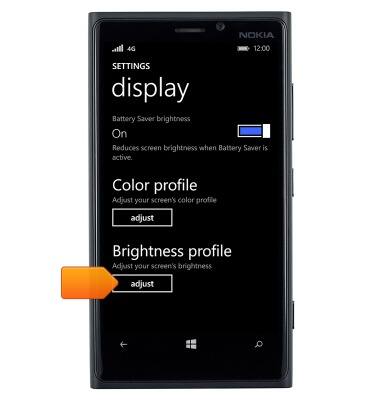
- Tap the Level field.
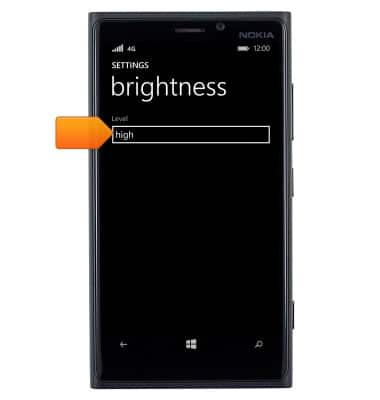
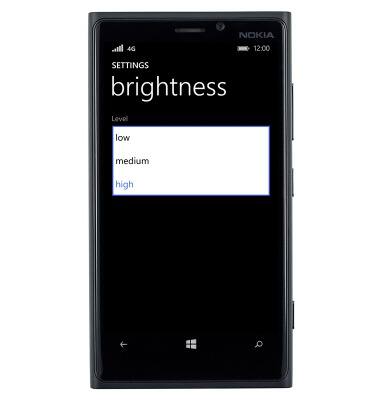
- Tap the desired option.
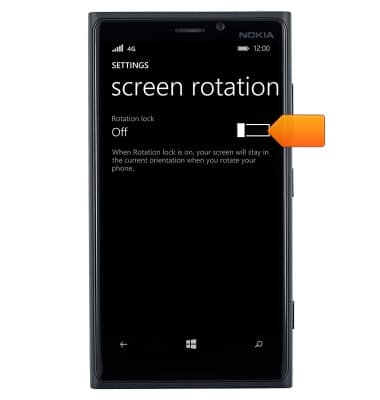
- To set the screen rotation, scroll to and then tap screen rotation from the settings menu.
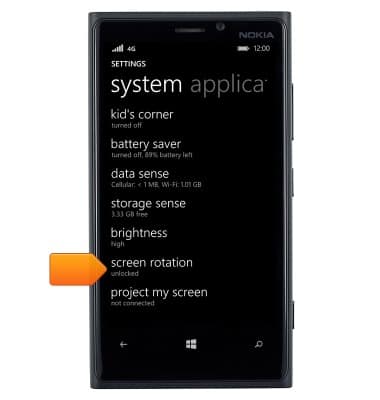
- Tap the Rotation lock toggle.
Display
Nokia Lumia 920
Display
Change the display time out, brightness and orientation.
INSTRUCTIONS & INFO