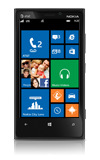
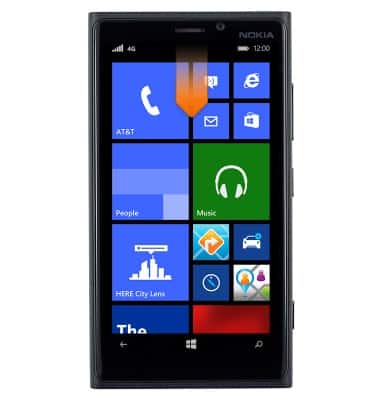
- From the home screen, swipe down from the top of the screen to reveal the Action center.
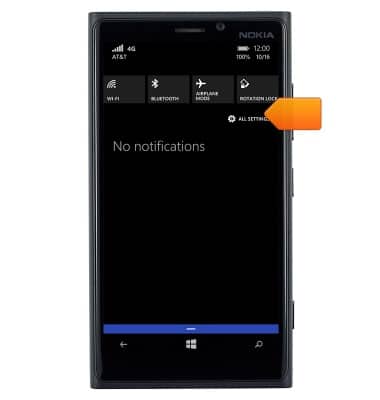
- Tap ALL SETTINGS.
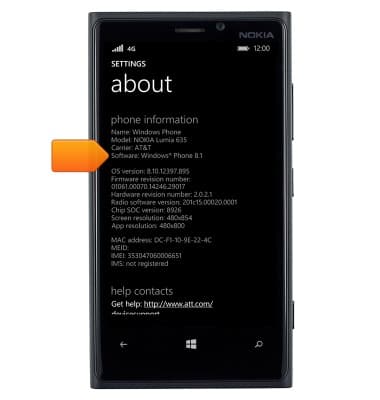
- Scroll to, then tap about.
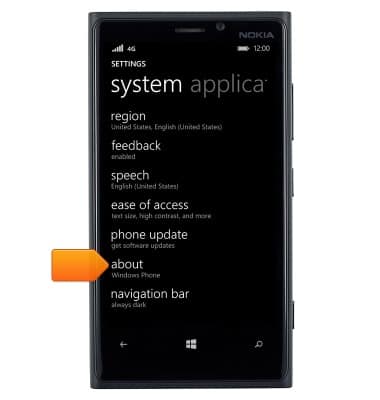
- The software version is displayed.
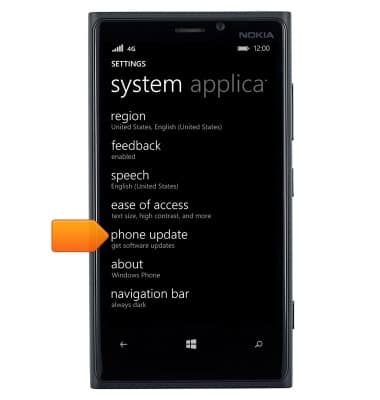
- To check for an update, scroll to and then tap phone update from the settings menu.
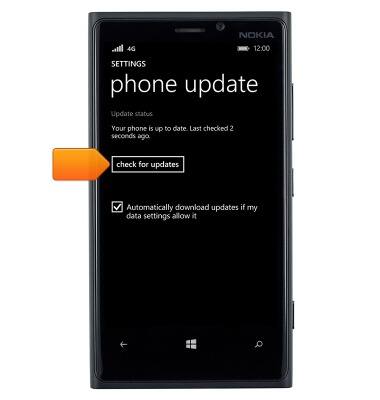
- Tap check for updates. If an update is available, follow the on-screen instructions to complete the update.
View device software version
Nokia Lumia 920
View device software version
This article describes how to locate and update the software version.
INSTRUCTIONS & INFO