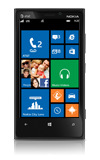
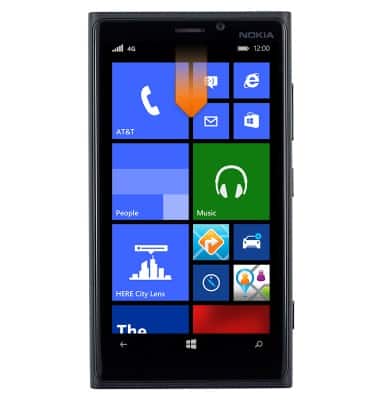
- From the home screen, swipe down from the top of the screen to reveal the Action Center.
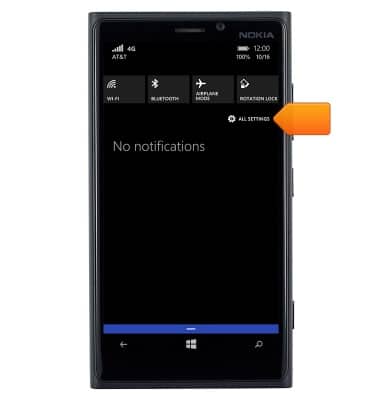
- Tap ALL SETTINGS.
- Scroll to, then tap storage sense.
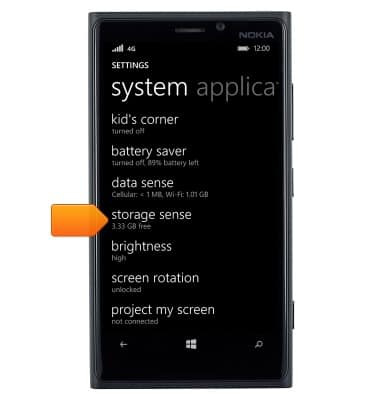
- The available device storage is displayed. To view specific details, tap the desired storage location.
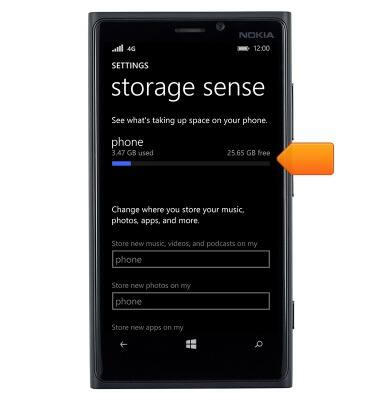
Available memory
Nokia Lumia 920
Available memory
This article describes how to check the available storage.
INSTRUCTIONS & INFO