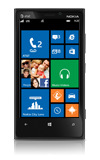
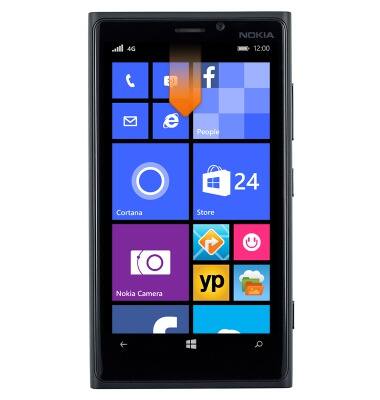
- From the home screen, swipe down from the top of the screen to reveal the Action center.
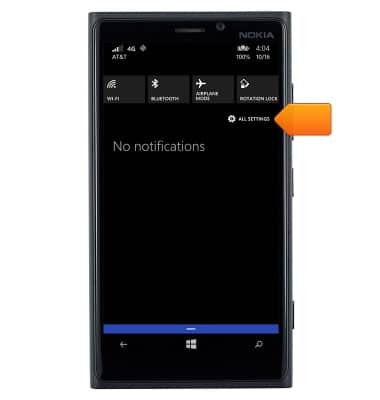
- Tap ALL SETTINGS.
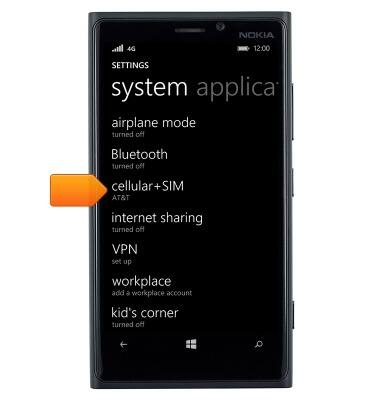
- Tap cellular+SIM.
- To enable or disable cellular data, tap the Data connection toggle.
Note: Data connection is enabled by default.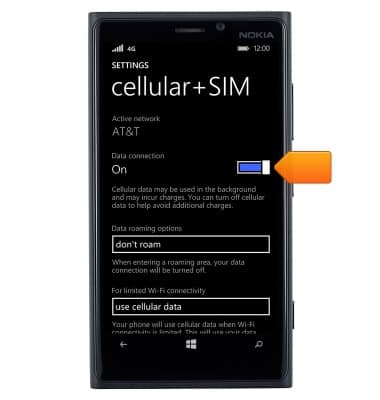
- To change roaming options, tap the Data roaming options drop-down menu.
Note: Data roaming is off by default.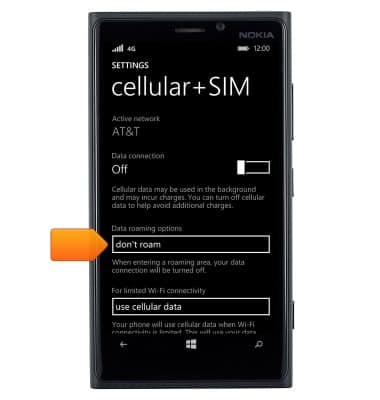
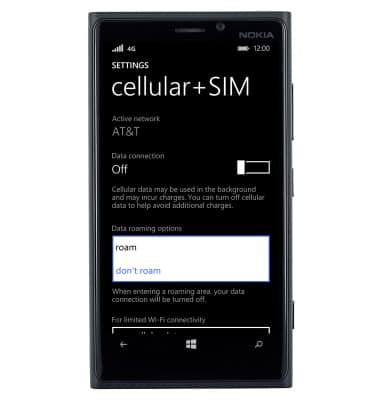
- Tap the desired option.
Mobile network status
Nokia Lumia 920
Mobile network status
View signal strength, network connection status, and enable/disable mobile network and international roaming.
INSTRUCTIONS & INFO