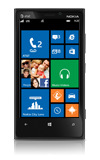
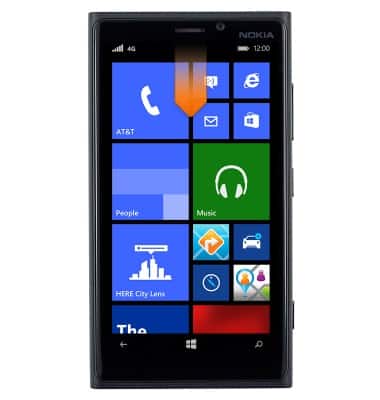
- From the home screen, swipe down from the top of the screen to reveal the Action center.
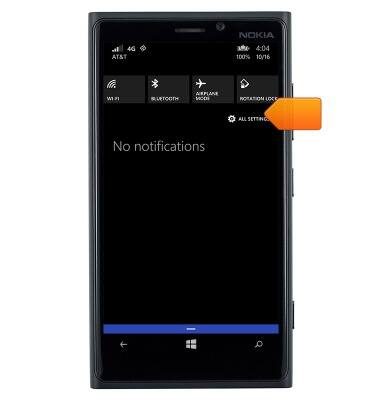
- Tap ALL SETTINGS.
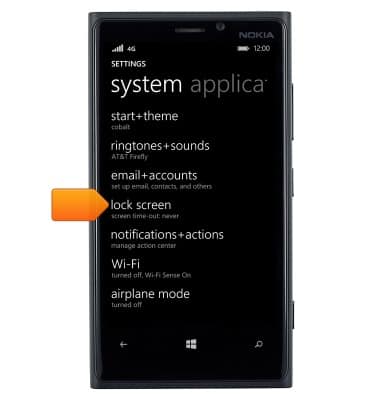
- Tap lock screen.
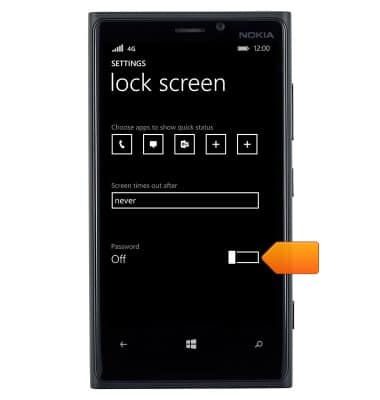
- Scroll to, then tap the Password toggle.
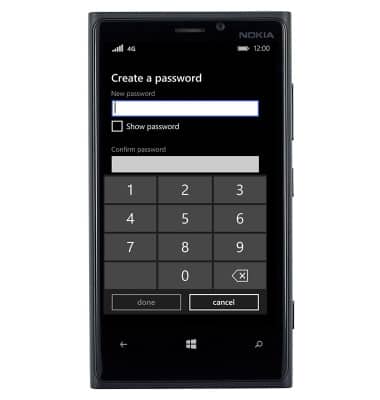
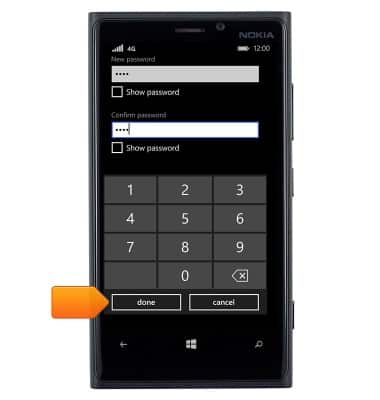
- Enter the desired password.
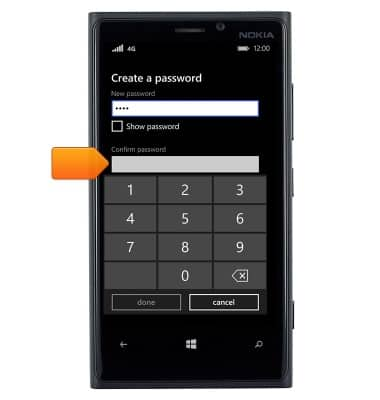
- Tap the Confirm password field.
- Re-enter the desired password.
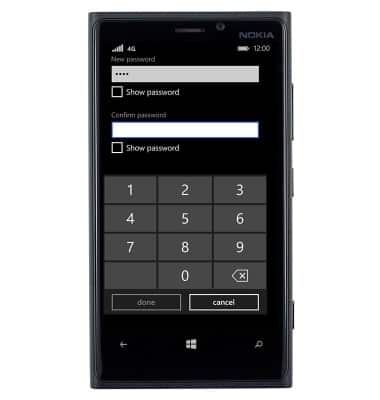
- Tap done.
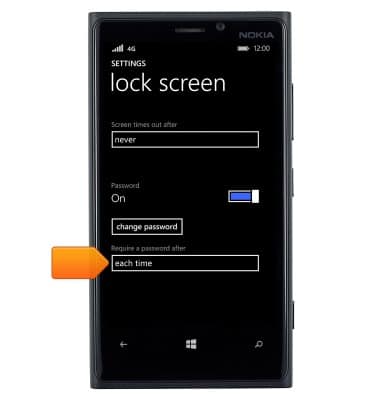
- Tap the Require a password after field.
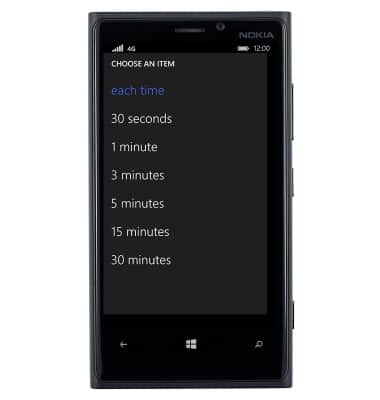
- Tap the desired option.
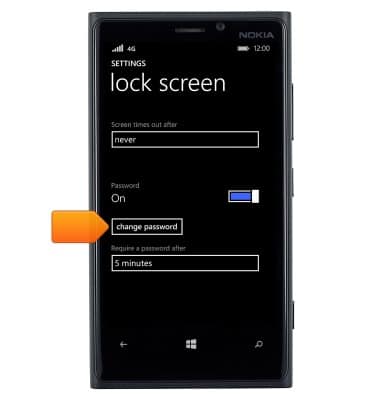
- To change the password, tap change password.
Set or change password security
Nokia Lumia 920
Set or change password security
Enable or change the password on your device.
INSTRUCTIONS & INFO