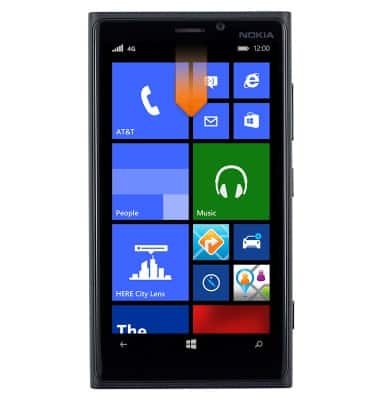
- From the home screen, swipe down from the the top of the screen to reveal the Action center.
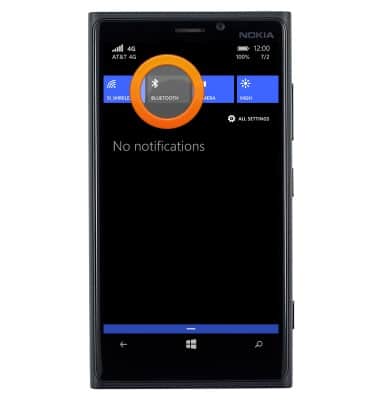
- To enable or disable Bluetooth, tap the Bluetooth icon.
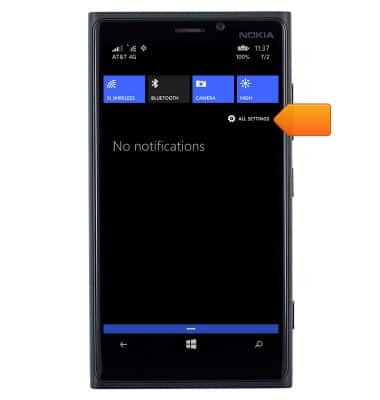
- To connect to a Bluetooth device, tap ALL SETTINGS.
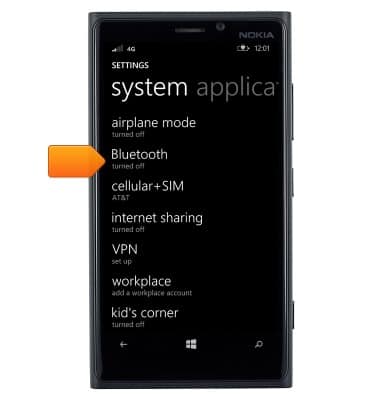
- Scroll to, then tap Bluetooth.
- Tap the desired Bluetooth device.
Note: If prompted, ensure the security code displayed is the exact same on both devices before continuing.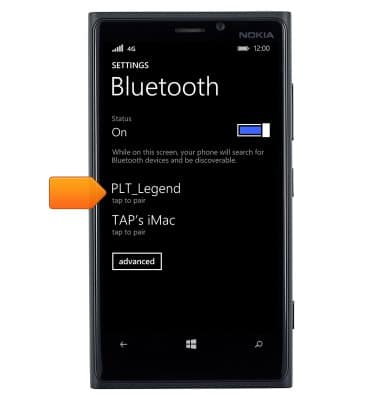
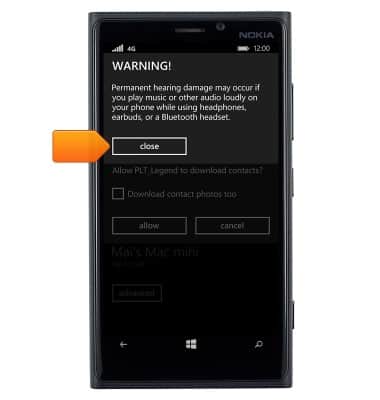
- Tap close.
- Tap the desired option.
Note: For this demonstration, 'allow' was selected.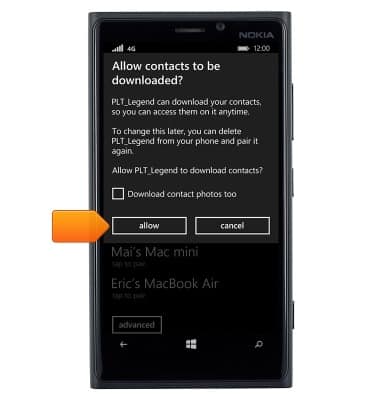
- The Bluetooth device is paired and ready for use.
Note: When Bluetooth is enabled and a Bluetooth device is connected, the Bluetooth icon will be displayed in the notifications bar.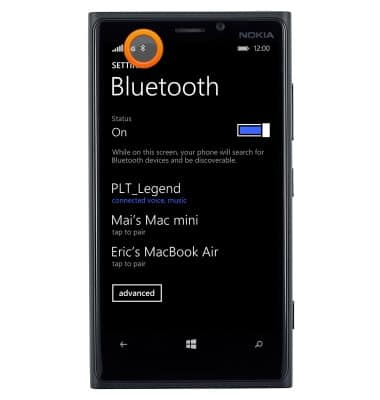
Bluetooth
Nokia Lumia 920
Bluetooth
This article describes how to connect a Bluetooth device.
INSTRUCTIONS & INFO