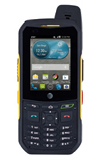
- A master reset reverts the device back to factory settings. It will permanently erase all personal data, preferences, settings and content such as pictures, ringtones and apps that are saved to the device. Data stored to an SD card will not be erased unless otherwise selected. It is recommended that you save (backup) important data to your SIM, SD card, or a computer before proceeding.
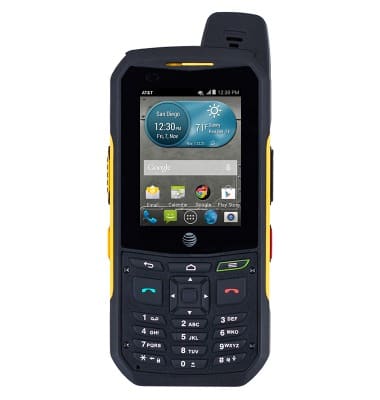
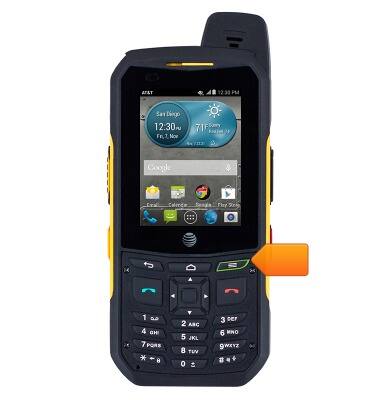
- From the home screen, press the Menu key.
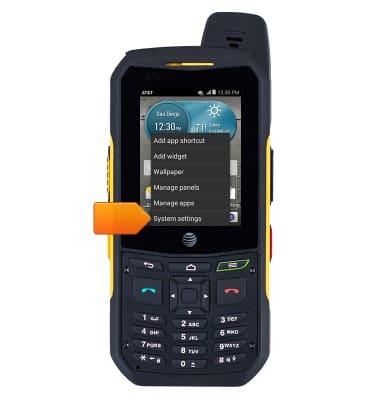
- Tap System settings.
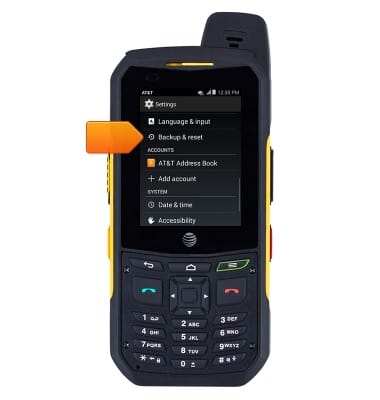
- Scroll to, then tap Backup & reset.
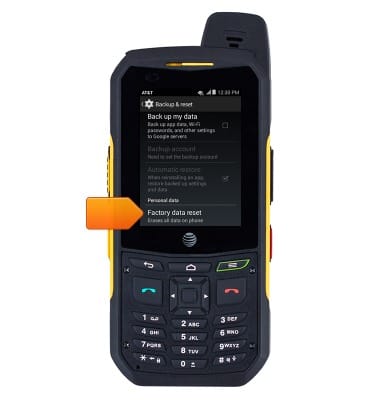
- Scroll to, then tap Factory data reset.
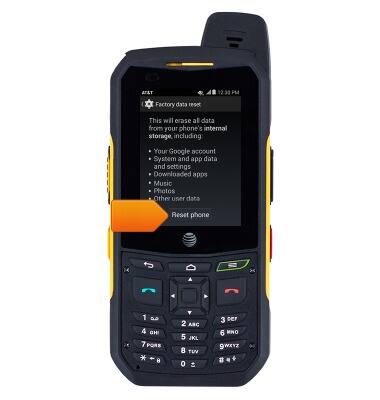
- Tap Reset phone.
Reset device
Sonim XP6 (XP6700)
Reset device
Learn how to perform a soft and factory reset of the device.
Reset
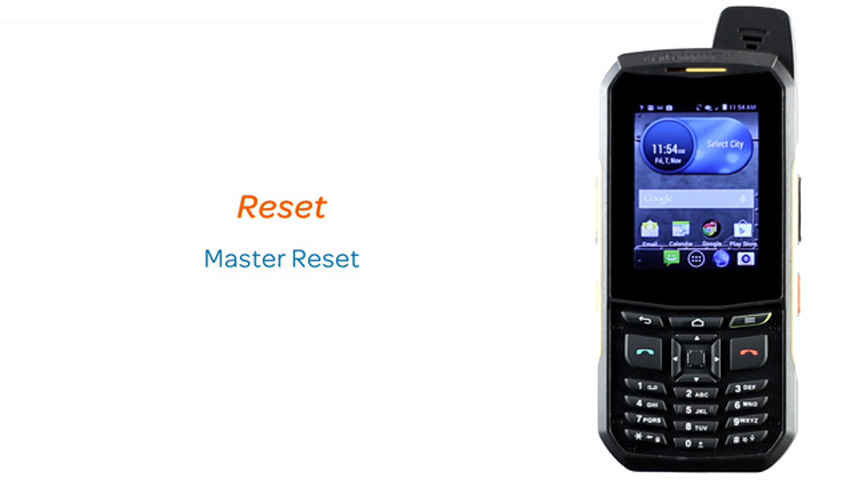
This video explains how to perform a reset of the device.
Reset
0:51
INSTRUCTIONS & INFO