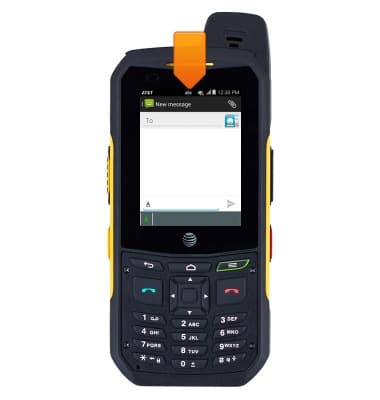
- When using Alphabetic Input mode ABC, abc, Abc, or 123 will display in the upper right corner of the display.
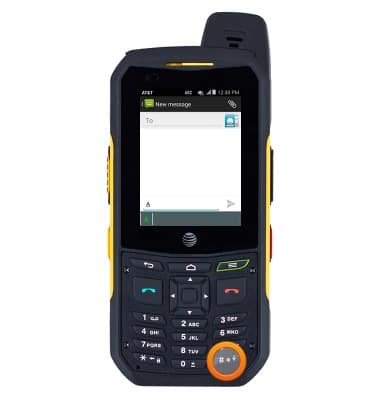
- Press the # icon to switch between lower case, upper case, or initial caps characters.
- When in Abc mode, the initial character will be uppercase, while the remaining characters are left lowercase.
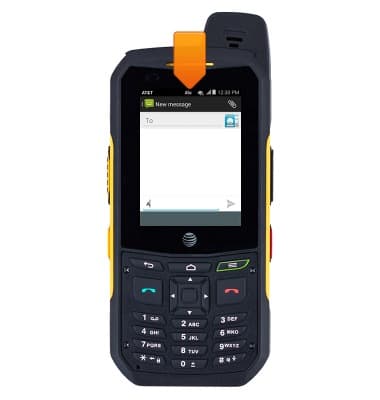
- When in ABC mode, all characters of the word are uppercase.
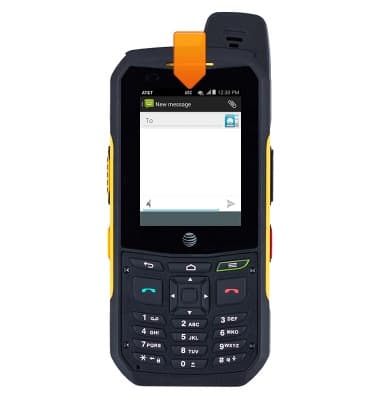
- When in 123 mode only numbers are entered.
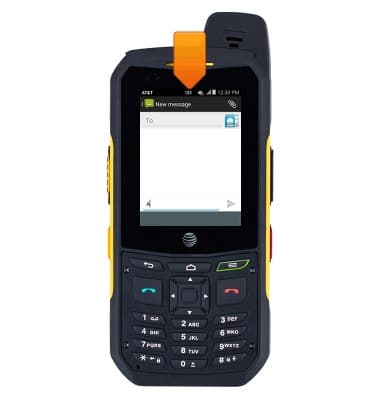
- When using the T9 Predictive Text Input mode T9en, T9En, or T9EN will be displayed in the upper right corner of the display.
Note: T9 Predictive Text input method is based on a built-in dictionary. A series of keystrokes is interpreted by the phone using this dictionary to determine the likely word.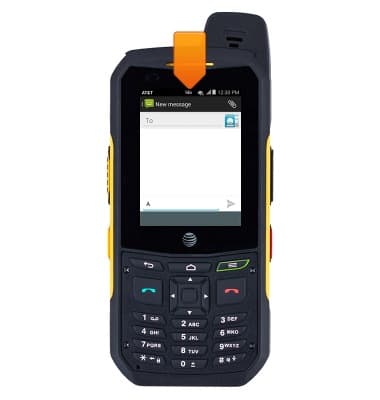
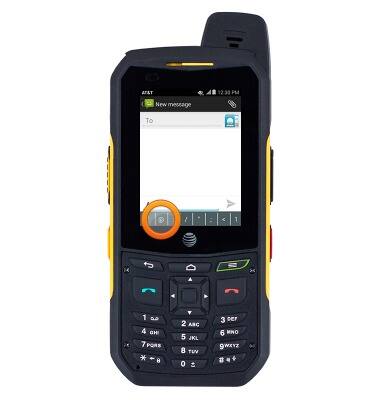
- To enter symbols, press the # icon to switch to T9En, then press the 1 key.
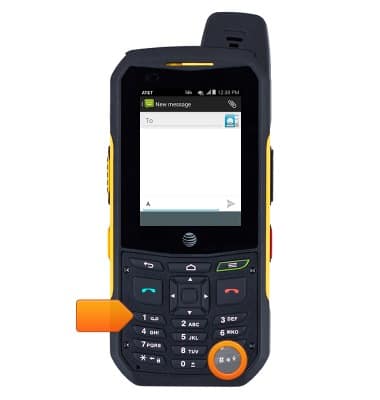
- Swipe left or right to view all symbols.
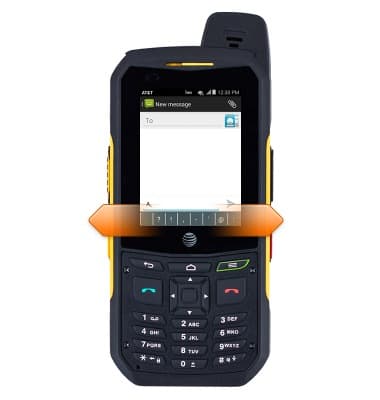
- Tap the desired symbol to enter.
Keypad & typing
Sonim XP6 (XP6700)
Keypad & typing
This article describes how to use the device's keyboard.
INSTRUCTIONS & INFO