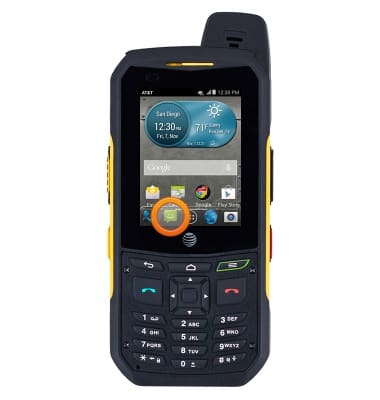
- From the home screen, tap Messages.
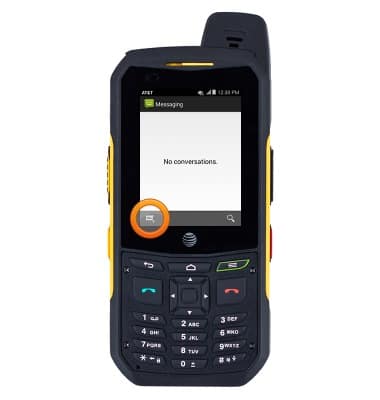
- Tap the Compose New icon.
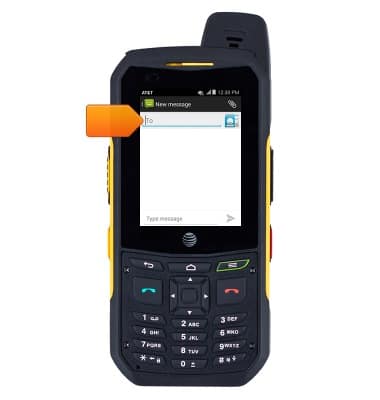
- Enter the desired phone number(s) or contact name(s).
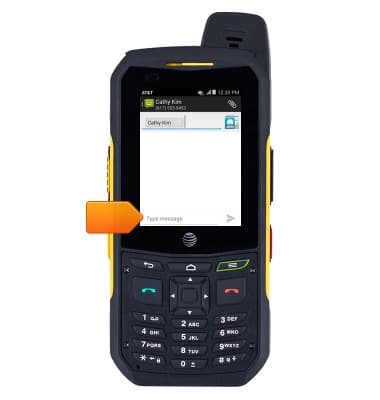
- Tap the Message field, then enter the desired message.
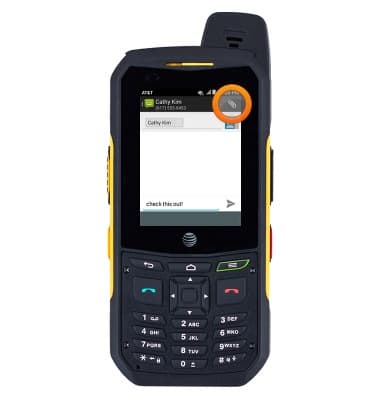
- To attach a photo, video or other type of file, tap the Paperclip icon and then navigate to the desired file.
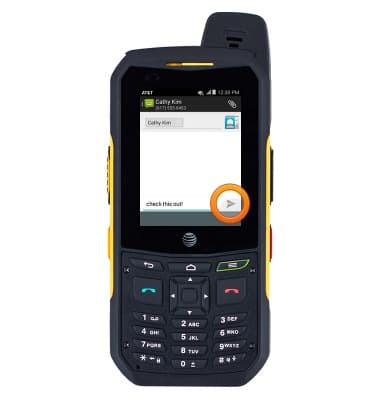
- Tap the Send icon.
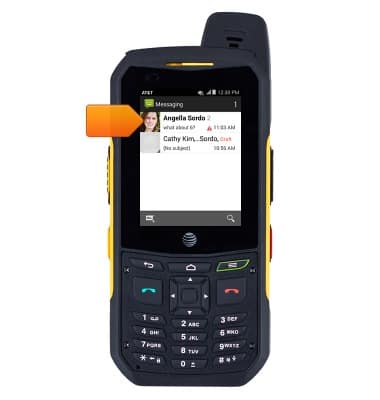
- To view a received message, tap the desired message.
- To reply, enter the desired message, then tap the Send icon.
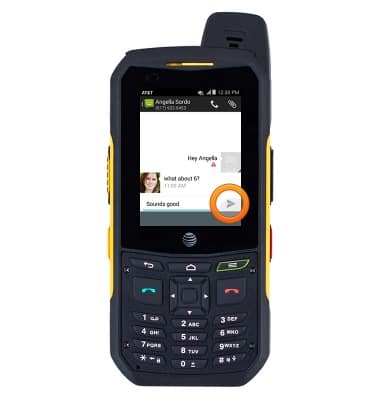
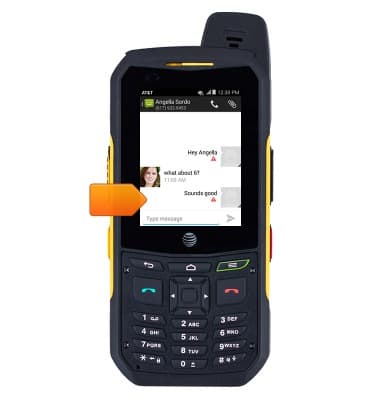
- To delete a message in a thread, tap and hold the desired message.
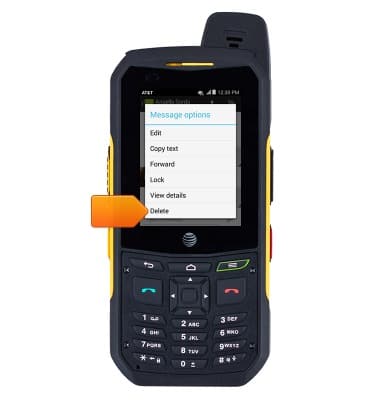
- Tap Delete.
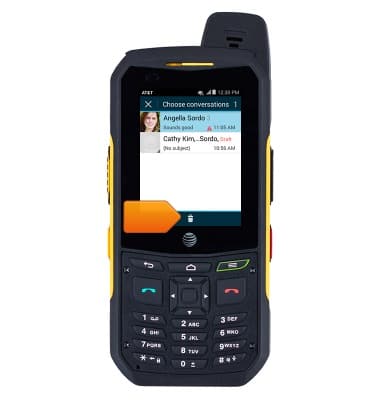
- To delete a thread, tap and hold the desired thread.
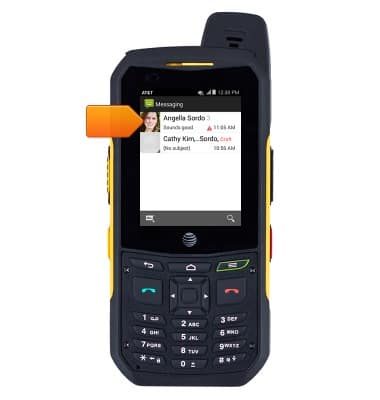
- Tap the Delete icon.
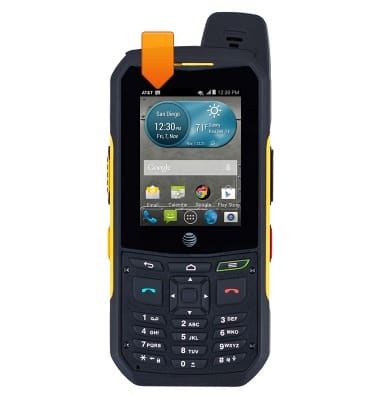
- When a new text or picture message is received, the New Message icon will display in the notification bar
Send & receive messages
Sonim XP6 (XP6700)
Send & receive messages
How to send, receive, and delete picture (MMS) and text (SMS) messages.
Text Messaging
This video explains the text messaging features of the device.
Text Messaging
0:54
INSTRUCTIONS & INFO