- Press the Volume keys to adjust media or call volume.
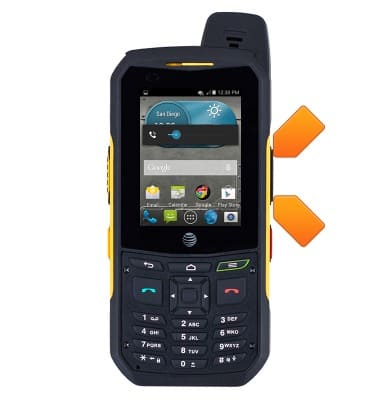
- Press the Power/Lock key to turn the device on or off, or put the display to sleep.
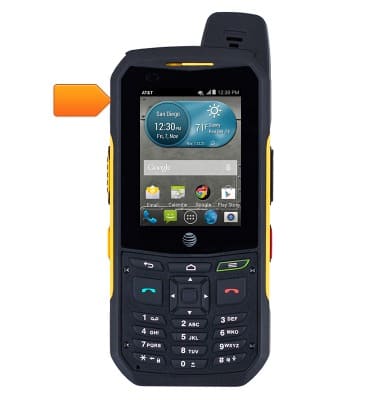
- The SIM card slot is located under the top of the device. The device uses a MicroSIM card.
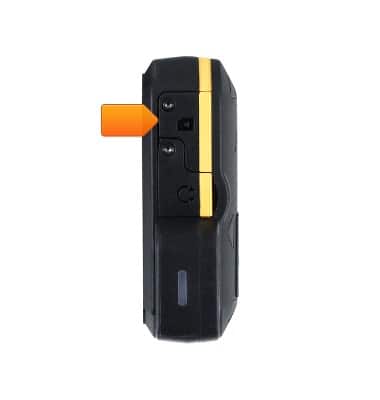
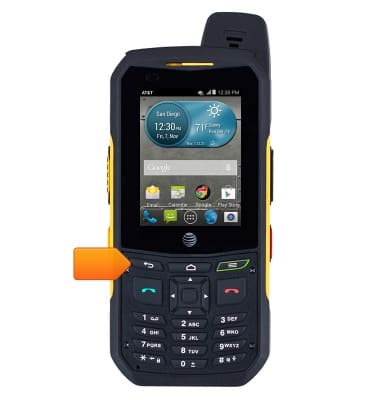
- Press the Back key to return to the previous screen.
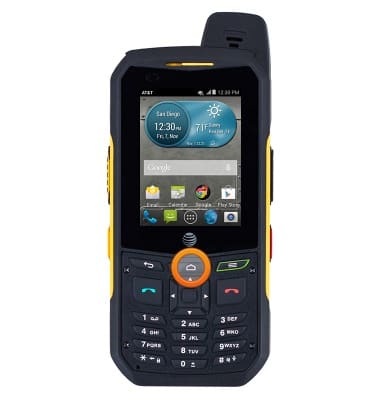
- Press the Home key to return to the default home screen.
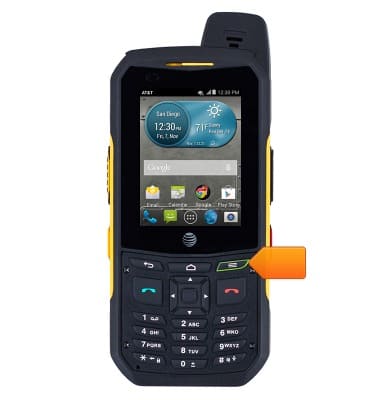
- Press the Menu key to view a list of menu items.
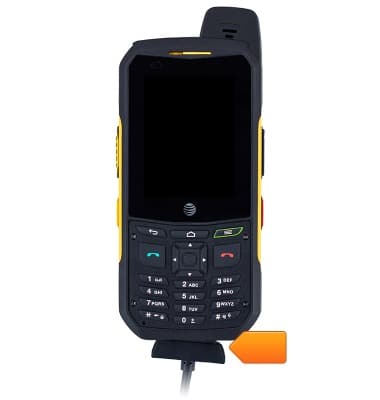
- The USB/Charging port is located on the bottom of the device.
- The Headphone jack is located on the top of the device.
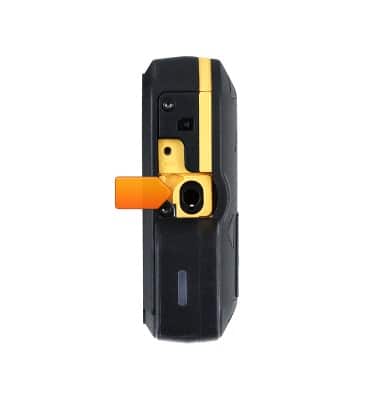
- The Rear camera is located on the back of the device.
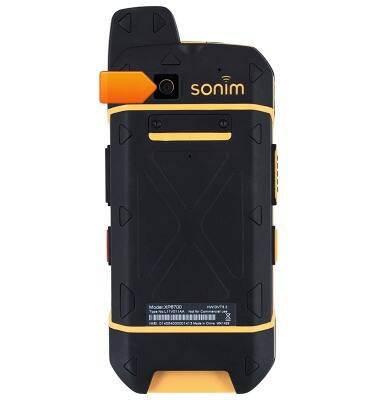
- Press the Camera key to quickly access the camera.
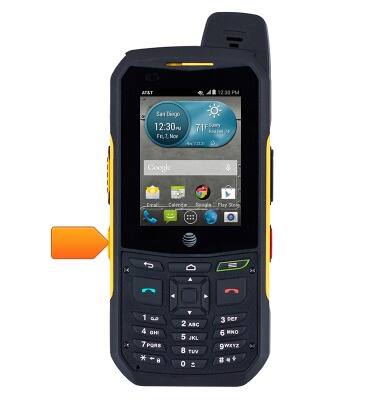
- Press the EPTT key to activate or place a EPTT call.
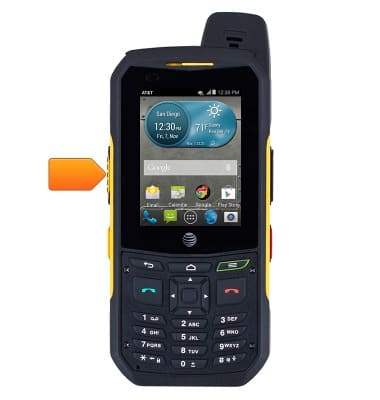
- Press the Navigation keys to navigate in up, down, left and right directions.
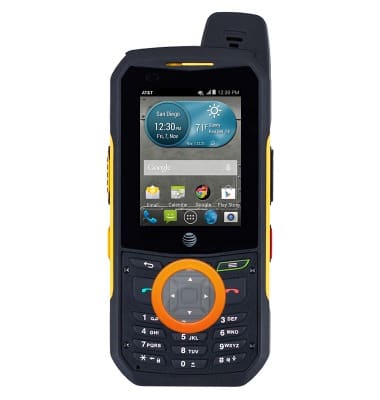
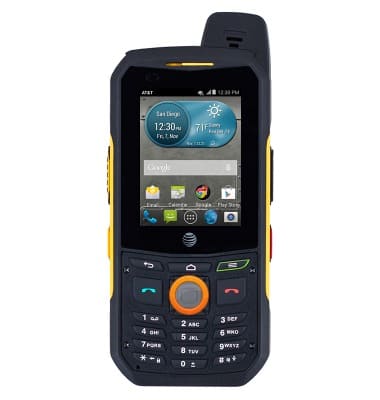
- Press the Center Menu key to perform a specific operation on a selected application.
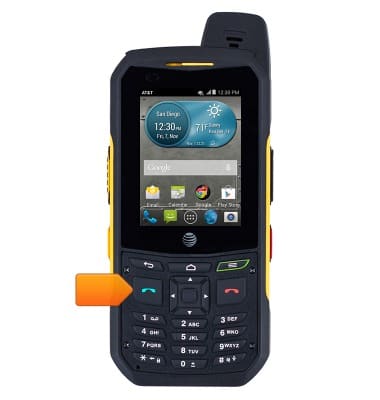
- Press the Call/Accept/Send key to answer or place a call.
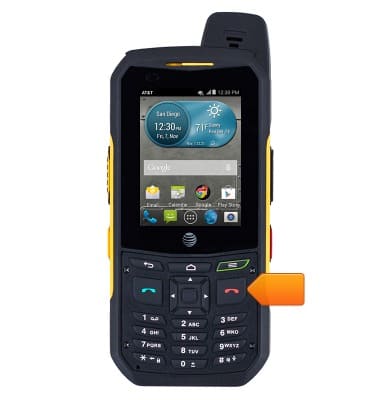
- Press the Power On/Off/End call key to power the device on or off, reject an incoming call or end a current call.
- Press the Sonim protect key to emergency key.
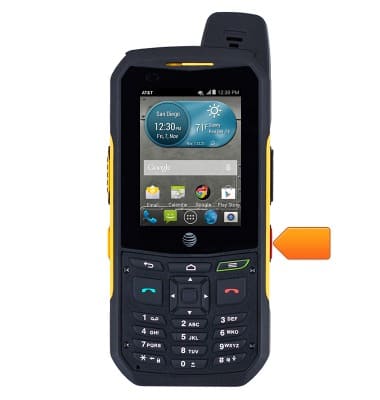
Device layout
Sonim XP6 (XP6700)
Device layout
Provides an overview of the device layout.
INSTRUCTIONS & INFO