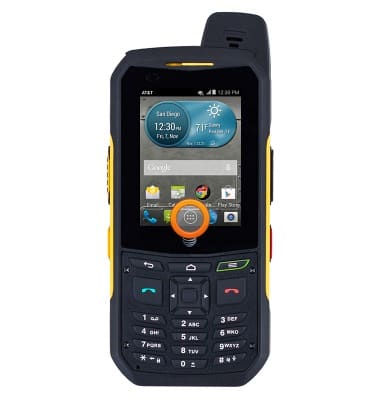
- From the home screen, tap the Apps icon.
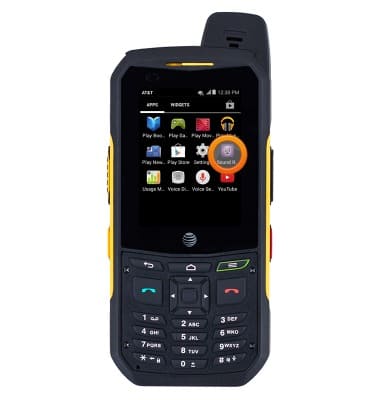
- Swipe to, then tap Sound Recorder.
- Tap the Record icon to begin recording.
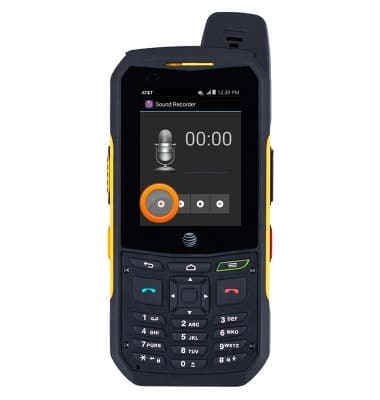
- Tap the Stop icon to stop and save the recording.
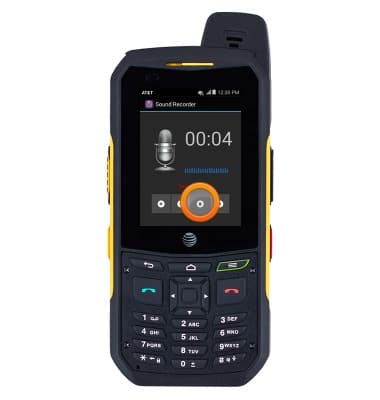
- To save the recording, press the Menu key.
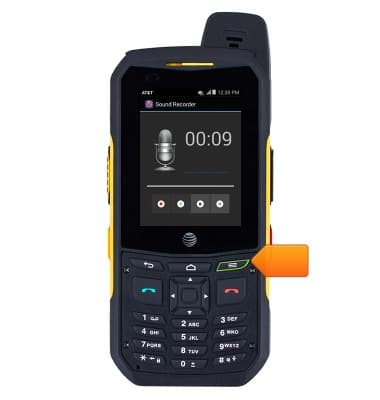
- Tap Save.
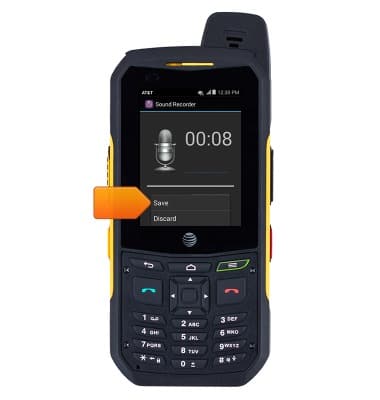
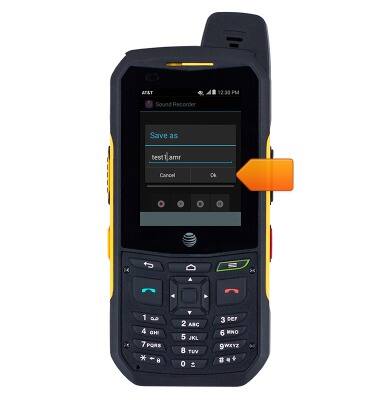
- Enter the desired title, then tap OK.
- To play the recording, press the Menu key.
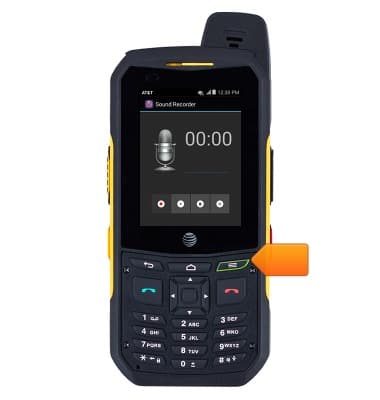
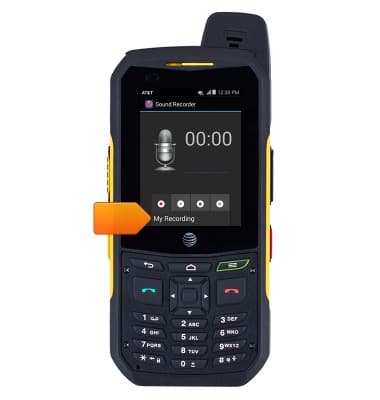
- Tap My recording.
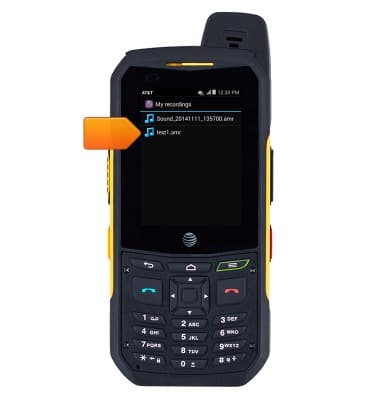
- Tap the desired recorded file.
Record a voice memo
Sonim XP6 (XP6700)
Record a voice memo
Record voice memos using your device.
INSTRUCTIONS & INFO