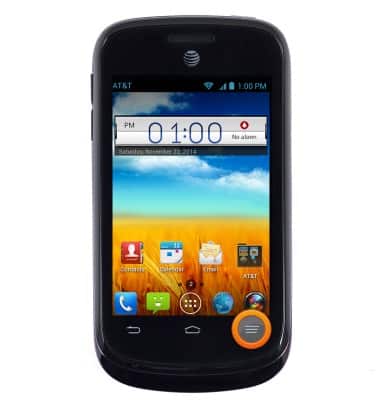
- From the home screen, press the Menu key.
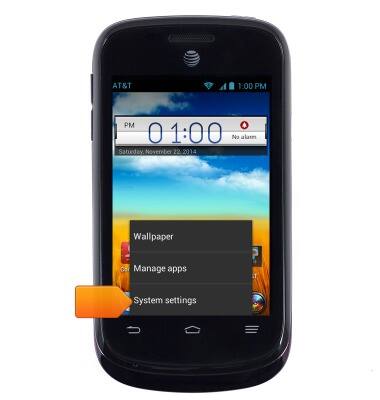
- Tap Settings.
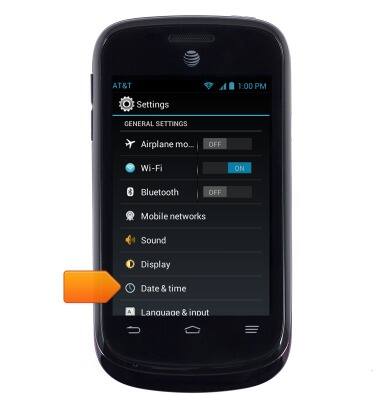
- Scroll to, then tap Date & time.
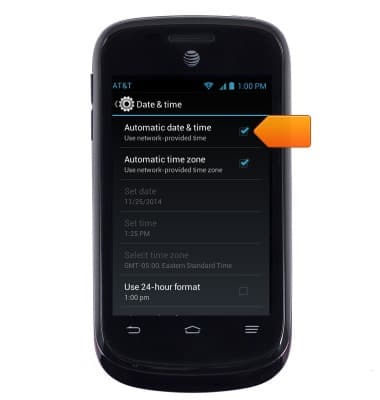
- Uncheck Automatic date & time to toggle off the network provided time.
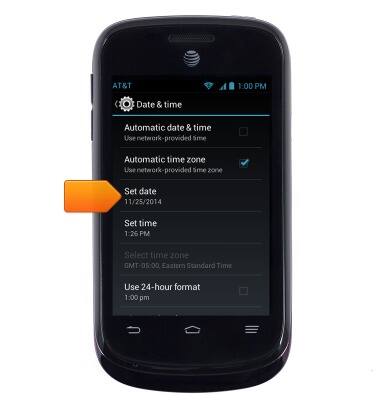
- Tap Set date.
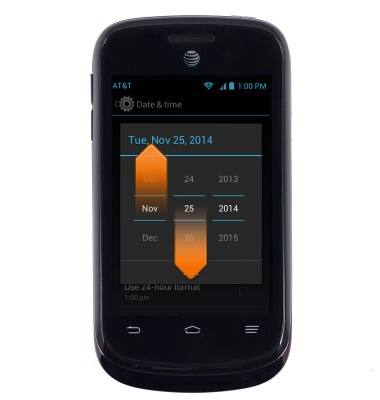
- Touch and drag the date rollers to set the date.
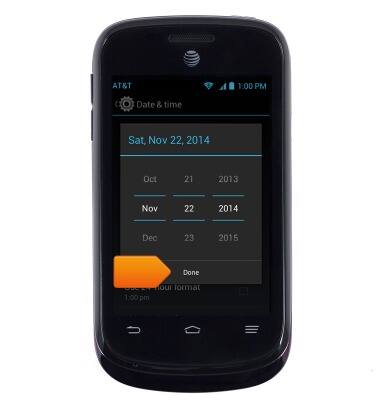
- Tap Done.
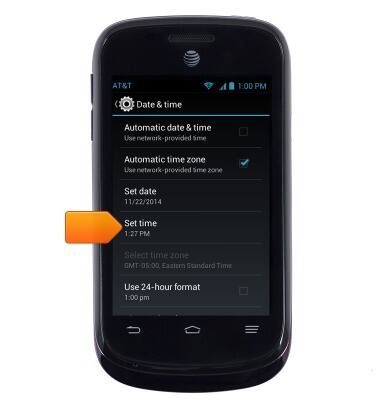
- Tap Set time.
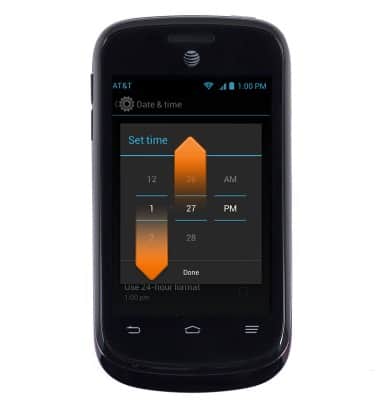
- Touch and drag the time rollers to set the time.
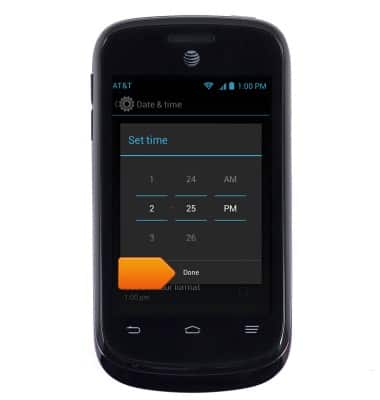
- Tap Done.
Date & time
ZTE Avail 2 (Z992)
Date & time
Set the date & time.
INSTRUCTIONS & INFO