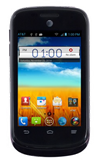
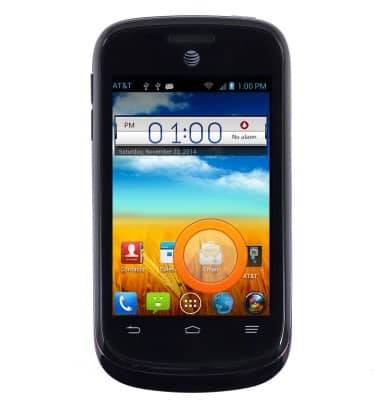
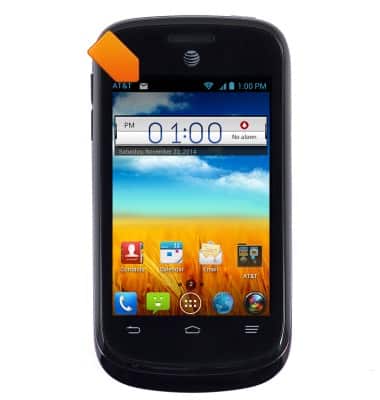
- From the home screen, tap Email.
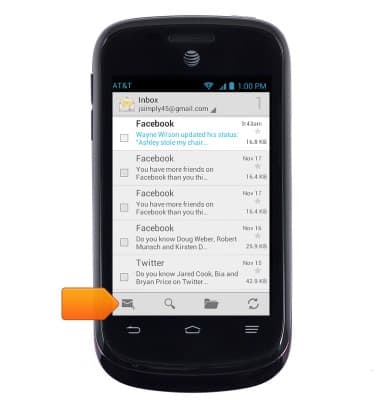
- Tap the Compose icon.
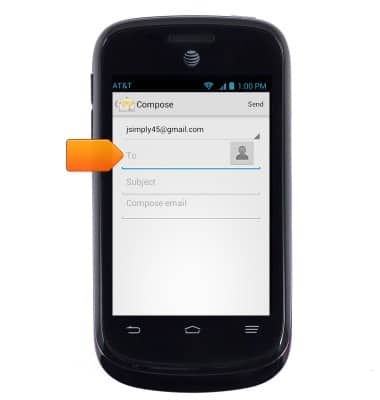
- Enter the desired recipient's email address.
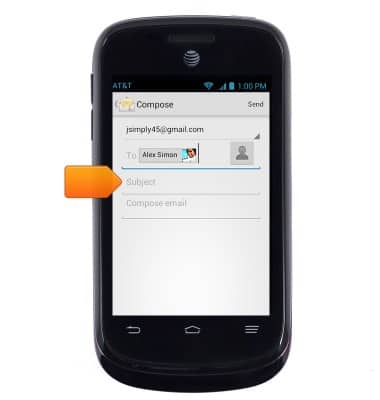
- Tap the Subject field, then enter the desired subject.
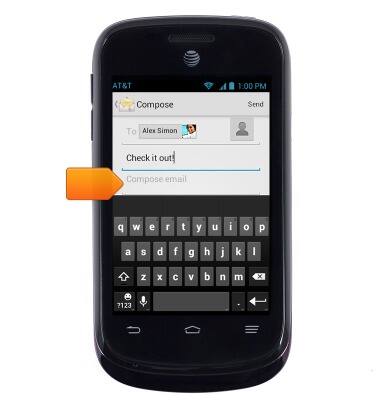
- Tap the Message field, then enter the desired message.
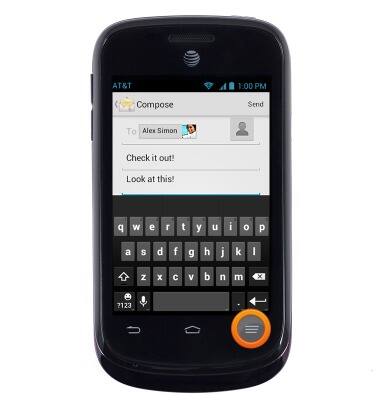
- To add an attachment, press the Menu key.
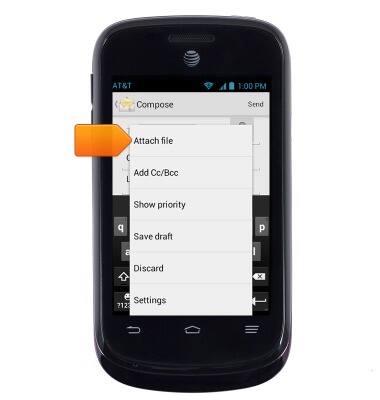
- Tap Attach file.
- Tap the desired attachment type.
Note: This tutorial selects 'Photo'.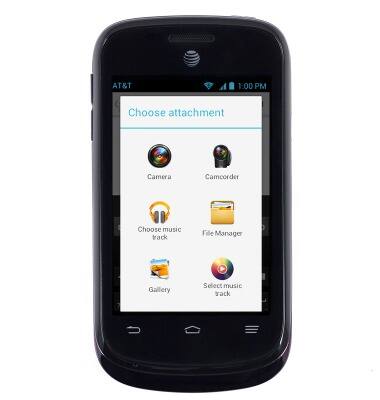
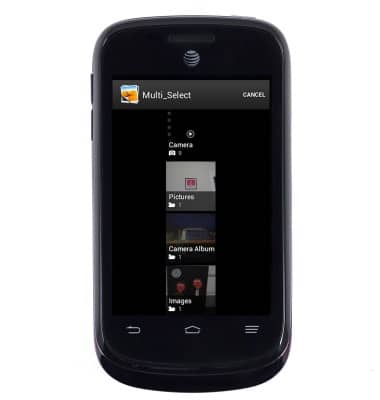
- Scroll to, then tap the desired file.
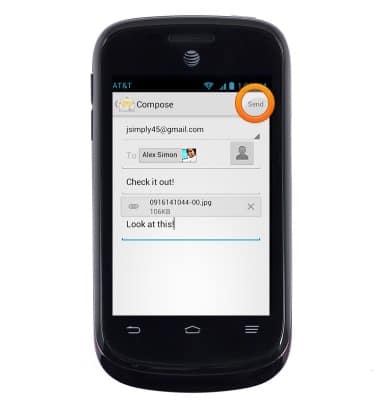
- Tap Send.
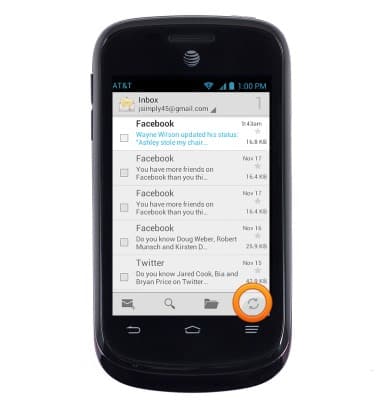
- To refresh the inbox, tap the Refresh icon.
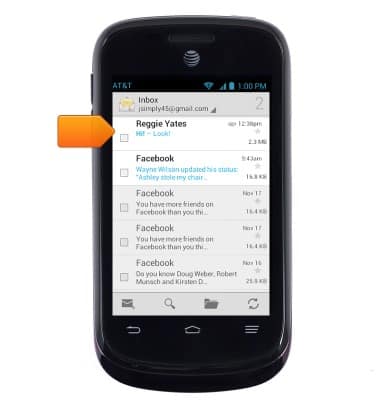
- To open an email, tap the desired email.
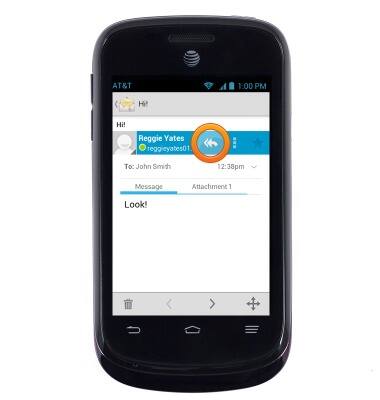
- To reply to an email, tap the Reply icon.
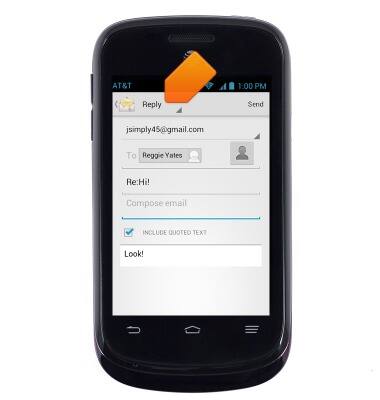
- Tap Reply.
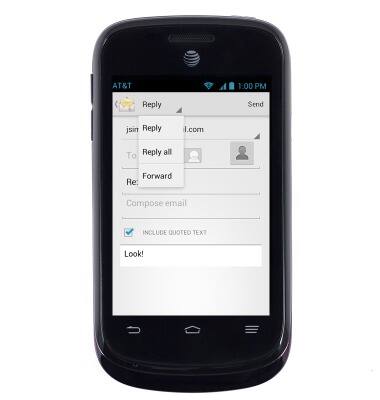
- Tap the desired option.
- When a new email is received, the New email icon will be displayed.
Send & receive email
ZTE Avail 2 (Z992)
Send & receive email
Add and download email attachments, respond to an email and more.
INSTRUCTIONS & INFO