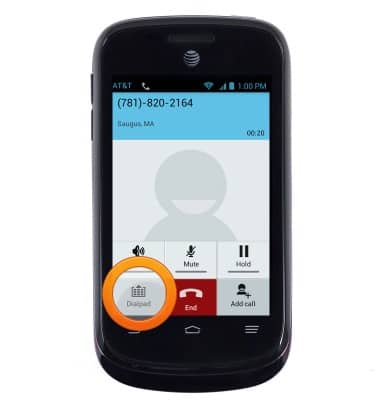
- While on an active call, tap the Dial Pad icon to access the dial pad
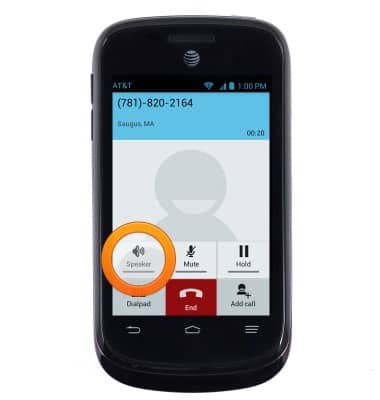
- Tap the Speaker icon to enable/disable speakerphone.
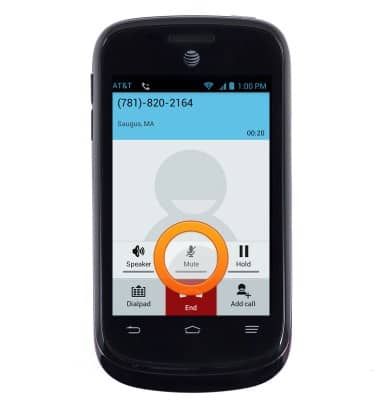
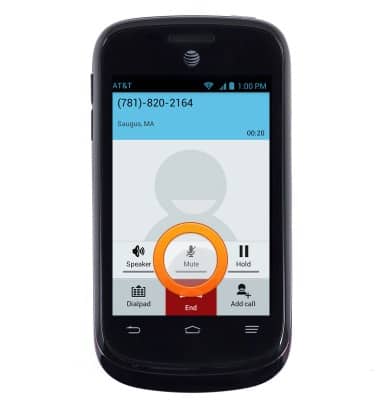
- Tap Mute to enable/disable mute.
- Tap Hold to enable/disable hold.
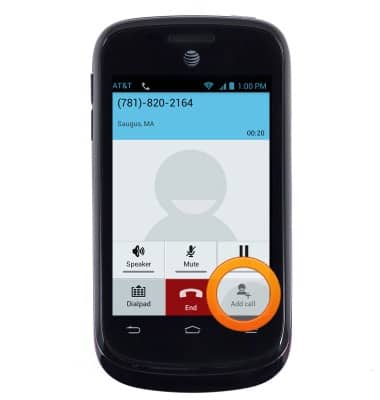
- Tap Add call to add a call.
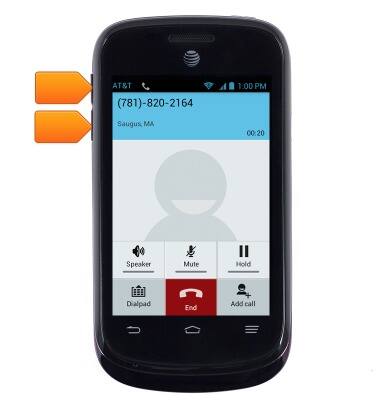
- Press the Volume keys to adjust the volume during a call.
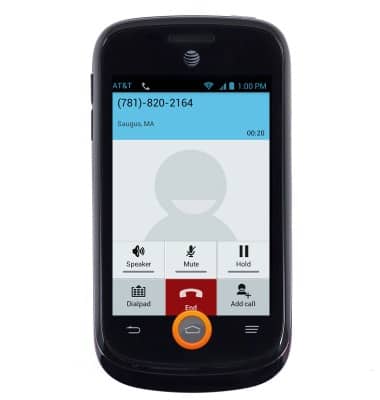
- Press the Home key to return to the home screen during your call.
- Tap the Phone icon to return to the call.

- Tap the red End call icon to disconnect.
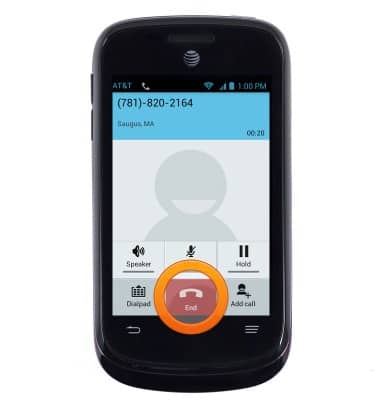
In-call options
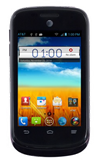
ZTE Avail 2 (Z992)
In-call options
Learn what features are available while on an active call.
INSTRUCTIONS & INFO